Free Seminar Registration Form Template
Manage seminar registrations cleanly so you know exactly who's coming and what they need.



Seminar registrations that happen through email replies or informal signups leave you without a clear attendee list until the last minute. Dietary requirements, accessibility needs, and session preferences come in as scattered messages that are hard to track. By the day of the event, you're working from an incomplete picture and handling last-minute requests you should have known about weeks ago.
A Typeform seminar registration form collects everything you need at the point of signup — contact details, session preferences, dietary requirements, and any accessibility needs. Conditional logic can show session-specific questions for multi-track seminars so attendees only see options relevant to their registration type. Responses give you a complete, organized attendee list from the first registration.
Embed the form on your event page, share it in your promotion emails, and set a registration close date. Every attendee arrives expected and prepared for.
A seminar registration form is an online form that collects attendee information for a seminar, workshop, or educational event. It records who is attending, their preferences, and any requirements they have for the event.
Structured registrations give you an organized attendee list, help you plan logistics accurately, and ensure you're aware of any requirements before the day. They also give attendees a clear confirmation that their spot is secured.
Cover the basics of attendance and any logistical requirements:
- Full name and contact details
- Organization or role (if relevant)
- Session or track selection (for multi-session events)
- Dietary requirements
- Accessibility needs
- How they heard about the seminar
- Any questions for the speaker or topics they'd like covered (optional)
Typeform's thank you screen can display confirmation details and instructions. For a more formal confirmation, connect the form to an email platform via Zapier or Typeform's native integrations and trigger an automated confirmation email with event details immediately after submission.
Yes. Typeform's response limits feature closes the form once a set number of submissions is reached. Set the limit to your venue capacity and the form will stop accepting new registrations automatically.
Get inspired by relevant templates and categories
3200+ Templates, 300+ Integrations

Distributor Registration Form
A distributor application that arrives as a scanned resale certificate attached to an email doesn't tell your sales team what territory they're actually asking for. Collect what your company actually needs, business information, tax documentation, and territory, before you set up an account.
View template
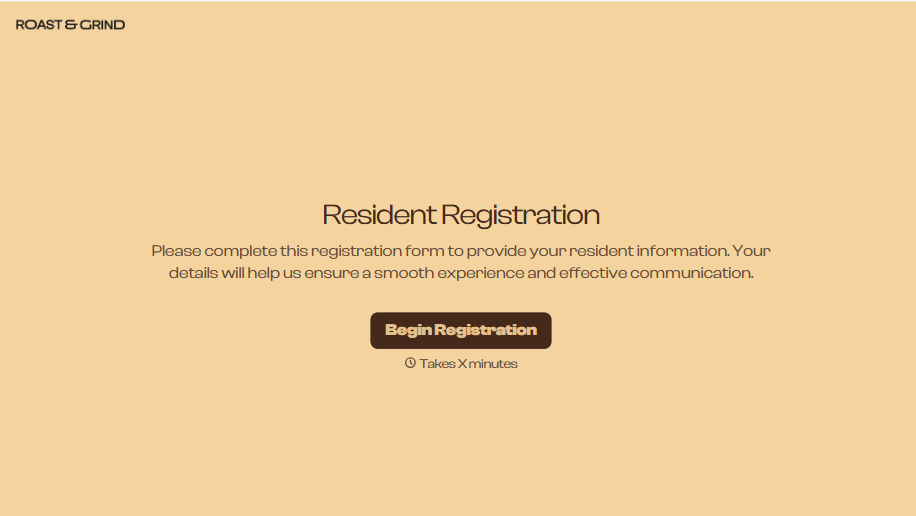
Resident Registration Form
A move-in packet signed at the leasing office and filed in a drawer isn't the kind of record your front desk can pull up when a resident's guest needs access or a car needs to be identified in the lot. Collect household members, vehicles, and emergency contacts before move-in day, so your community has an accurate record from the start.
View template
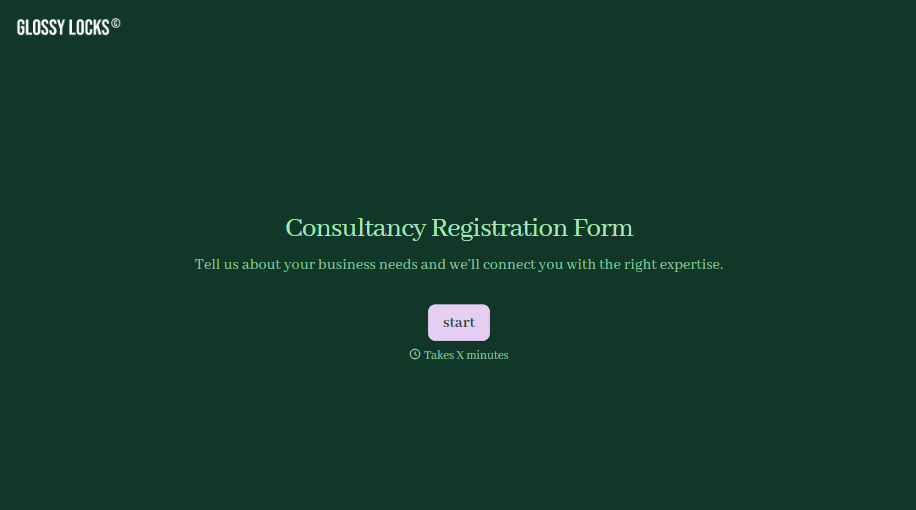
Consultancy Registration Form
Move past a registration form that only grabs a name and a phone number. Confirm the client understands who they're signing up with, screen for what a consultancy is legally allowed to charge and promise, and keep a record of exactly what was disclosed and agreed to.
View template
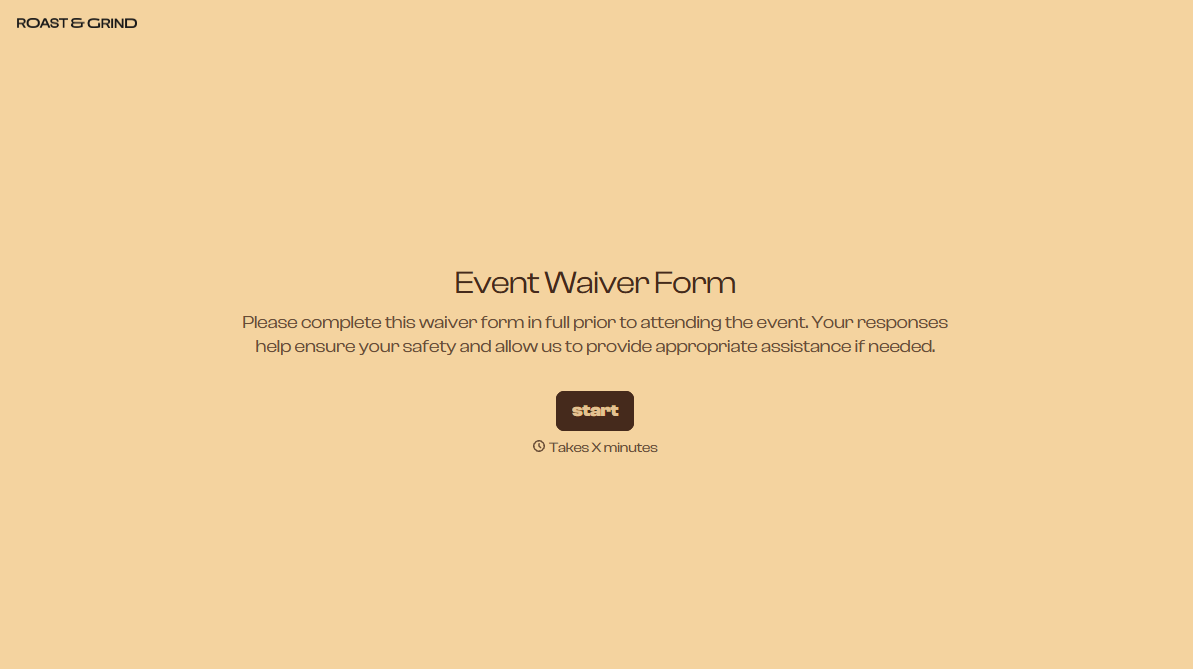

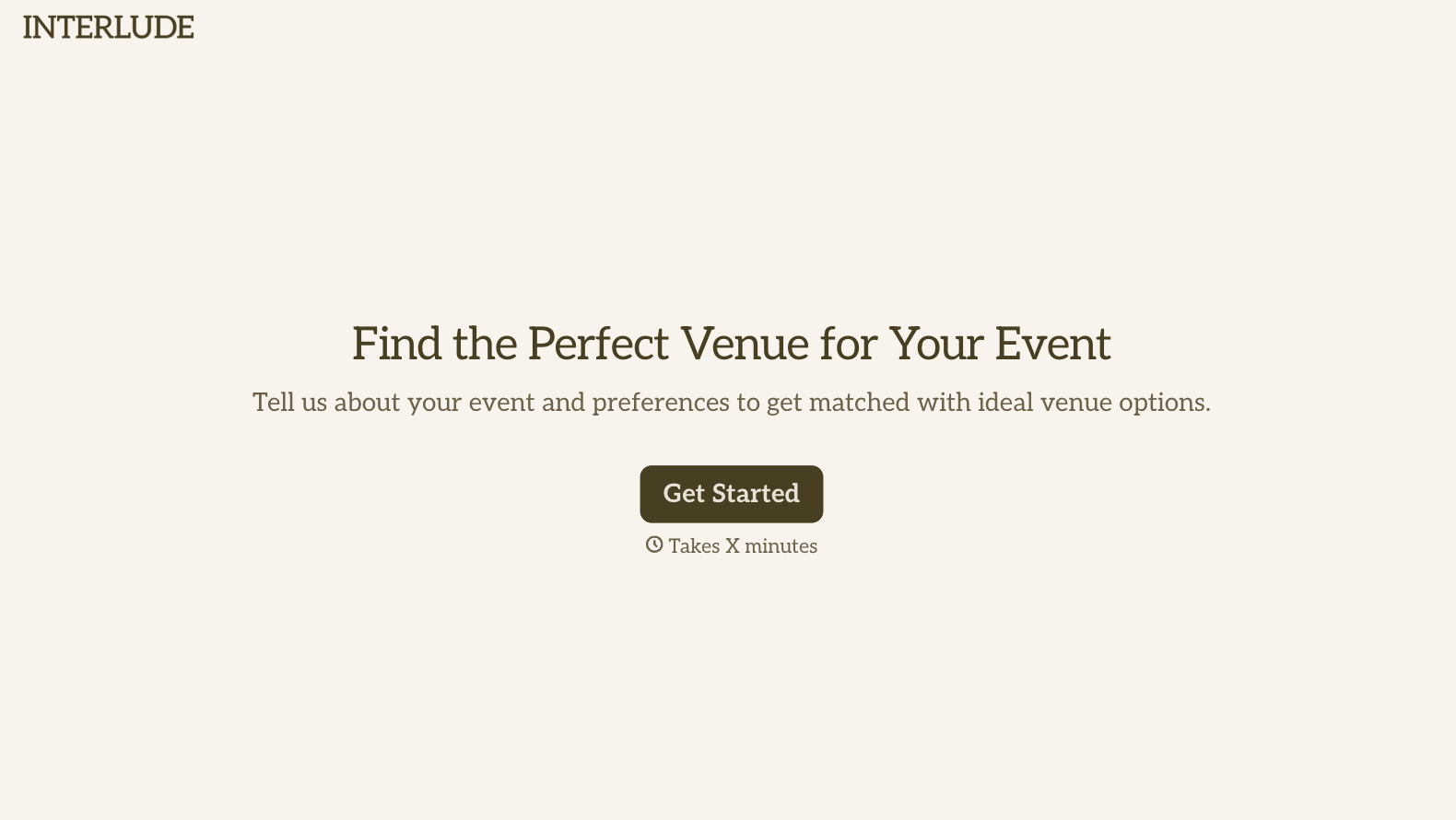
With Typeform, you can customize everything
Change text, colors, and even logos to match the look and feel of your brand. Then embed forms smoothly onto web and email.
Make forms feel effortless to fill out. Pace questions, call people by their name, and adapt the flow based on the data they share.
Stay efficient by connecting forms to your workflow. Typeform integrates with 300+ tools including Slack, Zapier, and HubSpot.


