Screening Form Template
Collect the right information upfront so you're only spending time on the right candidates or clients.



Screening conversations take time. When you're doing them manually — scheduling calls, asking the same qualifying questions over and over, taking notes — you're investing significant hours before you've determined whether a fit actually exists.
A screening form automates the qualification layer. Typeform's template uses conditional logic to route respondents based on their answers, so the questions adapt to what they've told you rather than asking everyone the same thing. Someone who's a clear fit gets a different follow-up path than someone who isn't — and you can set minimum thresholds for specific answers before moving someone forward. Responses sync to your CRM or tracking tool so your team has a complete picture before any human conversation starts.
Customize the qualifying criteria, adjust the routing logic, and connect to your calendar tool to let qualified respondents book directly. You'll spend less time on screening and more time on the conversations that count.
A screening form is a structured questionnaire used to assess whether a candidate, applicant, or prospective client meets specific criteria before moving to the next step in a process. It's used across hiring, sales, healthcare, and services to filter at scale without sacrificing thoroughness.
It gives you a consistent, objective baseline for every person you evaluate. Rather than relying on first impressions from informal conversations, you collect the same core information from everyone and can compare responses directly. It also saves time by identifying poor fits early.
That depends on what you're screening for, but common elements include:
- Basic eligibility criteria (location, availability, budget)
- Relevant experience or qualifications
- Specific requirements for the role, service, or program
- Timeline and decision-making process
- How they heard about you or what they're looking for
- Open-ended questions to gauge alignment or fit
Screening forms work best between the application and the first interview. After reviewing applications, send a screening form to candidates who meet basic qualifications to gather more targeted information — capacity for the role's requirements, salary expectations, availability — before scheduling any calls.
Yes. Many consultants, agencies, and service providers use screening forms before taking on new clients. You can ask about project scope, budget range, timeline, and previous experience with similar services — and use the responses to decide whether to move forward before investing time in a proposal.
Get inspired by relevant templates and categories
3200+ Templates, 300+ Integrations

X-Ray Release Form
A phone call asking to send X-rays to a new provider isn't an authorization your compliance file can rely on. Collect patient information, the receiving provider's details, and a signed authorization before the images go out, so your front desk isn't scrambling to prove who approved a release.
View template

Palliative Care Assessment Form
A symptom check done verbally during a rushed home visit isn't the kind of record that shows whether pain management is actually working from one visit to the next. Collect symptom severity, functional status, and psychosocial needs consistently, so a care team can see change over time instead of relying on memory of the last visit.
View template
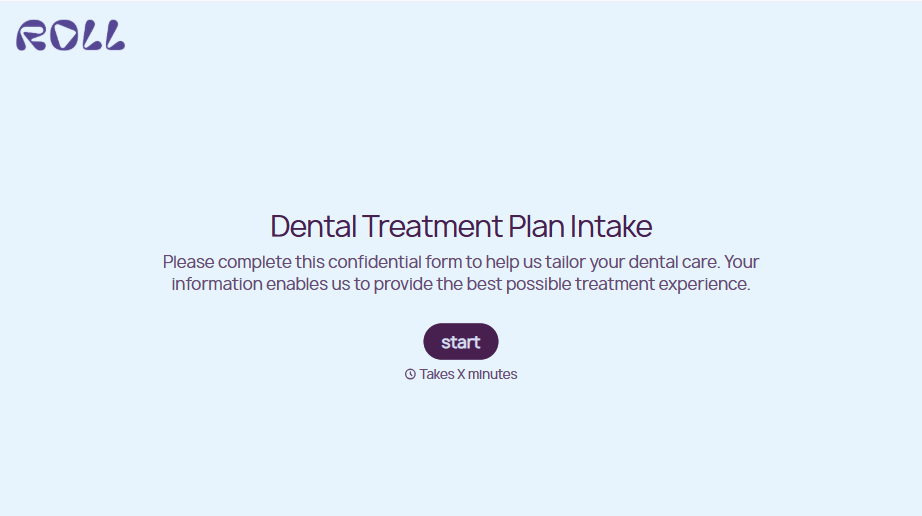
Dental Treatment Plan Form
A treatment plan explained chairside, in the few minutes right after an exam, doesn't hold up when a patient's trying to remember it at the front desk. Collect what your practice actually needs, the recommended procedures, cost estimate, and signed consent, before treatment gets scheduled.
View template
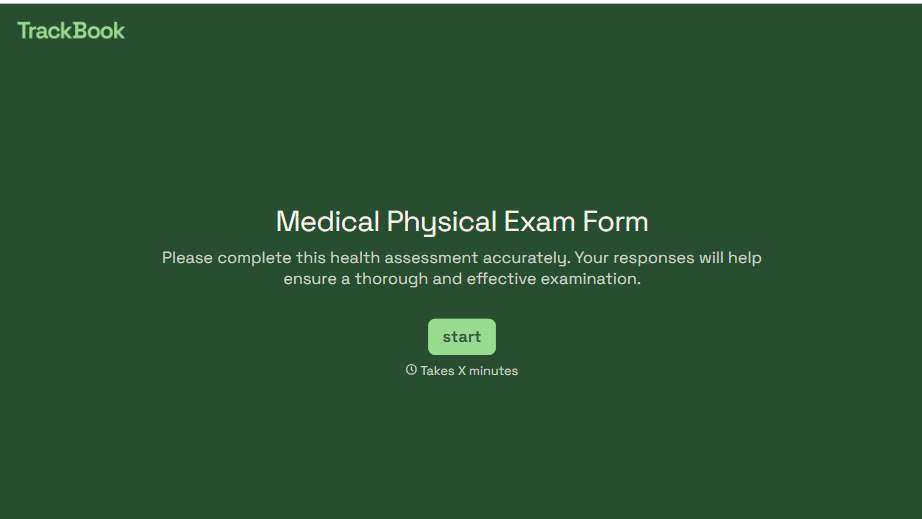
Medical Physical Exam Form
A health history filled out on a clipboard in the waiting room, minutes before being called back, isn't a history anyone fills in completely. Collect what your provider actually needs, patient information, health history, and current symptoms, before the exam starts.
View template
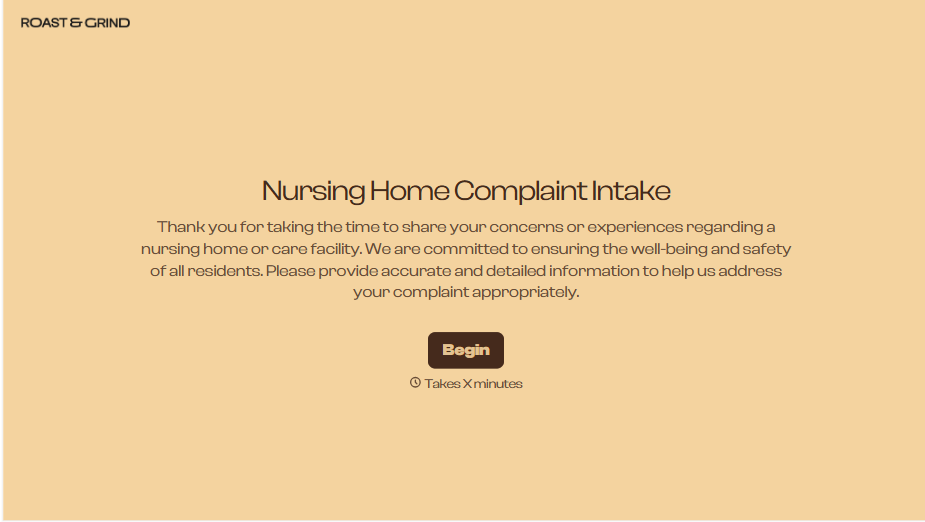
Nursing Home Complaint Form
A family member who calls the front desk about a missed medication or an unanswered call light often gets a verbal apology and nothing written down, no record that it happened, no way to tell if it's the third time this month or the first. And if what's actually being reported is abuse or neglect, a facility's own intake form isn't where that report should end, or even start.
View template
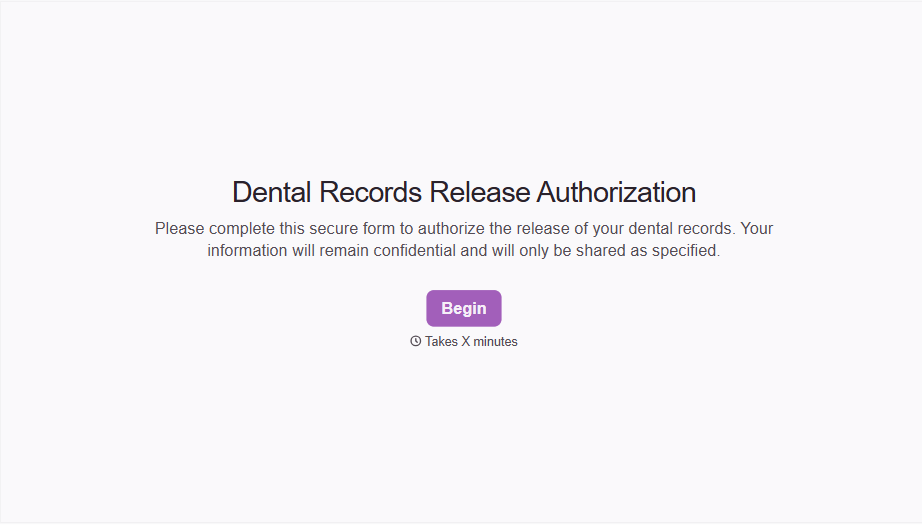
Dental Record Release Form
A release that just says "I authorize my records to be sent" doesn't say which records, sent to whom, or for how long that authorization is good, and HIPAA has a specific list of what actually has to be in there for the release to count as valid. Spell out what's being released, to whom, and until when, before the request goes out.
View template
With Typeform, you can customize everything
Change text, colors, and even logos to match the look and feel of your brand. Then embed forms smoothly onto web and email.
Make forms feel effortless to fill out. Pace questions, call people by their name, and adapt the flow based on the data they share.
Stay efficient by connecting forms to your workflow. Typeform integrates with 300+ tools including Slack, Zapier, and HubSpot.


