RSVP Form With Meal Choice
A "count me in, I'll let you know what I want to eat later" text doesn't give your caterer a headcount they can actually plan around. Collect who's coming, how many, and what they want to eat, before the final count is due.



RSVPs tend to arrive the way guests feel like sending them, a text here, a reply-all email there, a hallway "yeah we'll be there" that never makes it onto any list. Meal choice gets treated as an afterthought, squeezed into a follow up message days later, and dietary restrictions surface for the first time when a guest is already at the table looking at a plate they can't eat. No single document ever has the full picture.
Typeform's RSVP form with meal choice asks for what your host or venue actually needs, name and contact info, whether they're attending, how many guests are coming, and a meal selection from the options being served, then uses conditional logic to branch from there. A guest who declines skips the meal question entirely; a guest bringing a plus one gets asked for that person's meal choice too, instead of one selection standing in for two people. Every response lands in one record instead of a scattered thread of replies.
Connect the form to a spreadsheet or your caterer's system through Zapier, and the meal count updates automatically as each RSVP comes in, broken down by choice, instead of getting hand tallied the week before. Ask for it ahead of the caterer's deadline, and you end up with a finalized count instead of chasing down the last few guests the day of.
An RSVP form with meal choice is an online form hosts and venues use to collect attendance, guest count, and meal selections in one submission. Instead of tallying replies from texts, emails, and phone calls by hand, each guest's response lands in one place, meal choice included.
Replies scattered across phone calls, texts, and email threads all have to be tracked down and tallied by hand, and meal choice is easy to lose in the mix. A form collects attendance and meal selection together, in a format you can hand straight to a caterer.
Ask for what your caterer or venue will actually need to plan around:
- Guest name and contact information
- Attending, yes or no
- Number of guests, if plus ones are allowed
- Meal choice, from the options being served
- Dietary restrictions or allergies
Not necessarily. What a kitchen can actually adjust for depends on the venue and the caterer, so a meal choice question narrows things down but doesn't replace a conversation about a serious allergy. Add a notes field for specifics, and confirm anything severe with your caterer or venue directly.
Yes. Add a file upload question and guests can attach a note or document, like an allergy card, in the same submission, no separate email required. Pair it with conditional logic so the upload only appears when someone selects a dietary restriction that needs more detail.
Get inspired by relevant templates and categories
3200+ Templates, 300+ Integrations
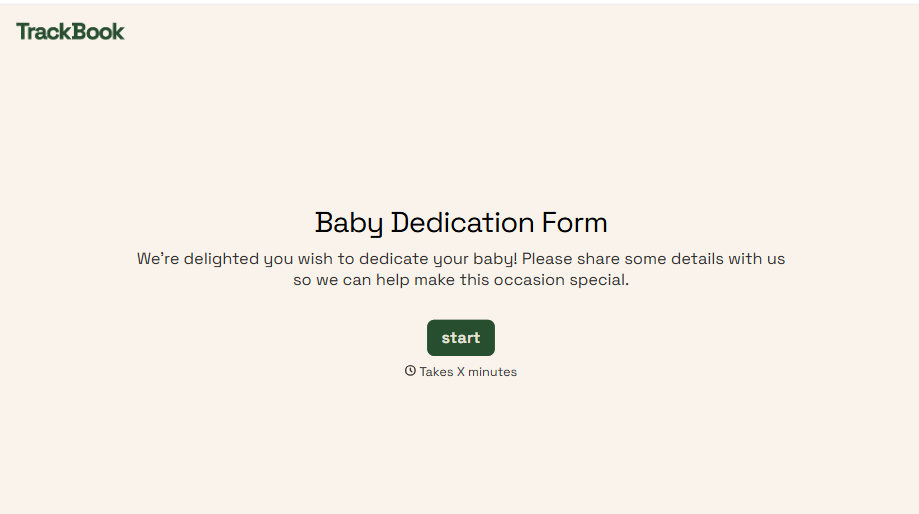
Baby Dedication Form
A sign-up sheet passed around during announcements isn't the kind of detail you want to compile into a Sunday program from memory. Collect the baby's information, requested ceremony date, and any required class attendance before the service, so your team isn't confirming a name's spelling the morning of.
View template
Summer Camp Consent Form
A camper with a bee sting and a counselor on the phone trying to reach a parent isn't a consent process, it's a delay. Collect guardian consent for emergency medical treatment, medication administration, and photo or media use before drop-off, so your staff can act instead of waiting for a callback.
View template
Summer Camp Permission Form
A permission packet crumpled at the bottom of a backpack for two weeks isn't a permission slip anyone can rely on. Collect camper information, medical disclosures, and a signed permission for camp activities before drop-off, so your staff aren't scrambling for an emergency contact on day one.
View template
With Typeform, you can customize everything
Change text, colors, and even logos to match the look and feel of your brand. Then embed forms smoothly onto web and email.
Make forms feel effortless to fill out. Pace questions, call people by their name, and adapt the flow based on the data they share.
Stay efficient by connecting forms to your workflow. Typeform integrates with 300+ tools including Slack, Zapier, and HubSpot.


