Restaurant Table Reservation Form Template
Let guests reserve their table in advance — and arrive to exactly what they expected.



A smooth reservation experience starts before guests walk in. This form gives them a quick way to book their table and share everything you need to prepare — party size, special occasions, dietary preferences — so the evening runs well from the moment they arrive.
The template captures name, contact details, preferred date and time, party size, occasion, dietary notes or allergies, and special seating requests. You can add a confirmation step and collect a phone number for same-day contact.
Each submission is an organized record your front-of-house team can review before service. No missed phone calls, no lost sticky notes, no double-booked tables.
The form works best as a request system — guests submit their preference and you confirm based on your availability. For real-time availability management, pair it with a reservation system like OpenTable or Resy.
You can add a note in the form instructions about same-day booking cutoffs. For automated enforcement, use a date picker with restricted options or a workflow tool that blocks submissions within a certain window.
Send a confirmation email immediately after booking and a reminder 24 hours before the reservation. For larger parties, collecting a deposit or credit card authorization reduces no-shows significantly.
Include a field specifically for allergies, separate from dietary preferences, and flag severe allergy submissions for your kitchen team. Include a note that the team will follow up to confirm accommodations.
Yes, with adjustments. Add fields for event type, catering requirements, AV needs, and a budget range. Private dining inquiries often need a follow-up call, so include a contact field and a preferred time to reach them.
Get inspired by relevant templates and categories
3200+ Templates, 300+ Integrations

Bank Reference Form
A reference request faxed to a bank branch and left sitting in a queue for weeks isn't the kind of turnaround a landlord or business can wait on. Collect the applicant's signed authorization and the specific details you need confirmed before the request even reaches the bank, so a decision isn't stuck behind a letter that hasn't come back yet.
View template

Bar Inventory Form
A bottle count eyeballed at the end of a shift and scrawled on a paper sheet doesn't hold up against a pour cost report that says something doesn't add up. Collect what your bar actually needs, item, count, and variance, on a schedule you can actually compare week to week.
View template

Equipment Inventory Form
Equipment that leaves a storage room in someone's arms, with no note about where it went, doesn't show up again until someone needs it and can't find it. Collect what your team actually needs, item details, condition, and who's got it, every time something moves.
View template

Library Book Request Form
A book request scrawled on a sticky note at the front desk doesn't make it into any queue, and it definitely doesn't get anyone a call when the book actually arrives. Collect what your library actually needs, the title, patron information, and how they'd like to be notified, before the note gets buried under the next stack of returns.
View template
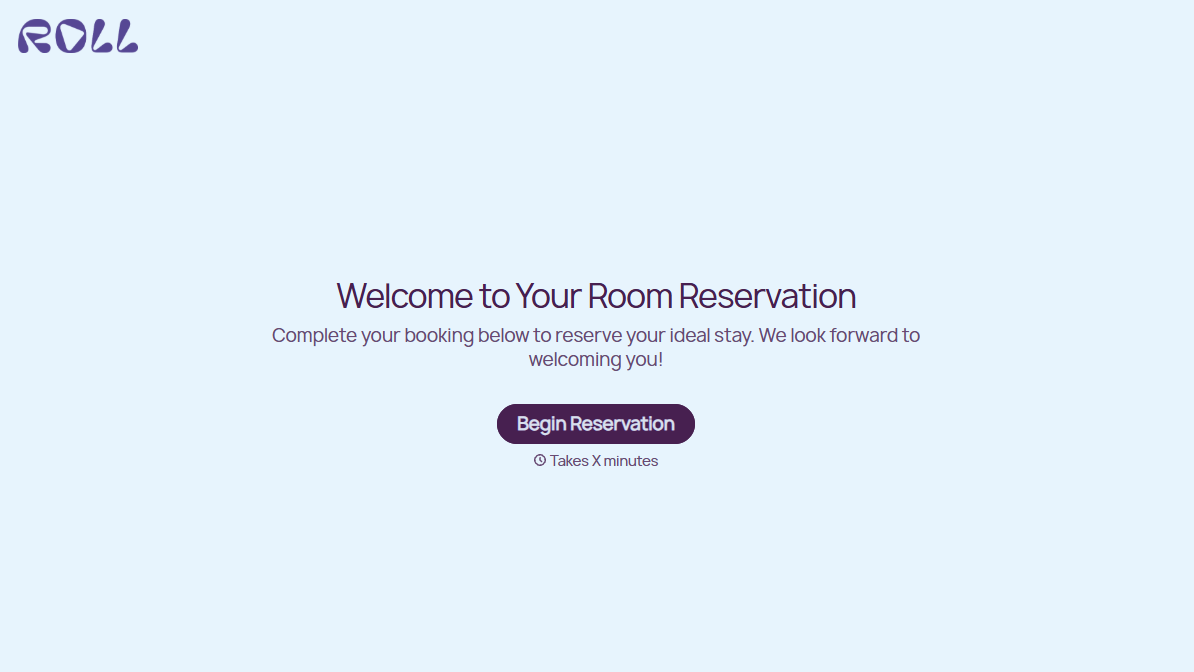
Hotel Room Booking Form
A room booked over the phone with "we'll figure out the room type when you get here" doesn't leave the front desk anything to actually plan around. Collect what your hotel actually needs, guest information, dates, and room preferences, before the reservation gets confirmed.
View template

Tenant Repair Request Form
A text message about a leaky faucet sent at 11pm isn't a work order your maintenance team can act on efficiently, especially without a photo or a unit number attached. Collect the property, the issue, and how urgent it is before the request lands in someone's texts, so a repair doesn't wait on a landlord scrolling back through old messages.
View template
With Typeform, you can customize everything
Change text, colors, and even logos to match the look and feel of your brand. Then embed forms smoothly onto web and email.
Make forms feel effortless to fill out. Pace questions, call people by their name, and adapt the flow based on the data they share.
Stay efficient by connecting forms to your workflow. Typeform integrates with 300+ tools including Slack, Zapier, and HubSpot.


