Reservation Form Template
Let people book what they want in 2 minutes, not 20.



Phone calls, email threads, and DMs scattered across 3 platforms. That's how a lot of reservations still happen. It works until it doesn't, which is usually a Friday night when you've double-booked a table, a room, or a venue and someone's unhappy. A proper reservation form fixes this before it starts.
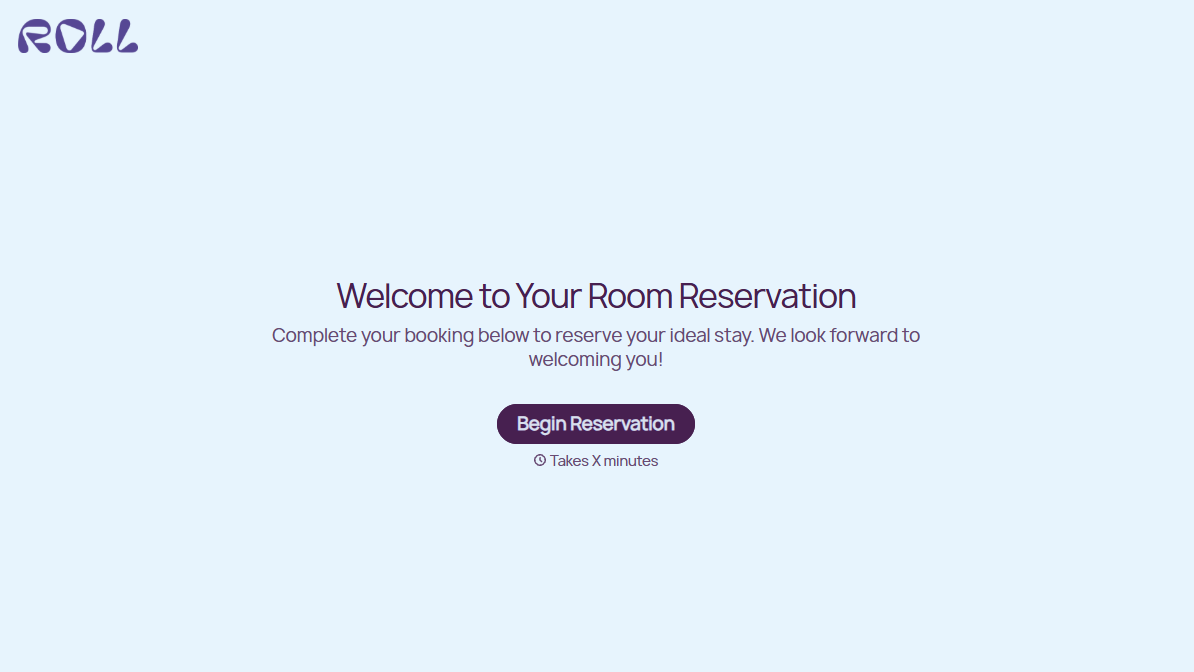
This reservation form template captures the essentials (date, time, party size, special requests) in a quick, guided experience. The one-question-at-a-time format keeps it feeling light, even when you need to collect dietary restrictions, accessibility requirements, or event details. Conditional logic shows the right follow-up questions based on reservation type.
Embed it on your website, share it on social media, or text the link to inquiring customers. Responses flow into Google Sheets, your calendar, or your booking system through integrations, so every reservation is captured, confirmed, and organized without manual data entry.
A reservation form lets customers request and secure a booking for a restaurant table, hotel room, event space, equipment rental, or any resource with limited availability. It captures the key details (who, when, how many, any special needs) in a structured format that's easier to manage than phone calls or free-form messages.
Phone bookings are synchronous. Someone has to be available to answer, write it down correctly, and enter it into the system. An online form works 24/7, captures details accurately every time, and feeds directly into your management tools. Customers also prefer it: no hold music, no phone anxiety, no "let me check and call you back."
- Name and contact information (phone and/or email)
- Desired date and time
- Party size or number of units needed
- Purpose or occasion (if relevant)
- Special requests (dietary needs, accessibility, setup preferences)
- How they heard about you
The form itself collects the request. Preventing double bookings requires connecting it to a real-time availability system. Integrate with Google Calendar, Calendly, or your booking platform to cross-reference availability. At minimum, set up instant notifications through Slack or email so your team can confirm or adjust reservations as they come in.
Yes. Typeform's built-in thank-you screen can display confirmation details immediately. For email confirmations, connect the form to an email tool like Mailchimp, or use Zapier to trigger a personalized confirmation message that includes the reservation details, cancellation policy, and any preparation instructions.
Get inspired by relevant templates and categories
3200+ Templates, 300+ Integrations

Hotel Room Booking Form
A room booked over the phone with "we'll figure out the room type when you get here" doesn't leave the front desk anything to actually plan around. Collect what your hotel actually needs, guest information, dates, and room preferences, before the reservation gets confirmed.
View template

Nationality Verification Form
A self-certification buried in a stack of new account paperwork isn't the kind of record a compliance team can rely on for a regulatory filing. Collect nationality, tax residency, and a signed declaration before an account opens, so compliance isn't chasing down a customer's citizenship status after the fact.
View template

Policy Cancellation Form
A cancellation requested over the phone doesn't leave a clear record of exactly what date the policyholder actually asked for, and that date matters more than it sounds like it should. Collect what your agency actually needs, policy details, identity verification, and the requested effective date, before coverage actually ends.
View template

Inheritance Beneficiary Form
Asking a grieving family member for the same banking details across three different phone calls doesn't make settling an estate go any faster. Collect what your firm actually needs, beneficiary information, identification, and distribution details, in one submission instead of three calls.
View template

Personal Training Informed Consent Form
A consent form signed in the ten seconds before a first session isn't the kind of informed agreement that holds up if something goes wrong. Walk clients through the specific risks of training and get a signed, dated acknowledgment before the first rep, so consent actually means what the word implies.
View template
With Typeform, you can customize everything
Change text, colors, and even logos to match the look and feel of your brand. Then embed forms smoothly onto web and email.
Make forms feel effortless to fill out. Pace questions, call people by their name, and adapt the flow based on the data they share.
Stay efficient by connecting forms to your workflow. Typeform integrates with 300+ tools including Slack, Zapier, and HubSpot.


