Request an Appointment Form Template
Let clients request appointments without phone tag. Collect their preferred dates, times, and reason for visiting — so your team can confirm the right slot fast.



Appointment requests shouldn't require a phone call. When clients can submit their preferences online — anytime, from any device — your front desk spends less time coordinating and more time on the work that matters. A clear request form also captures enough context upfront so you can schedule the right amount of time for each appointment.
This template collects the client's name and contact details, their preferred dates and times, the reason for the appointment, and any special requirements. Drop-down or multiple-choice fields make it easy to select a service type or department, and an optional notes field gives clients space to add detail that helps you prepare.
Medical practices, legal offices, salons, and service businesses of all kinds use appointment request forms to manage their schedule efficiently. Connect the form to your calendar or booking software via integrations and send an automatic confirmation email when the appointment is confirmed. Response data shows peak demand times so you can plan staffing accordingly.
Yes — use a date picker and time selection field to capture preferred appointment windows. Your team confirms the actual slot based on availability.
Connect the form to your calendar tool via Zapier or a native integration and trigger a confirmation email when the appointment is booked.
Conditional logic and email notifications let you route each request to the right person based on the service type or practitioner selected.
You can add instructions specifying your booking window, or use conditional logic to flag requests outside your available hours.
Set up a confirmation email when the appointment is booked and a reminder notification closer to the date using your connected calendar tool.
Get inspired by relevant templates and categories
3200+ Templates, 300+ Integrations



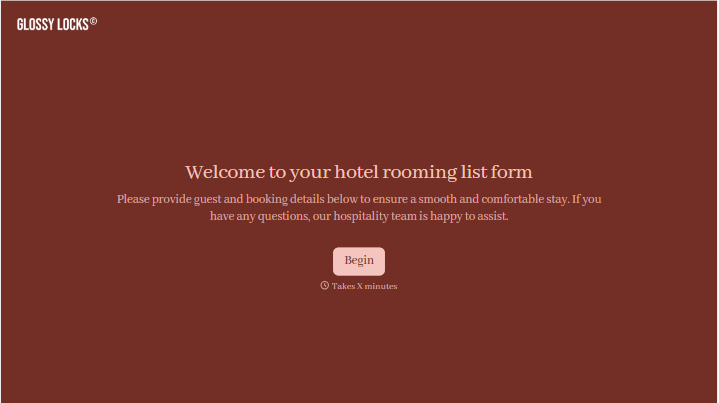


With Typeform, you can customize everything
Change text, colors, and even logos to match the look and feel of your brand. Then embed forms smoothly onto web and email.
Make forms feel effortless to fill out. Pace questions, call people by their name, and adapt the flow based on the data they share.
Stay efficient by connecting forms to your workflow. Typeform integrates with 300+ tools including Slack, Zapier, and HubSpot.


