Project Charter Form Template
Define your project's purpose, scope, and success criteria before a single task gets assigned.



Projects that start without a charter tend to drift. The charter is the agreement between the project team and the sponsoring organization on what's being done, why it matters, what success looks like, and who's responsible. This form captures that agreement.
The template covers the project name and sponsor, the problem or opportunity being addressed, the project objectives, the in-scope and out-of-scope boundaries, key deliverables, milestones and timeline, the project team and decision authority, budget summary, key risks, and the sponsor's approval signature.
A signed charter doesn't prevent scope changes — but it creates a shared understanding that makes changes visible and deliberate rather than accidental.
A document that formally authorizes a project, defines its objectives and scope, identifies the project manager's authority, and establishes the basis for all future project decisions. It's signed by the project sponsor.
The project manager develops it, typically in collaboration with the project sponsor and key stakeholders. The sponsor reviews and signs it to authorize the work.
Objectives describe what the project is trying to achieve — the desired outcomes. Scope describes the boundaries — what work will and won't be done to achieve those objectives. Both are essential.
Detailed enough to create alignment, brief enough to be read. A charter that requires 30 pages to explain the project usually signals unclear thinking. Aim for 1 to 3 pages of clear, specific language.
Only if the fundamental parameters of the project change — objective, sponsor, or significant scope shifts. Minor adjustments go through change management, not charter revision.
Get inspired by relevant templates and categories
3200+ Templates, 300+ Integrations

Bank Reference Form
A reference request faxed to a bank branch and left sitting in a queue for weeks isn't the kind of turnaround a landlord or business can wait on. Collect the applicant's signed authorization and the specific details you need confirmed before the request even reaches the bank, so a decision isn't stuck behind a letter that hasn't come back yet.
View template

Bar Inventory Form
A bottle count eyeballed at the end of a shift and scrawled on a paper sheet doesn't hold up against a pour cost report that says something doesn't add up. Collect what your bar actually needs, item, count, and variance, on a schedule you can actually compare week to week.
View template

Equipment Inventory Form
Equipment that leaves a storage room in someone's arms, with no note about where it went, doesn't show up again until someone needs it and can't find it. Collect what your team actually needs, item details, condition, and who's got it, every time something moves.
View template

Maintenance Agreement Form
A maintenance plan agreed to over the phone isn't a contract your service team can actually work from, especially when nobody's sure whether the twice-a-year tune-up was part of the deal. Collect the equipment covered, service frequency, and a signed agreement before the first visit, so your team isn't guessing at scope once they're on-site.
View template

Incentive Claim Form
A rebate claim mailed in with a stapled stack of receipts isn't the kind of paperwork that gets processed quickly, especially when a required serial number turns out to be missing from page three. Collect proof of purchase, product details, and participant information upfront, so a claim doesn't bounce back for a missing document weeks later.
View template
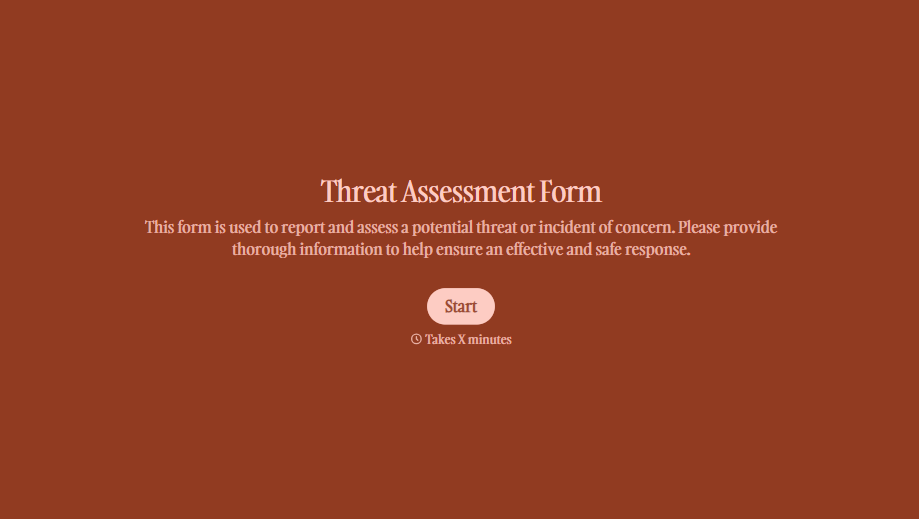
Threat Assessment Form
A concerning comment that gets passed from a teacher to a counselor to whoever's free that period loses detail with every retelling. Collect what your team actually needs, what was observed or reported, who was involved, and when, before an important detail gets dropped along the way.
View template
With Typeform, you can customize everything
Change text, colors, and even logos to match the look and feel of your brand. Then embed forms smoothly onto web and email.
Make forms feel effortless to fill out. Pace questions, call people by their name, and adapt the flow based on the data they share.
Stay efficient by connecting forms to your workflow. Typeform integrates with 300+ tools including Slack, Zapier, and HubSpot.


