Post event feedback survey template
Capture what attendees really thought while the event is still fresh, so you know what worked before you plan the next one. Collect ratings on the experience, the sessions, and whether they'd come back, in one quick survey.



The glow at the end of an event isn't data. A room can feel great and still leave attendees who found the schedule confusing, the venue hard to reach, or the content thinner than the marketing promised, unsatisfied. Typeform's post event survey asks event attendees directly, while the details are fresh, so "it went well" becomes something you can point to and improve on.
Attendees rate the event overall, the sessions, and the logistics, and say what they'd change. An attendee who rates the event poorly gets asked what let them down, while one who'd recommend it is asked what stood out, so you learn from both ends. Every response comes back in the same structure, ready to compare.
Across the responses, the real story shows: the session everyone loved, the registration line that frustrated people, the timing that missed. You head into planning the next event knowing what to repeat and what to fix, backed by real data from the people who were there.
A post event survey is a survey sent to attendees soon after an event to capture their experience while it's fresh. It measures overall satisfaction, what worked, what didn't, and whether they'd return or recommend it. Event organizers and marketing teams use post event surveys to show what an event delivered and improve the next one.
Without a post event survey, you judge the event by the closing applause and the headcount, and neither tells you why people felt the way they did. The frustrations that quietly shaped their experience go unrecorded, so you repeat them next time. A post event survey captures the specifics while they're fresh, so you keep what worked and fix what didn't.
Capture the attendee experience:
- Overall satisfaction
- Ratings of sessions and speakers
- Venue, timing, and logistics
- Whether the event met their goals
- Likelihood to return or recommend
Send the post event survey within a day of the event, while the sessions and the experience are still sharp. Wait a week and the details blur into a vague "it was good," which won't tell you what to change. A quick, focused survey sent right away gets more responses and better ones.
Yes. You can reuse the survey for every event and keep the core questions consistent, so responses stay comparable from one to the next. Conditional logic can swap in event-specific questions without rebuilding the survey each time. Over several events, that consistency shows whether your changes are actually landing.
Get inspired by relevant templates and categories
3200+ Templates, 300+ Integrations
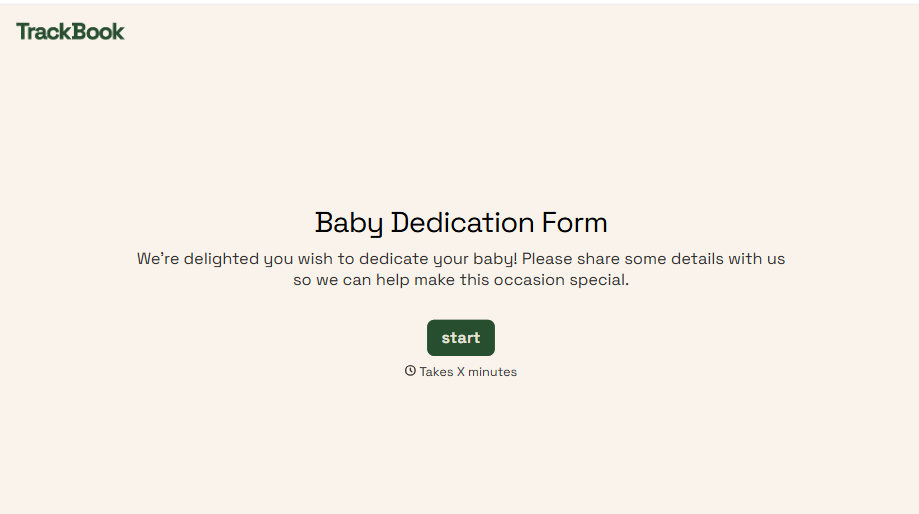
Baby Dedication Form
A sign-up sheet passed around during announcements isn't the kind of detail you want to compile into a Sunday program from memory. Collect the baby's information, requested ceremony date, and any required class attendance before the service, so your team isn't confirming a name's spelling the morning of.
View template
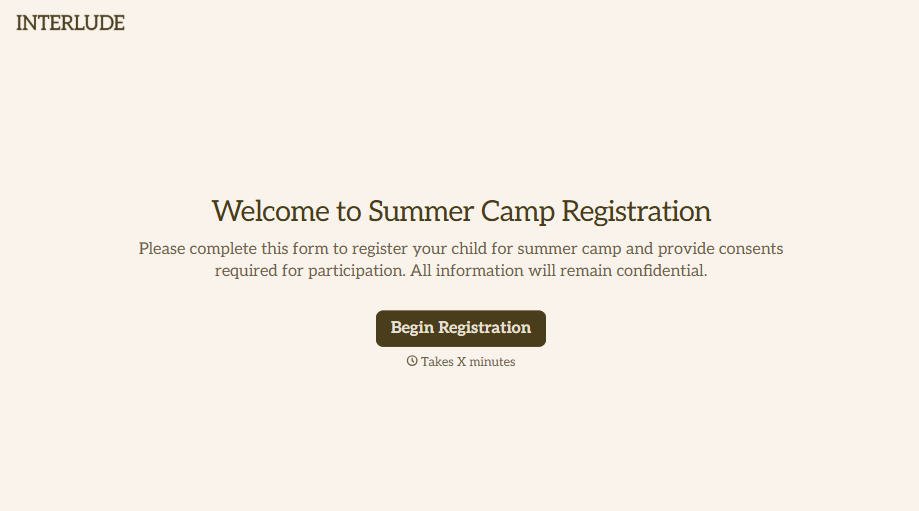
Summer Camp Consent Form
A camper with a bee sting and a counselor on the phone trying to reach a parent isn't a consent process, it's a delay. Collect guardian consent for emergency medical treatment, medication administration, and photo or media use before drop-off, so your staff can act instead of waiting for a callback.
View template
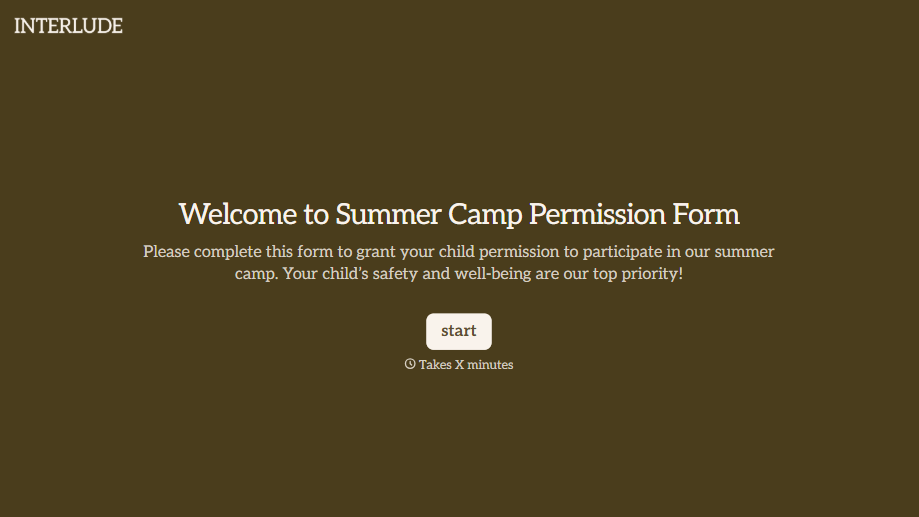
Summer Camp Permission Form
A permission packet crumpled at the bottom of a backpack for two weeks isn't a permission slip anyone can rely on. Collect camper information, medical disclosures, and a signed permission for camp activities before drop-off, so your staff aren't scrambling for an emergency contact on day one.
View template
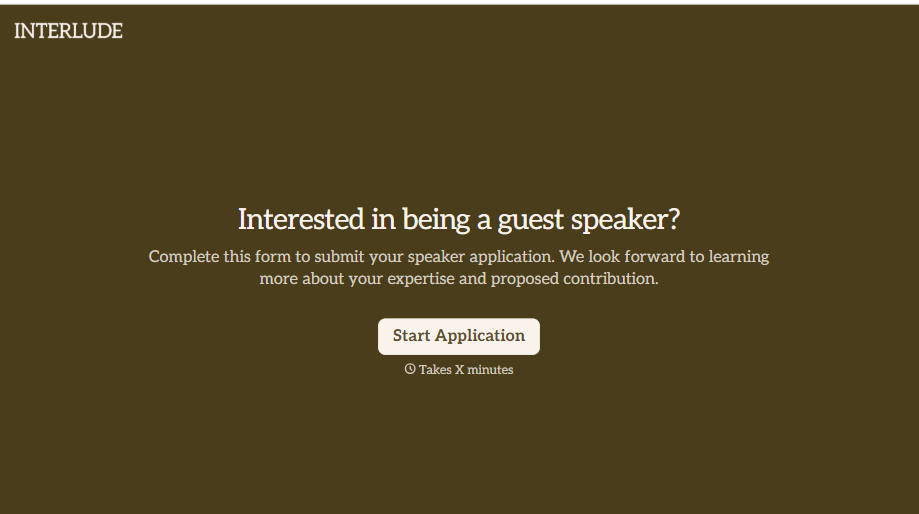
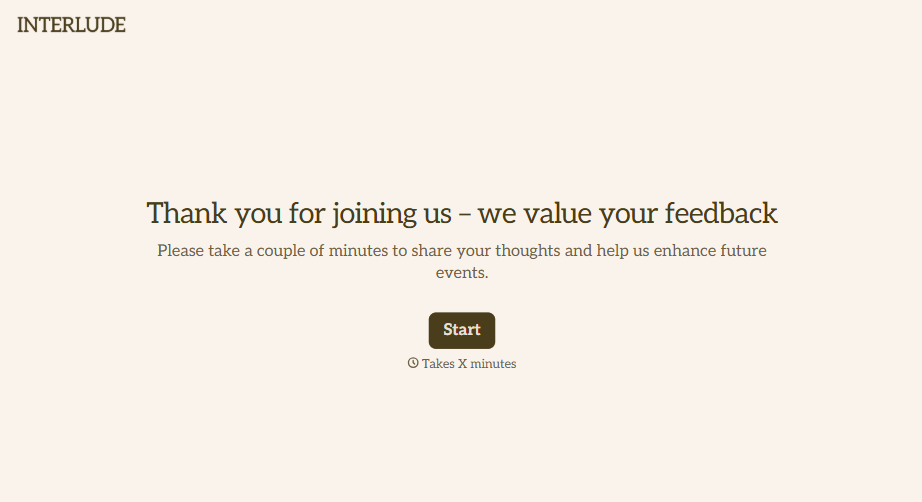
Post-Event Feedback Survey Form
A post-event survey sent three days later, after everyone's back in their normal inbox and the badge is already in a drawer, gets a trickle of responses from whoever happens to open it. Ask while the experience is still fresh, and ask more than "how satisfied were you."
View template
With Typeform, you can customize everything
Change text, colors, and even logos to match the look and feel of your brand. Then embed forms smoothly onto web and email.
Make forms feel effortless to fill out. Pace questions, call people by their name, and adapt the flow based on the data they share.
Stay efficient by connecting forms to your workflow. Typeform integrates with 300+ tools including Slack, Zapier, and HubSpot.


