Picture Quiz Template
Build visual quizzes that test recognition, match content to image, or make learning more engaging.



Text-only quizzes work for some content, but when you're testing visual knowledge, assessing design judgment, or just trying to create something more engaging than a list of questions, images change everything. The problem is that most quiz tools make it awkward to work with images, so the visuals feel like an afterthought rather than the point.
Typeform's picture quiz template is built to put images front and center. Each question can display an image and ask respondents to identify, describe, or choose from visual options. Conditional logic lets you branch based on answers, so a wrong response can redirect to a hint or an explanation while correct answers move forward. It works for training assessments, brand quizzes, educational content, or interactive marketing campaigns.
Customize the question set and images for your topic, set scoring if needed, and share the quiz via link or embed it wherever your audience is. It works on desktop and mobile.
A picture quiz is a type of quiz that uses images as the primary content for questions. Respondents might be asked to identify what they see, select the correct label for a visual, match images to descriptions, or choose the best option from a set of pictures.
Visual questions are more engaging than text-only formats and are necessary when the subject matter is inherently visual. They're effective for training on products, logos, anatomy, geography, design principles, or any domain where recognition of images is the actual skill being tested.
Choose formats that match your learning or engagement goal:
- Identify the object, person, or concept shown
- Select the correct label or caption for an image
- Choose which image best matches a description
- Rank or compare images based on a criterion
- Spot the difference or error in a visual
- Match an image to a category or product
Each question in Typeform supports image uploads directly in the question builder. You can add an image to the question prompt itself or use image-choice questions where the answer options are also pictures. Both formats work on mobile and desktop.
Yes. Set up a picture quiz to test product recognition, brand standard compliance, or procedural knowledge that involves visual steps. You can connect responses to a spreadsheet to track scores, or use Typeform's logic to show different feedback based on whether answers are correct.
Get inspired by relevant templates and categories
3200+ Templates, 300+ Integrations
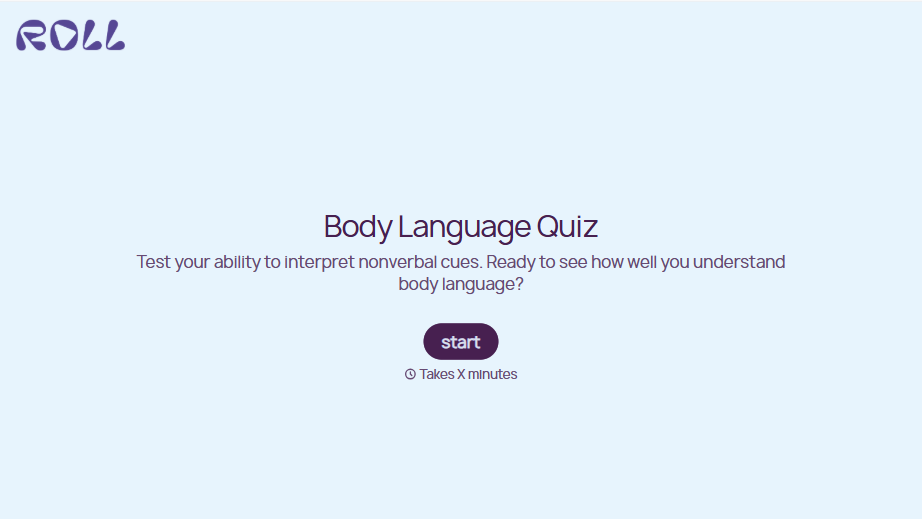
Body Language Quiz
A quiz that hands back the same score no matter which questions someone actually missed isn't teaching anyone to read a room. Ask what the quiz is actually measuring, attraction cues, deception tells, stress signals, and let each wrong answer route somewhere that explains what the cue really meant.
View template


With Typeform, you can customize everything
Change text, colors, and even logos to match the look and feel of your brand. Then embed forms smoothly onto web and email.
Make forms feel effortless to fill out. Pace questions, call people by their name, and adapt the flow based on the data they share.
Stay efficient by connecting forms to your workflow. Typeform integrates with 300+ tools including Slack, Zapier, and HubSpot.


