Peer feedback form template
Make it easier for teammates to give honest, useful feedback to each other.



Peer feedback is valuable — but only when people actually give it. When the process is awkward, time-consuming, or tied to a clunky HR system, responses become generic and the whole exercise loses its point.
Typeform's peer feedback form makes the experience feel less like a performance review and more like a real conversation. The one-question-at-a-time format reduces the pressure of staring at a wall of rating scales, and conditional logic lets you tailor follow-up questions based on earlier answers — so if someone marks a colleague as strong in one area, the form can dig deeper into specifics. You can connect responses to your HR platform or export results to share with managers during review cycles.
You can adjust the rating scales, add role-specific questions, and set the form to anonymous if that fits your team's culture. Most teams have it ready to send in under 30 minutes.
A peer feedback form is a structured survey that lets employees share observations and assessments about their colleagues' work and behavior. It's typically used as part of a performance review cycle, helping managers get a fuller picture of each team member beyond what they observe directly.
It gives you input that managers alone can't provide. Colleagues see different sides of a person's work — how they collaborate, communicate under pressure, and contribute to team dynamics. That context makes performance conversations more accurate and more fair.
A good peer feedback form typically covers these areas:
- How effectively does this person communicate with the team?
- How do they handle disagreement or conflicting priorities?
- What's 1 area where they've had clear impact?
- What's 1 area where they could grow or improve?
- How reliable are they in following through on commitments?
- Overall, how would you rate working with this person?
It depends on your team's culture and how you plan to use the results. Anonymous feedback tends to be more candid, but it can also make it harder to follow up on specific comments. A common approach is to keep individual responses confidential from the person being reviewed while sharing them with their manager in aggregate.
Most teams do it once or twice a year, aligned with formal review periods. Some teams with faster feedback cultures run shorter pulse versions quarterly. More frequent isn't always better — what matters is that you actually act on what you collect and close the loop with employees afterward.
Get inspired by relevant templates and categories
3200+ Templates, 300+ Integrations
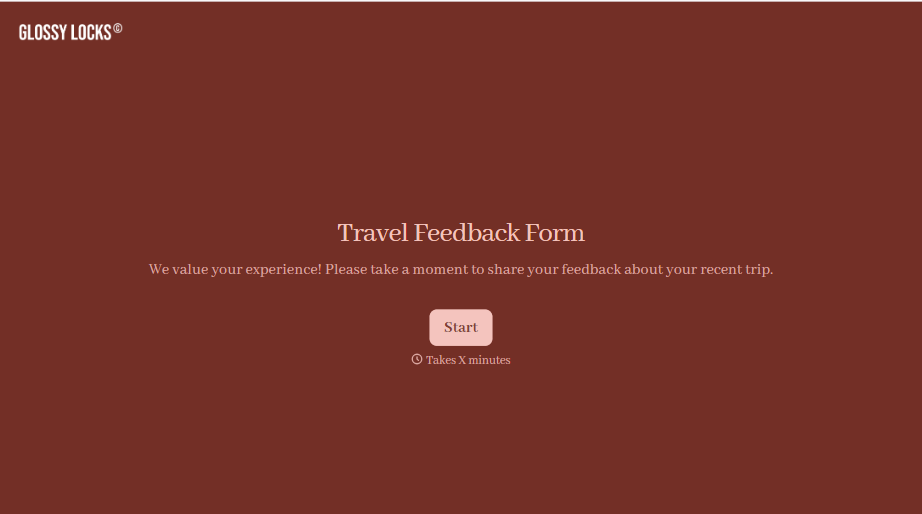
Travel Feedback Form
A quick "so, how was the trip?" when someone's back in the office doesn't tell your travel team which hotel to stop booking or which flight change actually caused the headache. Collect what your team actually needs, trip details, what worked, and what didn't, once the traveler's had a minute to think about it.
View template
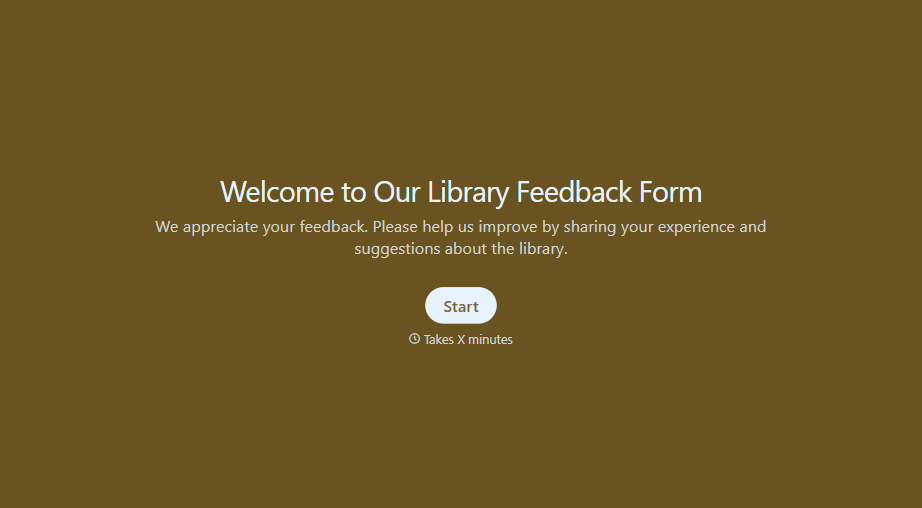
Library Feedback Form
A comment card dropped in a suggestion box isn't a channel your staff can act on quickly, especially when nobody can tell if it's about a broken chair or a request for more audiobooks. Collect the specific feedback, which branch and department it concerns, and a way to follow up before the card gets buried under next week's stack.
View template
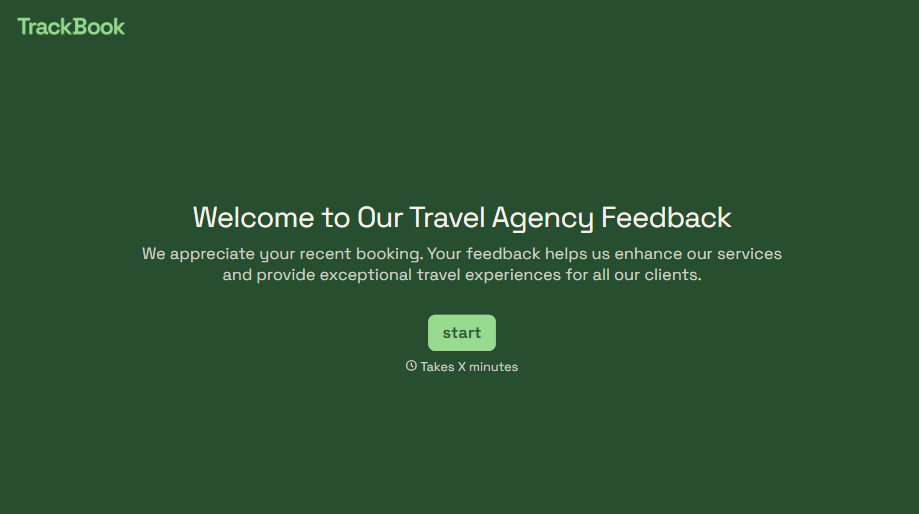
Travel Agency Feedback Form
A generic satisfaction survey emailed three weeks after a trip isn't the kind of feedback an agency can act on, especially once the specifics of a rough hotel transfer have faded. Collect feedback on the specific parts of a trip while it's still fresh, so a complaint that needs immediate follow-up doesn't sit behind a stack of routine responses.
View template
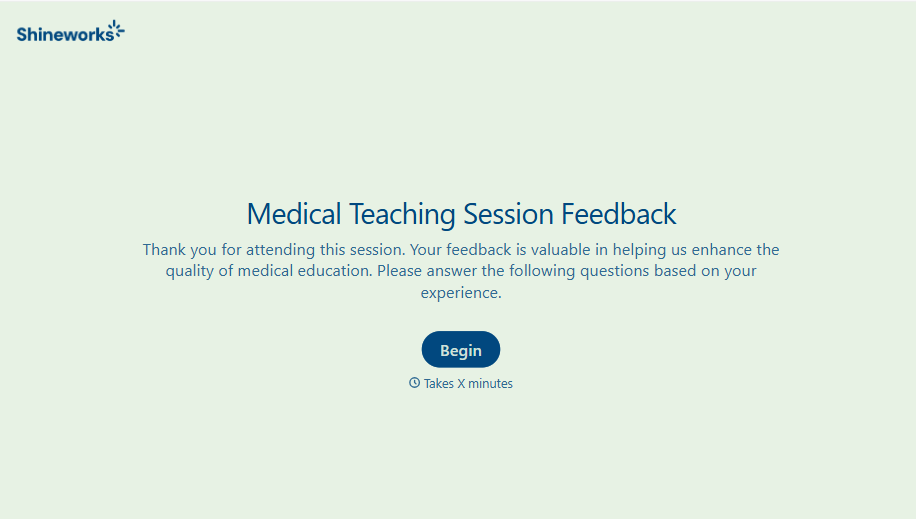
Medical Teaching Feedback Form
An evaluation handed out on the last day of a rotation, filled out in the hallway before everyone scatters, isn't the kind of feedback that helps a program improve teaching quality. Collect specific, timely feedback on teaching encounters before it fades into a generic "good rotation" comment.
View template
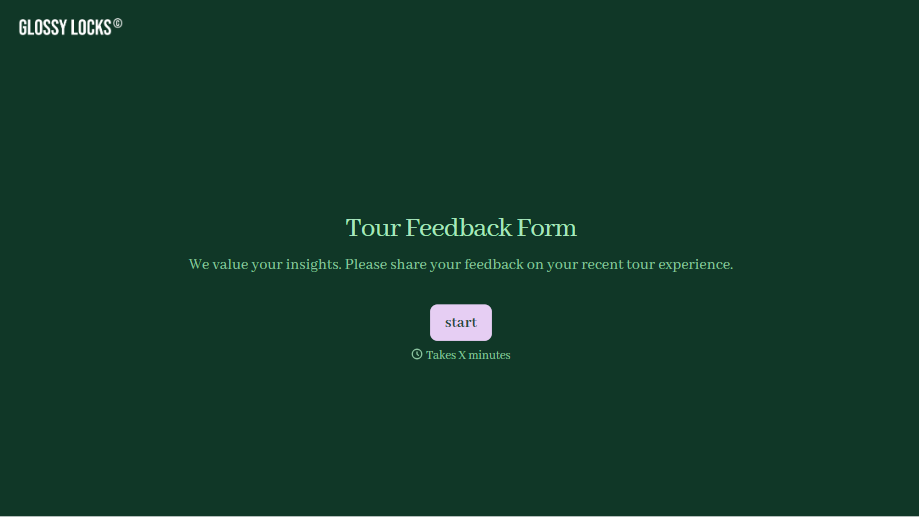
Tour Feedback Form
"How was it?" asked by the guide standing right there at the end of the tour gets a polite "great, thanks" whether the tour actually was great or not. Collect what your team actually needs, which tour and guide, and honest feedback, after the group's already walked away.
View template
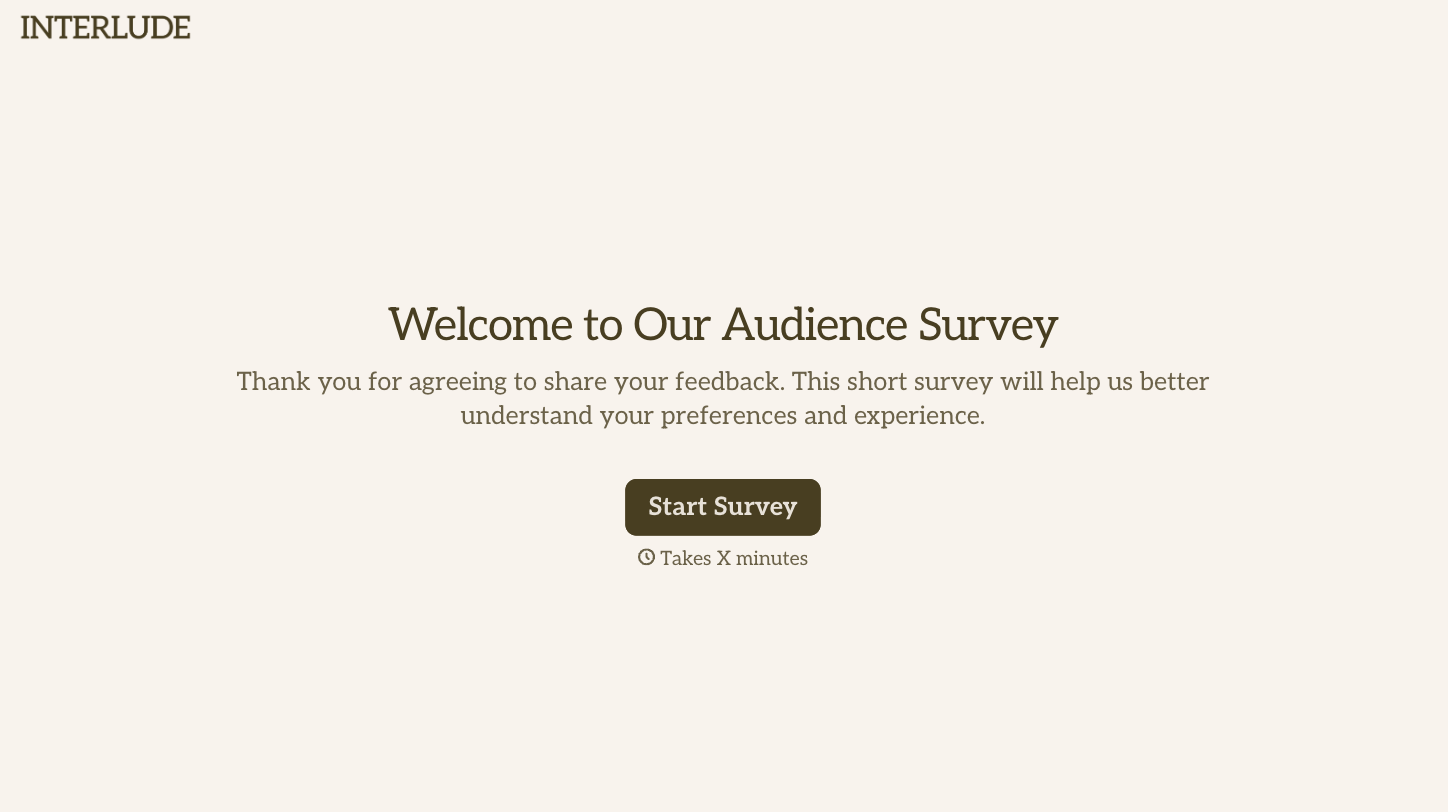
With Typeform, you can customize everything
Change text, colors, and even logos to match the look and feel of your brand. Then embed forms smoothly onto web and email.
Make forms feel effortless to fill out. Pace questions, call people by their name, and adapt the flow based on the data they share.
Stay efficient by connecting forms to your workflow. Typeform integrates with 300+ tools including Slack, Zapier, and HubSpot.


