Patient Satisfaction Survey Form Template
Understand your patients' experience at every stage of care. This template helps healthcare providers collect meaningful feedback they can actually act on.



Patient feedback is one of the most direct signals you have about care quality — but most satisfaction surveys collect data that goes nowhere. Rating scales without context tell you something is wrong without telling you what or why. When surveys are too long or sent too late after a visit, response rates crater.
A well-designed patient satisfaction survey captures meaningful feedback at the right moment. Typeform's conversational format feels less clinical than a traditional survey grid, and conditional logic can probe deeper when a patient indicates a problem area. A low rating on communication, for example, can trigger a follow-up question asking what specifically could have been better.
Customize the questions for your care setting and send the form close to the time of service for the most accurate recall and highest response rates.
A patient satisfaction survey is a feedback tool used by healthcare providers to understand how patients experienced their care — from scheduling through treatment and follow-up. Responses help identify strengths to maintain and gaps to address in clinical practice, communication, and facility operations.
Patient experience data drives improvement. When feedback is collected consistently and analyzed systematically, patterns emerge that point to specific issues — wait times, communication clarity, facility cleanliness, billing processes. It also gives patients a voice, which itself contributes to satisfaction and trust in your practice.
- Overall rating of the visit (scale of 1-10)
- Ease of scheduling an appointment
- Wait time experience
- Quality of communication with the provider
- Cleanliness and comfort of the facility
- Likelihood of recommending the practice to others (NPS-style)
Within 24-48 hours is optimal. Response rates and recall accuracy both drop off significantly the longer you wait. If you're using automated workflows, set up a post-visit trigger that sends the survey the same day or the morning after. For inpatient settings, discharge surveys administered before the patient leaves yield high completion rates.
Aggregate your data by provider, department, and question category — not just overall scores. Look for patterns: if one provider consistently scores lower on communication, that's a coaching opportunity. If wait time is a persistent issue across the practice, it's an operational problem to address. Review your data at regular intervals (monthly or quarterly) with the clinical and administrative teams responsible for each area.
Get inspired by relevant templates and categories
3200+ Templates, 300+ Integrations

X-Ray Release Form
A phone call asking to send X-rays to a new provider isn't an authorization your compliance file can rely on. Collect patient information, the receiving provider's details, and a signed authorization before the images go out, so your front desk isn't scrambling to prove who approved a release.
View template

Palliative Care Assessment Form
A symptom check done verbally during a rushed home visit isn't the kind of record that shows whether pain management is actually working from one visit to the next. Collect symptom severity, functional status, and psychosocial needs consistently, so a care team can see change over time instead of relying on memory of the last visit.
View template
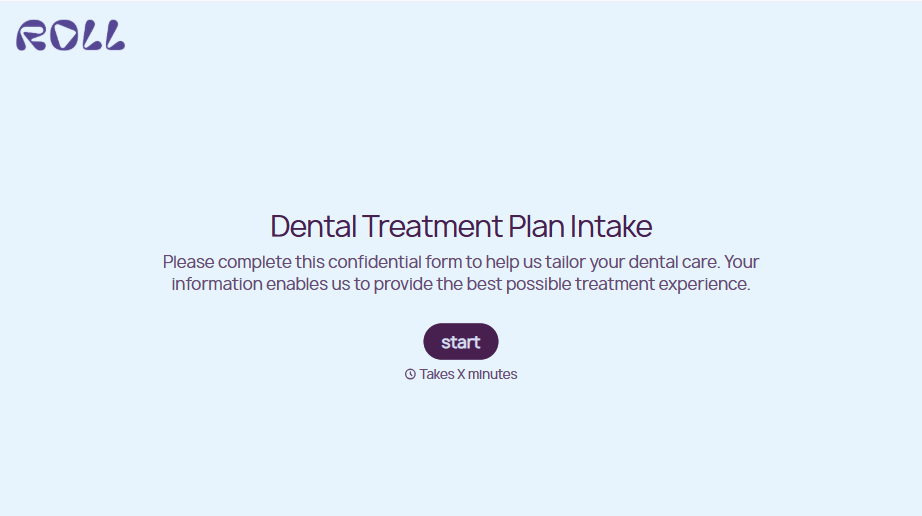
Dental Treatment Plan Form
A treatment plan explained chairside, in the few minutes right after an exam, doesn't hold up when a patient's trying to remember it at the front desk. Collect what your practice actually needs, the recommended procedures, cost estimate, and signed consent, before treatment gets scheduled.
View template
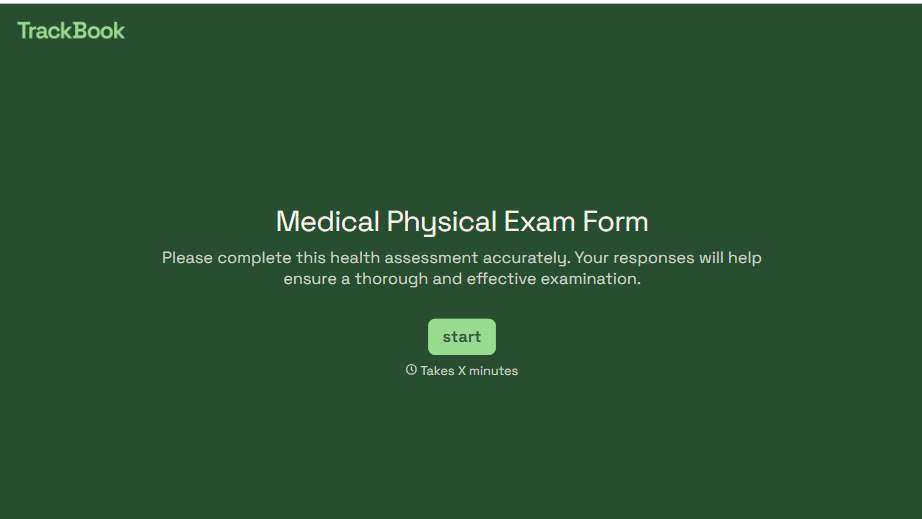
Medical Physical Exam Form
A health history filled out on a clipboard in the waiting room, minutes before being called back, isn't a history anyone fills in completely. Collect what your provider actually needs, patient information, health history, and current symptoms, before the exam starts.
View template
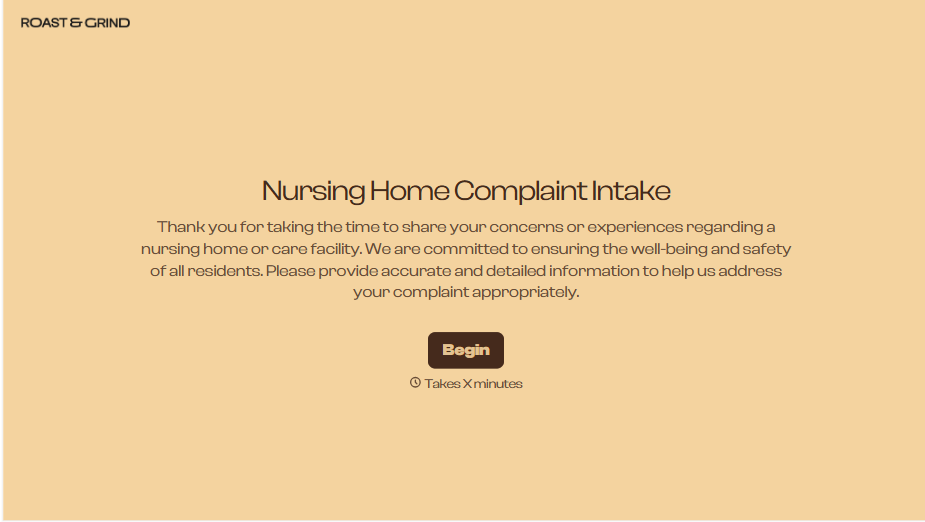
Nursing Home Complaint Form
A family member who calls the front desk about a missed medication or an unanswered call light often gets a verbal apology and nothing written down, no record that it happened, no way to tell if it's the third time this month or the first. And if what's actually being reported is abuse or neglect, a facility's own intake form isn't where that report should end, or even start.
View template
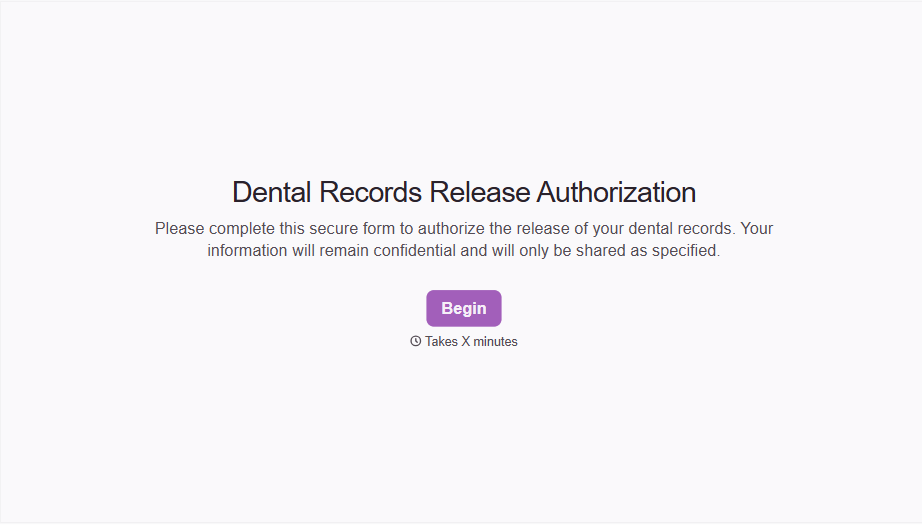
Dental Record Release Form
A release that just says "I authorize my records to be sent" doesn't say which records, sent to whom, or for how long that authorization is good, and HIPAA has a specific list of what actually has to be in there for the release to count as valid. Spell out what's being released, to whom, and until when, before the request goes out.
View template
With Typeform, you can customize everything
Change text, colors, and even logos to match the look and feel of your brand. Then embed forms smoothly onto web and email.
Make forms feel effortless to fill out. Pace questions, call people by their name, and adapt the flow based on the data they share.
Stay efficient by connecting forms to your workflow. Typeform integrates with 300+ tools including Slack, Zapier, and HubSpot.


