Patient Intake and Appointment Request Form Template
Reduce front-desk bottlenecks and give patients a faster way to share their information before they arrive. This template handles intake and appointment requests in one place.



Paper intake forms and phone-based scheduling create unnecessary friction. Patients fill out the same information every visit, staff manually enter data into your system, and appointment requests pile up in voicemail. It's a process that costs everyone time.
This patient intake and appointment request form template lets patients submit their details digitally, before they walk through the door. Conditional logic routes different question sets based on whether it's a new or returning patient, the reason for the visit, or the type of appointment requested. Connect responses to your practice management system to cut down on duplicate data entry.
Customize the form for your practice's specific needs, add your clinic's branding, and share the link on your website or in appointment reminder emails.
It's a combined digital form that collects patient information, such as personal details, insurance, medical history, and current symptoms — and lets patients request an appointment at the same time. It streamlines the intake process and reduces administrative work for your front desk.
Phone-based intake is time-consuming and prone to error. A digital form captures accurate information directly from patients, reduces hold times, and gives your team a complete picture of each patient before the appointment. It also improves the patient experience by letting them submit details on their own schedule.
Cover both the administrative and clinical needs of your intake process:
- Full name, date of birth, and contact information
- Insurance provider and policy number
- Reason for the visit or appointment request
- Current medications and known allergies
- Relevant medical history
- Preferred appointment date and time
Typeform supports HIPAA-compliant data handling when configured appropriately. You should review your data processing agreements and ensure your Typeform setup meets the privacy requirements for your jurisdiction and practice type before collecting protected health information.
You can connect this form to your email or scheduling tools to trigger confirmation messages and reminders automatically. Integrations with platforms like Google Calendar or your practice management software can help close the loop between form submission and confirmed appointment.
Get inspired by relevant templates and categories
3200+ Templates, 300+ Integrations

Bank Reference Form
A reference request faxed to a bank branch and left sitting in a queue for weeks isn't the kind of turnaround a landlord or business can wait on. Collect the applicant's signed authorization and the specific details you need confirmed before the request even reaches the bank, so a decision isn't stuck behind a letter that hasn't come back yet.
View template
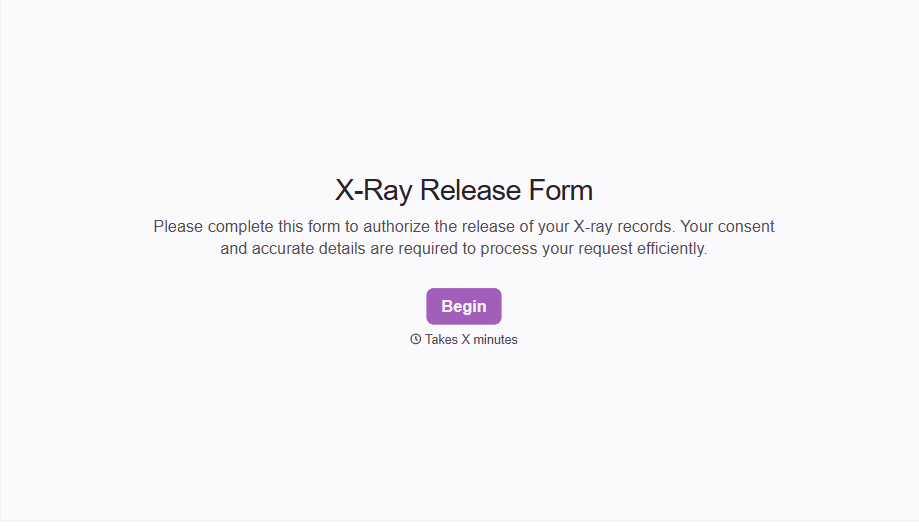
X-Ray Release Form
A phone call asking to send X-rays to a new provider isn't an authorization your compliance file can rely on. Collect patient information, the receiving provider's details, and a signed authorization before the images go out, so your front desk isn't scrambling to prove who approved a release.
View template

Bar Inventory Form
A bottle count eyeballed at the end of a shift and scrawled on a paper sheet doesn't hold up against a pour cost report that says something doesn't add up. Collect what your bar actually needs, item, count, and variance, on a schedule you can actually compare week to week.
View template

Equipment Inventory Form
Equipment that leaves a storage room in someone's arms, with no note about where it went, doesn't show up again until someone needs it and can't find it. Collect what your team actually needs, item details, condition, and who's got it, every time something moves.
View template
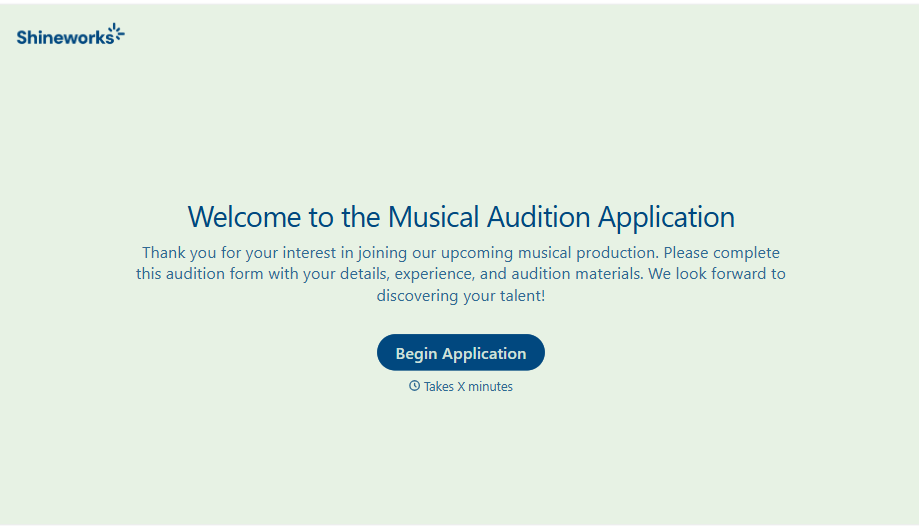
Musical Audition Form
A name scrawled on a sign-up sheet taped near the rehearsal room doesn't tell a director what role someone's after, or whether they can actually make callbacks next Tuesday. Collect what your production actually needs, contact information, role interest, and availability, before audition day arrives.
View template
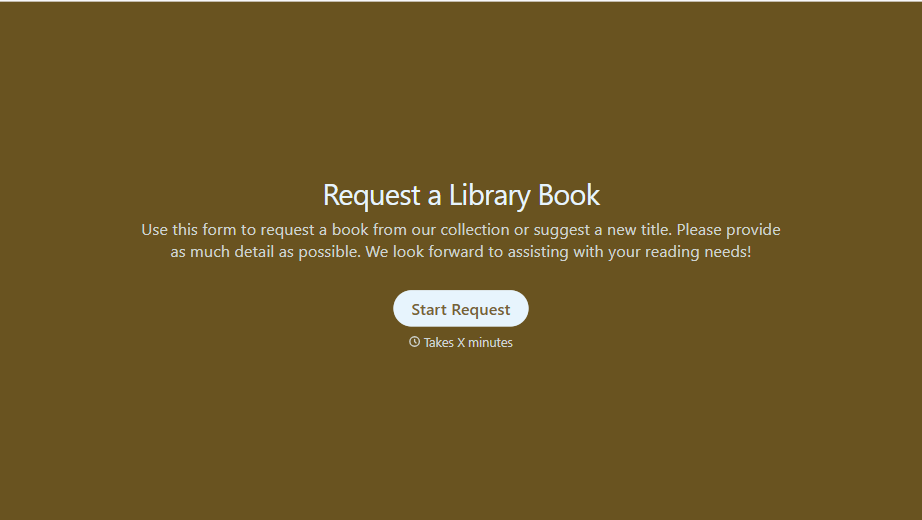
Library Book Request Form
A book request scrawled on a sticky note at the front desk doesn't make it into any queue, and it definitely doesn't get anyone a call when the book actually arrives. Collect what your library actually needs, the title, patron information, and how they'd like to be notified, before the note gets buried under the next stack of returns.
View template
With Typeform, you can customize everything
Change text, colors, and even logos to match the look and feel of your brand. Then embed forms smoothly onto web and email.
Make forms feel effortless to fill out. Pace questions, call people by their name, and adapt the flow based on the data they share.
Stay efficient by connecting forms to your workflow. Typeform integrates with 300+ tools including Slack, Zapier, and HubSpot.


