Patient Encounter Form Template
Document patient visits accurately and consistently so your records are complete, and your follow-up is informed.



When patient encounter documentation relies on handwritten notes or inconsistent templates, information falls through the cracks. Details that matter clinically — symptom onset, medication changes, presenting complaints — get recorded differently by different providers, making records harder to interpret and continuity of care harder to deliver.
A Typeform patient encounter form brings structure to the documentation process. Providers or administrative staff can record chief complaints, vital signs, examination findings, diagnosis, and follow-up plans in a consistent format every time. Conditional logic surfaces relevant fields based on the type of visit or presenting condition, so the form adapts without becoming overwhelming.
Customize the template to your specialty and documentation requirements. The form works across devices, so it can be completed at the point of care or during follow-up.
A patient encounter form is a structured document used to record the details of a clinical visit. It typically captures the patient's presenting complaint, examination findings, diagnosis, treatment provided, and any follow-up actions.
Consistent documentation is the foundation of good continuity of care. A structured form means nothing gets missed and records are interpretable by any provider who needs to reference them later.
Capture the clinical essentials for each visit:
- Patient name, ID, and date of birth
- Date of visit and attending provider
- Chief complaint and symptom history
- Vital signs
- Examination findings
- Diagnosis or assessment
- Treatment administered or prescribed
- Follow-up plan and next appointment
For clinical settings subject to HIPAA or equivalent regulations, consult your compliance team before using any digital form for patient data. Typeform offers data processing agreements and security features, but specific configurations will depend on your regulatory environment.
The form can be configured for either use. Some practices send an intake version to patients before the visit and a separate clinical documentation version for providers to complete. Conditional logic can tailor the question set based on who is filling it out.
Get inspired by relevant templates and categories
3200+ Templates, 300+ Integrations

X-Ray Release Form
A phone call asking to send X-rays to a new provider isn't an authorization your compliance file can rely on. Collect patient information, the receiving provider's details, and a signed authorization before the images go out, so your front desk isn't scrambling to prove who approved a release.
View template

Palliative Care Assessment Form
A symptom check done verbally during a rushed home visit isn't the kind of record that shows whether pain management is actually working from one visit to the next. Collect symptom severity, functional status, and psychosocial needs consistently, so a care team can see change over time instead of relying on memory of the last visit.
View template
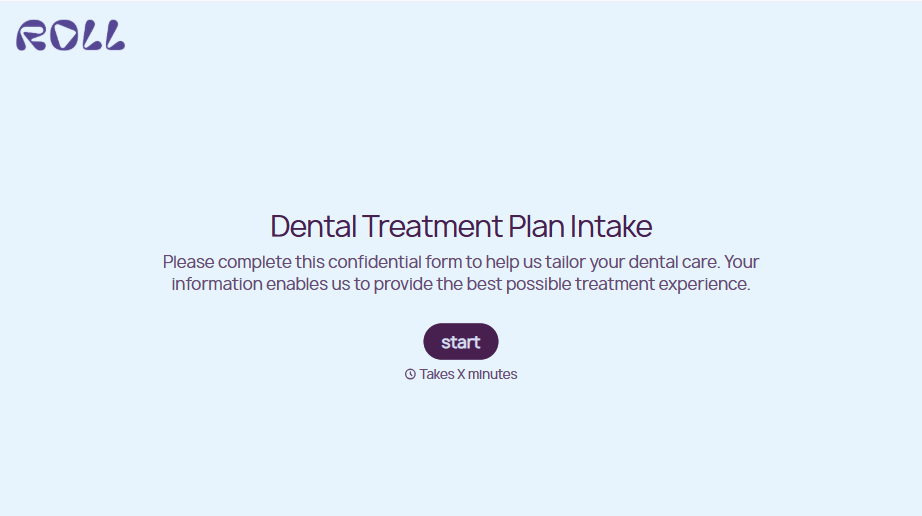
Dental Treatment Plan Form
A treatment plan explained chairside, in the few minutes right after an exam, doesn't hold up when a patient's trying to remember it at the front desk. Collect what your practice actually needs, the recommended procedures, cost estimate, and signed consent, before treatment gets scheduled.
View template
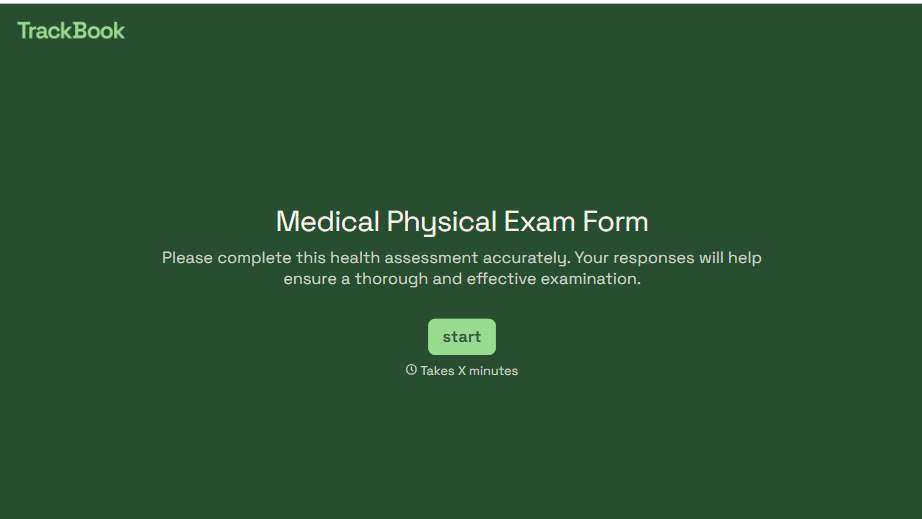
Medical Physical Exam Form
A health history filled out on a clipboard in the waiting room, minutes before being called back, isn't a history anyone fills in completely. Collect what your provider actually needs, patient information, health history, and current symptoms, before the exam starts.
View template
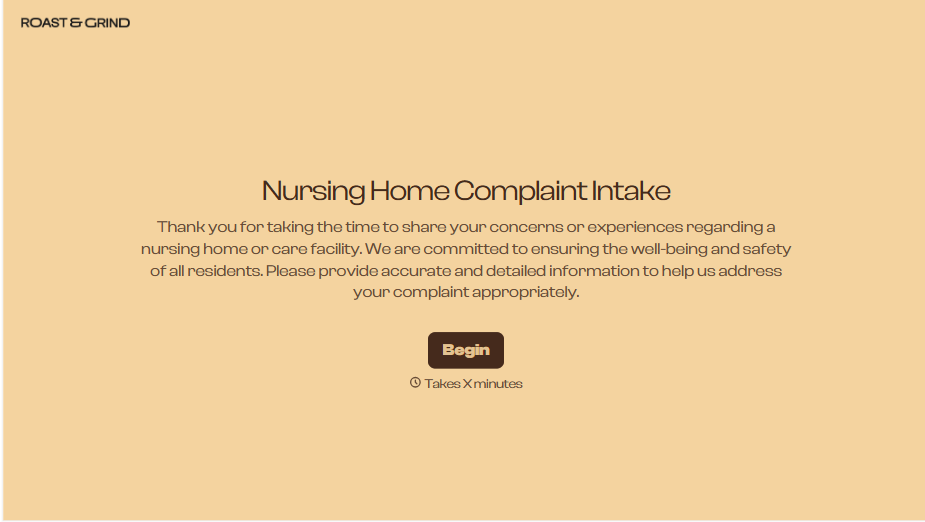
Nursing Home Complaint Form
A family member who calls the front desk about a missed medication or an unanswered call light often gets a verbal apology and nothing written down, no record that it happened, no way to tell if it's the third time this month or the first. And if what's actually being reported is abuse or neglect, a facility's own intake form isn't where that report should end, or even start.
View template
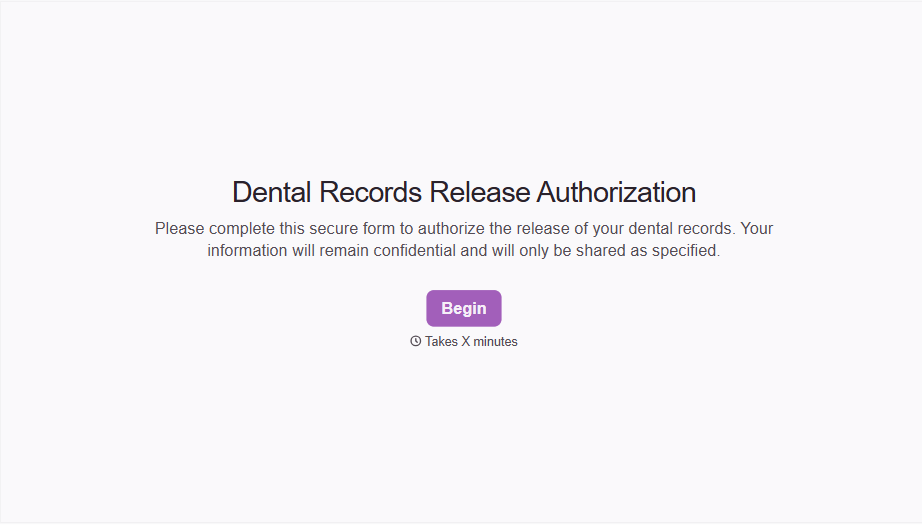
Dental Record Release Form
A release that just says "I authorize my records to be sent" doesn't say which records, sent to whom, or for how long that authorization is good, and HIPAA has a specific list of what actually has to be in there for the release to count as valid. Spell out what's being released, to whom, and until when, before the request goes out.
View template
With Typeform, you can customize everything
Change text, colors, and even logos to match the look and feel of your brand. Then embed forms smoothly onto web and email.
Make forms feel effortless to fill out. Pace questions, call people by their name, and adapt the flow based on the data they share.
Stay efficient by connecting forms to your workflow. Typeform integrates with 300+ tools including Slack, Zapier, and HubSpot.


