Patient Assessment Form Template
Gather the clinical information you need before the appointment starts.



A thorough patient assessment at intake saves time during the visit and improves the quality of care. This form gives your team a consistent way to collect health history, current symptoms, medications, and lifestyle information — before the patient walks through the door.
The template covers demographics, chief complaint, medical and surgical history, current medications and allergies, family history, social history, and a review of current symptoms. You can branch the form to show follow-up questions based on specific conditions or concerns the patient flags.
Responses arrive before the appointment, giving clinicians time to review and prepare. The digital record is cleaner than handwritten forms, easier to store, and less likely to have missing fields.
Ideally 24 to 48 hours before their appointment. Send the link by email or text after booking so patients have time to complete it thoughtfully without feeling rushed.
Keep a tablet or device at the front desk so patients can complete it on arrival. It's faster than paper and goes directly into your records.
You can adapt it for mental health use by adding validated screening tools, mood and symptom questions, and risk assessment items. Mental health intake forms have specific clinical and privacy considerations, so involve your clinical team in the customization.
Typeform supports multiple languages, so you can create translated versions. Conditional redirect at the start can route patients to the version in their language.
Typeform integrates with many platforms via Zapier or direct API. The best approach depends on your specific system — check Typeform's integrations library or work with your IT team for custom connections.
Get inspired by relevant templates and categories
3200+ Templates, 300+ Integrations

Bank Reference Form
A reference request faxed to a bank branch and left sitting in a queue for weeks isn't the kind of turnaround a landlord or business can wait on. Collect the applicant's signed authorization and the specific details you need confirmed before the request even reaches the bank, so a decision isn't stuck behind a letter that hasn't come back yet.
View template
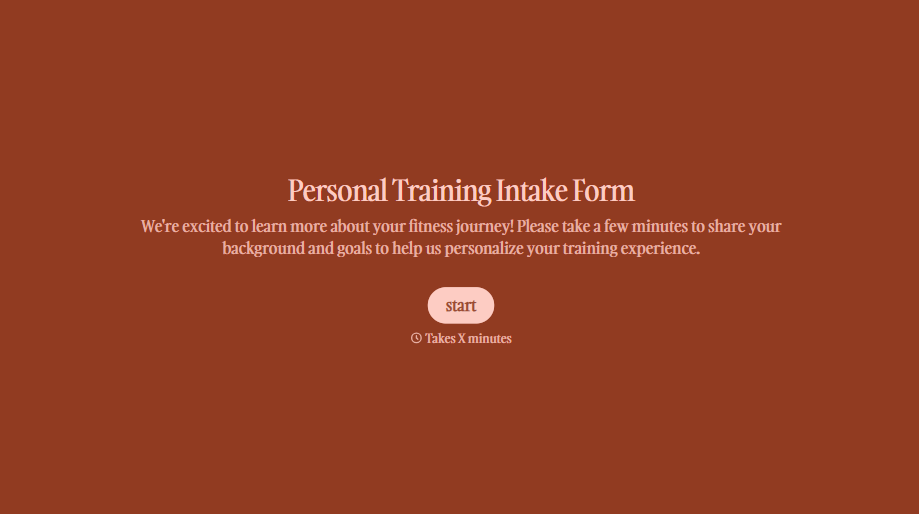
Personal Trainer Intake Form
A PAR-Q filled out in the lobby five minutes before a first session isn't intake, it's a formality nobody has time to read closely. Collect health history, injury information, and fitness goals before the first session, so your trainer isn't building a program blind.
View template

X-Ray Release Form
A phone call asking to send X-rays to a new provider isn't an authorization your compliance file can rely on. Collect patient information, the receiving provider's details, and a signed authorization before the images go out, so your front desk isn't scrambling to prove who approved a release.
View template
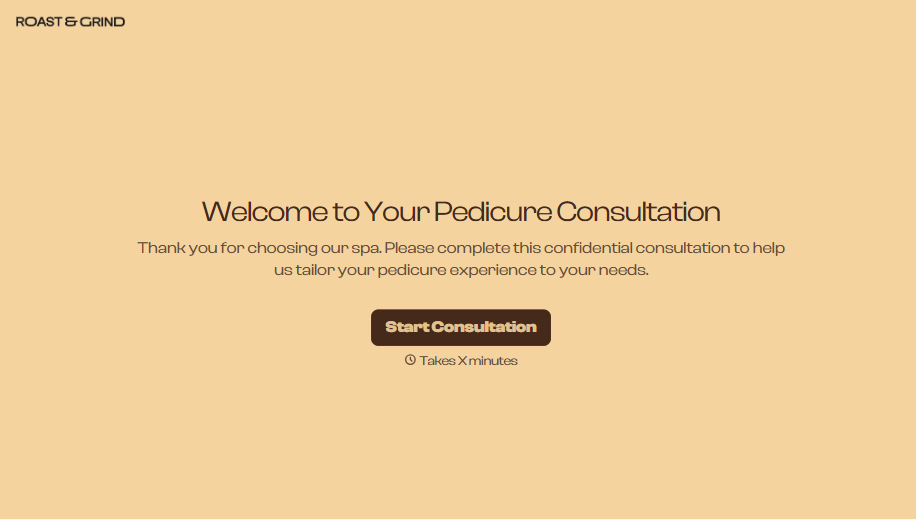
Pedicure Consultation Form
An intake card filled out on a clipboard while a client's feet are already in the soak isn't a consultation, it's a formality nobody reads closely. Collect foot health disclosures, allergy information, and service preferences before the technician picks up a tool, so nobody discovers a health condition mid-service.
View template

Bar Inventory Form
A bottle count eyeballed at the end of a shift and scrawled on a paper sheet doesn't hold up against a pour cost report that says something doesn't add up. Collect what your bar actually needs, item, count, and variance, on a schedule you can actually compare week to week.
View template

Equipment Inventory Form
Equipment that leaves a storage room in someone's arms, with no note about where it went, doesn't show up again until someone needs it and can't find it. Collect what your team actually needs, item details, condition, and who's got it, every time something moves.
View template
With Typeform, you can customize everything
Change text, colors, and even logos to match the look and feel of your brand. Then embed forms smoothly onto web and email.
Make forms feel effortless to fill out. Pace questions, call people by their name, and adapt the flow based on the data they share.
Stay efficient by connecting forms to your workflow. Typeform integrates with 300+ tools including Slack, Zapier, and HubSpot.


