Opt Out Fundraiser Form Template
Give people an easy, respectful way to opt out of fundraising participation without any awkwardness.



Not every parent, employee, or community member can or wants to participate in a fundraiser. But when there's no clear opt-out process, people feel pressure to explain themselves or simply ignore communications — which creates friction and leaves your records inaccurate.
A Typeform opt out form gives people a dignified, easy path to indicate they won't be participating. It collects their name and contact details, confirms their opt-out preference, and can ask a simple optional question about why, if that feedback is useful to you. Responses are stored automatically, so your fundraiser list stays accurate without any manual updates.
Set it up in minutes, link to it from your fundraiser communications, and give participants one less thing to stress about.
An opt out fundraiser form allows individuals to formally indicate that they don't want to participate in a fundraising campaign or activity. It removes them from solicitation lists and ensures your records reflect accurate participation numbers.
Giving people a formal way to opt out respects their decision, reduces unwanted follow-up, and keeps your fundraiser data accurate. It also signals that participation is genuinely voluntary, which tends to improve overall goodwill toward the fundraiser.
Keep it brief and respectful:
- Full name and contact email
- Confirmation of which fundraiser they're opting out of
- Optional: reason for opting out (make this clearly optional)
- Confirmation that they won't receive further fundraiser communications
You can, but make it clearly optional. Most people opt out for personal financial reasons and don't want to explain. A brief optional field is fine if the feedback is genuinely useful, but requiring an explanation creates friction and can feel intrusive.
Connect the form to a spreadsheet via Google Sheets or another integration, and each opt-out response will populate a row automatically. You can then cross-reference against your participation list and update it in bulk, rather than updating manually one by one.
Get inspired by relevant templates and categories
3200+ Templates, 300+ Integrations



Nationality Verification Form
A self-certification buried in a stack of new account paperwork isn't the kind of record a compliance team can rely on for a regulatory filing. Collect nationality, tax residency, and a signed declaration before an account opens, so compliance isn't chasing down a customer's citizenship status after the fact.
View template
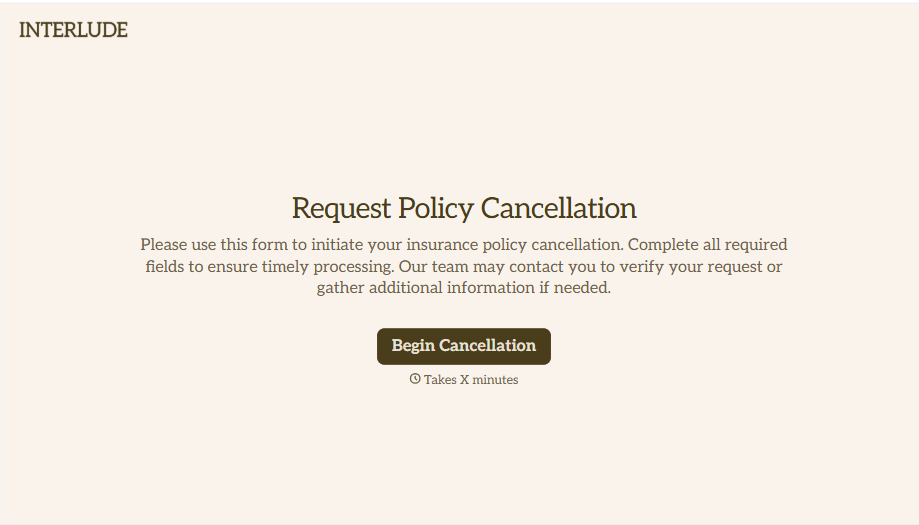
Policy Cancellation Form
A cancellation requested over the phone doesn't leave a clear record of exactly what date the policyholder actually asked for, and that date matters more than it sounds like it should. Collect what your agency actually needs, policy details, identity verification, and the requested effective date, before coverage actually ends.
View template
With Typeform, you can customize everything
Change text, colors, and even logos to match the look and feel of your brand. Then embed forms smoothly onto web and email.
Make forms feel effortless to fill out. Pace questions, call people by their name, and adapt the flow based on the data they share.
Stay efficient by connecting forms to your workflow. Typeform integrates with 300+ tools including Slack, Zapier, and HubSpot.


