Open House Feedback Form
Find out what buyers really thought — while the visit is still fresh.



Open house visitors form opinions fast. Capturing that feedback before they leave gives you insights a follow-up call never will. This form gives real estate agents and sellers a professional way to collect first impressions, concerns, and interest levels from everyone who walks through.
The template covers the visitor's name and contact information, their interest level in the property, what they liked about it, what gave them pause, how the price compares to their expectations, and whether they'd like to receive more information. An optional field asks about their timeline and financial readiness.
A form that looks polished reflects well on the listing — and the agent. The feedback itself helps sellers make smart decisions about pricing, staging, or repairs before the next showing.
After is better — visitors can reflect on what they saw. Post-tour is also when interest levels are clearest. Have a tablet or QR code available near the exit so it's easy to complete before leaving.
Mention it as part of your introduction at the start of the open house. Keep it short — under 2 minutes — and explain that the seller values their feedback. A brief in-person ask is more effective than leaving a sign by the door.
Price perception, first impressions of the home's condition, what stood out (positive and negative), and how the property compares to others they've toured. These give actionable signals for pricing and staging decisions.
Yes. Include a question asking if they'd like to receive updates on this or similar properties. This turns open house feedback into a lead generation tool — with the visitor's permission.
The same day if possible. Fresh feedback helps sellers respond quickly — adjusting price, scheduling repairs, or making staging changes before the next showing.
Get inspired by relevant templates and categories
3200+ Templates, 300+ Integrations

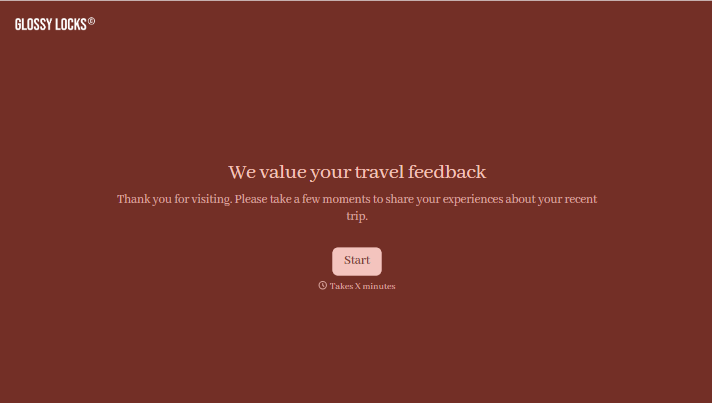
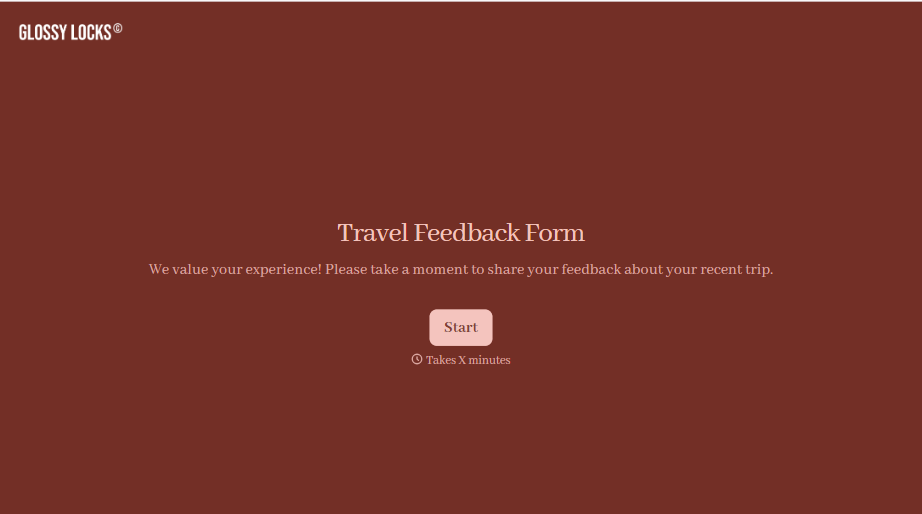
Travel Feedback Form
A quick "so, how was the trip?" when someone's back in the office doesn't tell your travel team which hotel to stop booking or which flight change actually caused the headache. Collect what your team actually needs, trip details, what worked, and what didn't, once the traveler's had a minute to think about it.
View template

With Typeform, you can customize everything
Change text, colors, and even logos to match the look and feel of your brand. Then embed forms smoothly onto web and email.
Make forms feel effortless to fill out. Pace questions, call people by their name, and adapt the flow based on the data they share.
Stay efficient by connecting forms to your workflow. Typeform integrates with 300+ tools including Slack, Zapier, and HubSpot.


