Office Assistant Job Application Form Template
Collect complete job applications for office assistant roles so your hiring process starts with the right information.



Office assistant job applications sent by email arrive in every format imaginable — and rarely with everything you actually need. This makes it difficult to compare candidates against each other, and sort through applications quickly enough to keep the pipeline moving.
A Typeform office assistant job application form standardizes what every candidate submits — experience, software skills, availability, and key questions about their working style are collected in a consistent format that's easy to review and compare. Conditional logic can branch based on years of experience, surfacing relevant follow-up questions for entry-level applicants and experienced candidates separately. Responses can be routed directly to your ATS or a shared hiring spreadsheet.
Post the form link in your job listing, share it with your HR team, and start every application review with the same baseline of information.
An office assistant job application form is a structured digital form that collects relevant experience, skills, and availability from candidates applying for an administrative support role. It standardizes the application process across all submissions.
Consistent applications make screening faster and fairer. You can compare candidates on the same dimensions rather than hunting for relevant information scattered across different CV formats.
Cover experience, skills, and practical suitability:
- Full name and contact details
- Relevant work experience and previous job titles
- Software proficiency (Microsoft Office, Google Workspace, etc.)
- Typing speed and accuracy (if relevant)
- Availability and notice period
- Highest level of education completed
- Why they're applying for this specific role
- References (names or a note that they're available on request)
For office assistant roles, the traits that matter most are typically organization, written communication, and discretion. Include open-text questions that ask candidates to describe how they've handled competing priorities or dealt with a confidential situation, to give you a sense of these qualities beyond the CV.
Including a salary expectations field filters out candidates whose expectations are significantly outside your range early in the process, which saves time for both parties. If your budget is fixed, you can also state the salary in the form introduction and ask applicants to confirm they're comfortable with it.
Get inspired by relevant templates and categories
3200+ Templates, 300+ Integrations

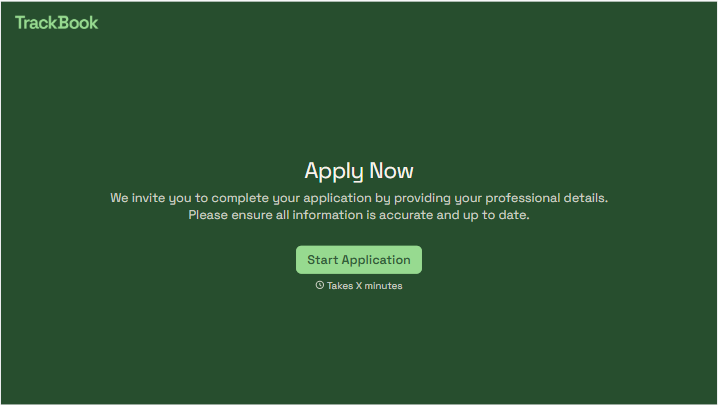
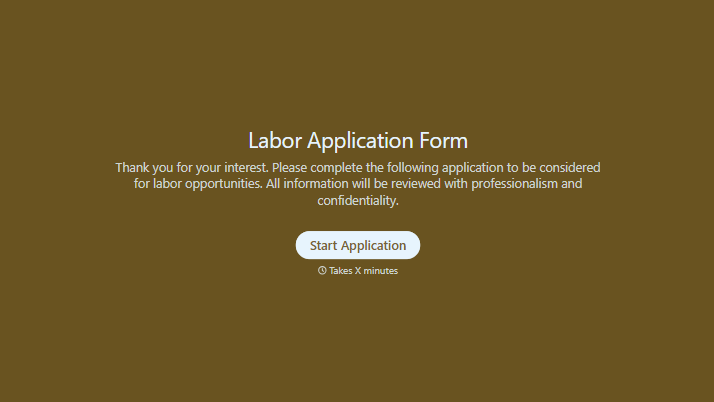
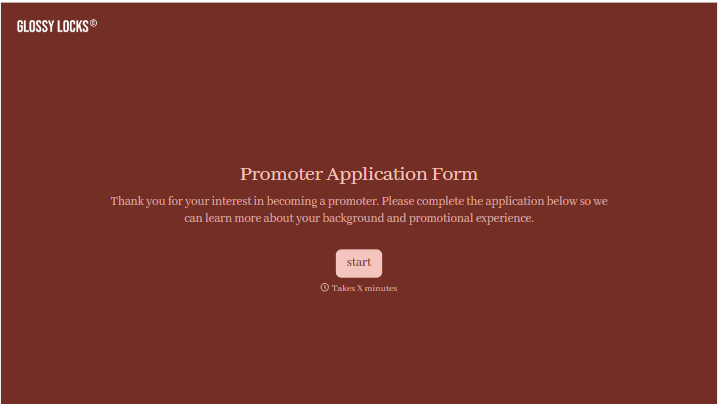
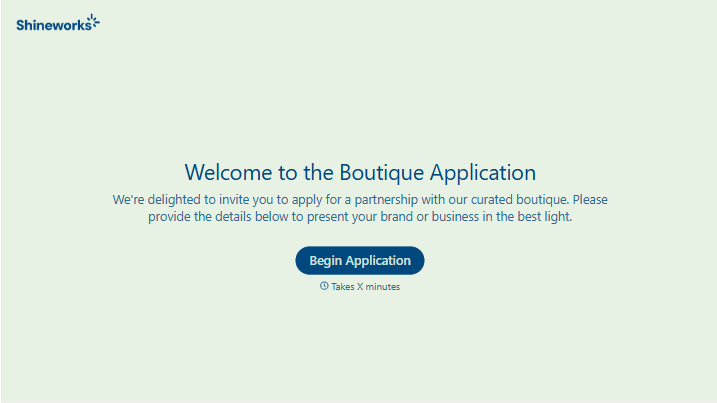
With Typeform, you can customize everything
Change text, colors, and even logos to match the look and feel of your brand. Then embed forms smoothly onto web and email.
Make forms feel effortless to fill out. Pace questions, call people by their name, and adapt the flow based on the data they share.
Stay efficient by connecting forms to your workflow. Typeform integrates with 300+ tools including Slack, Zapier, and HubSpot.


