Nonprofit membership form template
Sign up new members and collect the information you need to build a stronger community.



Growing a nonprofit means growing the people behind it. But asking potential members to fill out dense paper forms or navigate clunky PDF applications creates friction at exactly the wrong moment — when someone is motivated and ready to get involved.
Typeform's nonprofit membership form makes the process feel like a welcome, not a bureaucratic hurdle. The one-question-at-a-time format keeps people focused, and conditional logic lets you ask follow-up questions based on membership tier, areas of interest, or volunteer availability — without overwhelming first-time members with every possible field at once. You can connect responses to your CRM or email platform so new members flow straight into your onboarding sequence.
Add your organization's branding, adjust membership levels, and include any dues payment options. You can have a polished, on-brand form ready to share in less than an hour.
A nonprofit membership form is an online form that collects information from people who want to join your organization. It typically captures contact details, membership tier preferences, areas of interest, and any required acknowledgments or dues payment information.
A well-designed membership form sets the right tone from the start. It shows new members that your organization is organized and professional, and it gives you the data you need to engage them meaningfully — whether that's connecting them with the right committee, sending relevant updates, or following up on volunteer opportunities.
A nonprofit membership form typically covers:
- Full name and contact information
- Membership tier or level
- Areas of interest or committee preferences
- Volunteer availability
- How they heard about the organization
- Payment or dues acknowledgment
- Agreement to bylaws or code of conduct
You can duplicate and adapt the template for annual renewals, adding a field to confirm current membership status or capture any changes to contact details. Connecting to a spreadsheet or CRM keeps your records current automatically.
Yes. Typeform integrates with payment processors so you can collect dues directly within the form. Members select their membership level, see the associated fee, and pay before submitting — keeping the whole process in one place.
Get inspired by relevant templates and categories
3200+ Templates, 300+ Integrations
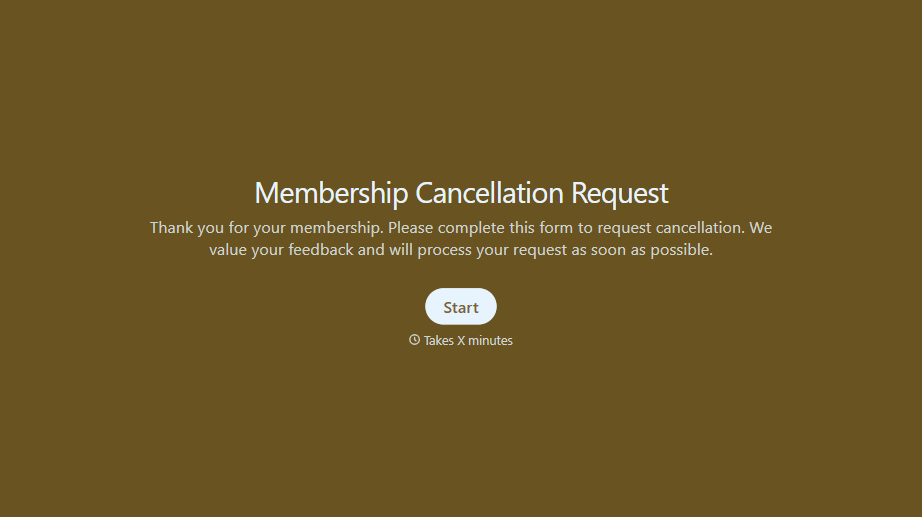
Membership Cancellation Request Form
A cancellation buried behind a phone number you can only call during business hours, or a support ticket that takes three emails to get an actual confirmation, isn't retention, it's friction people remember on the way out the door. Make canceling straightforward, and use the moment to actually find out why.
View template
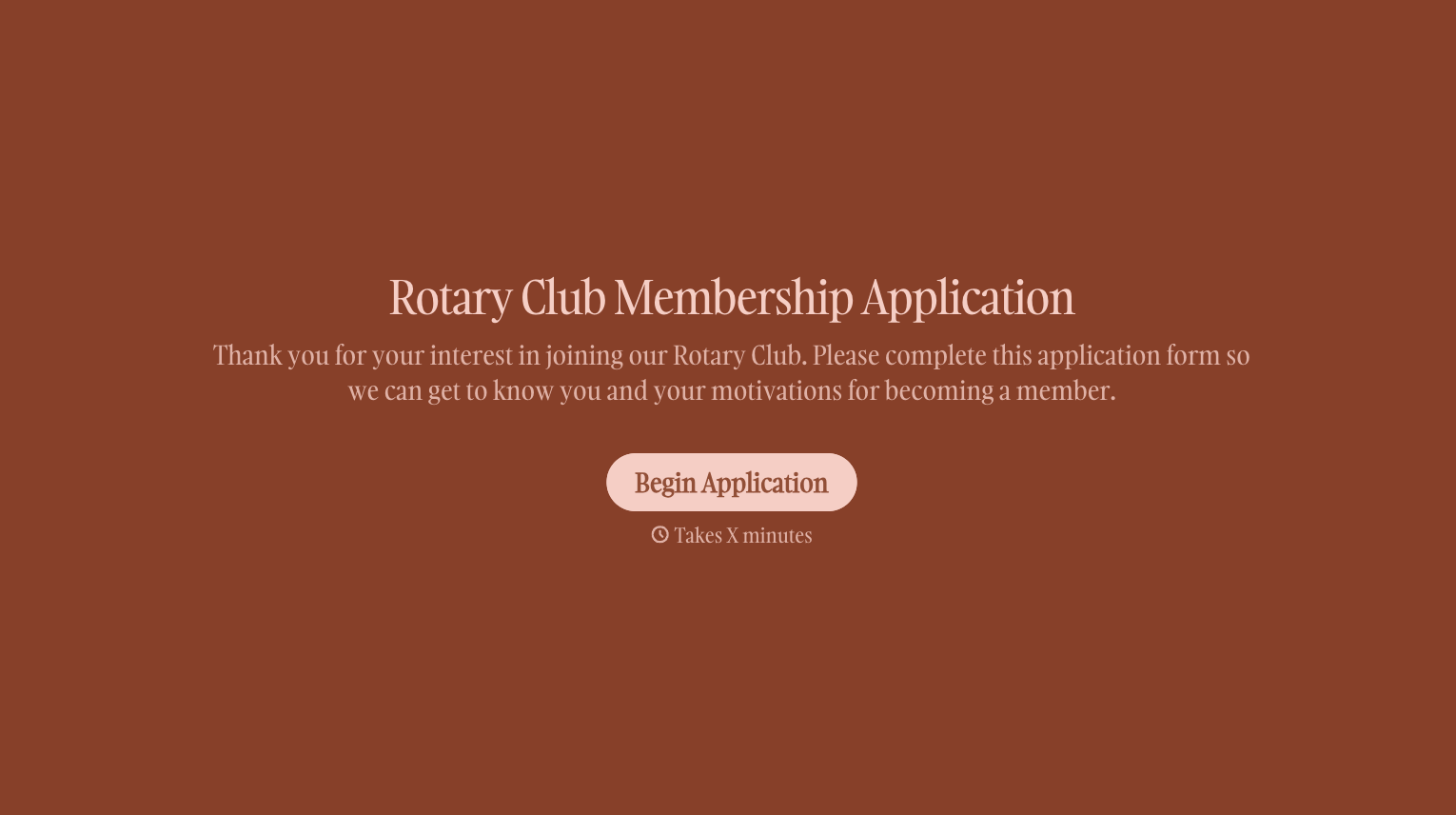
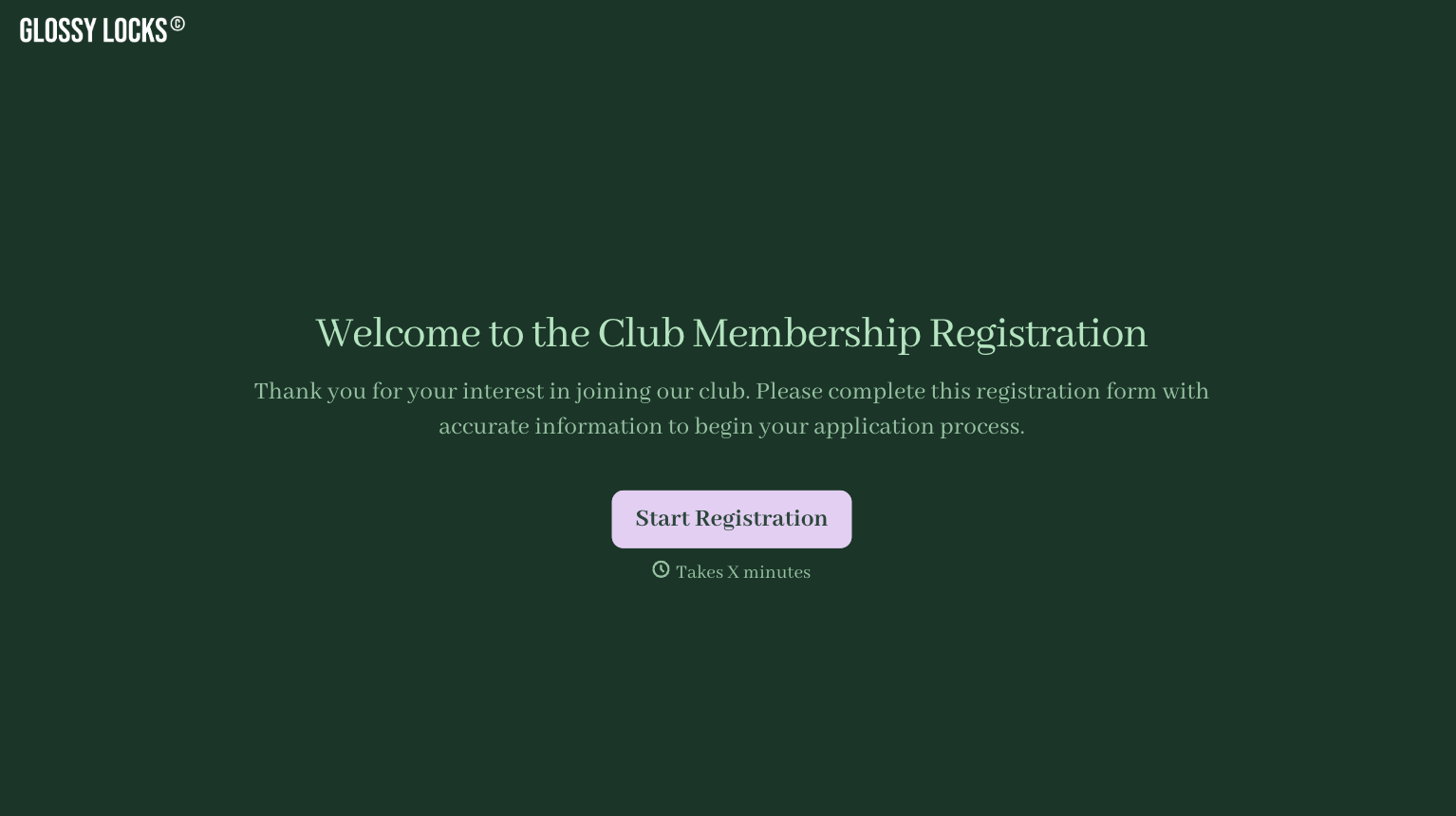
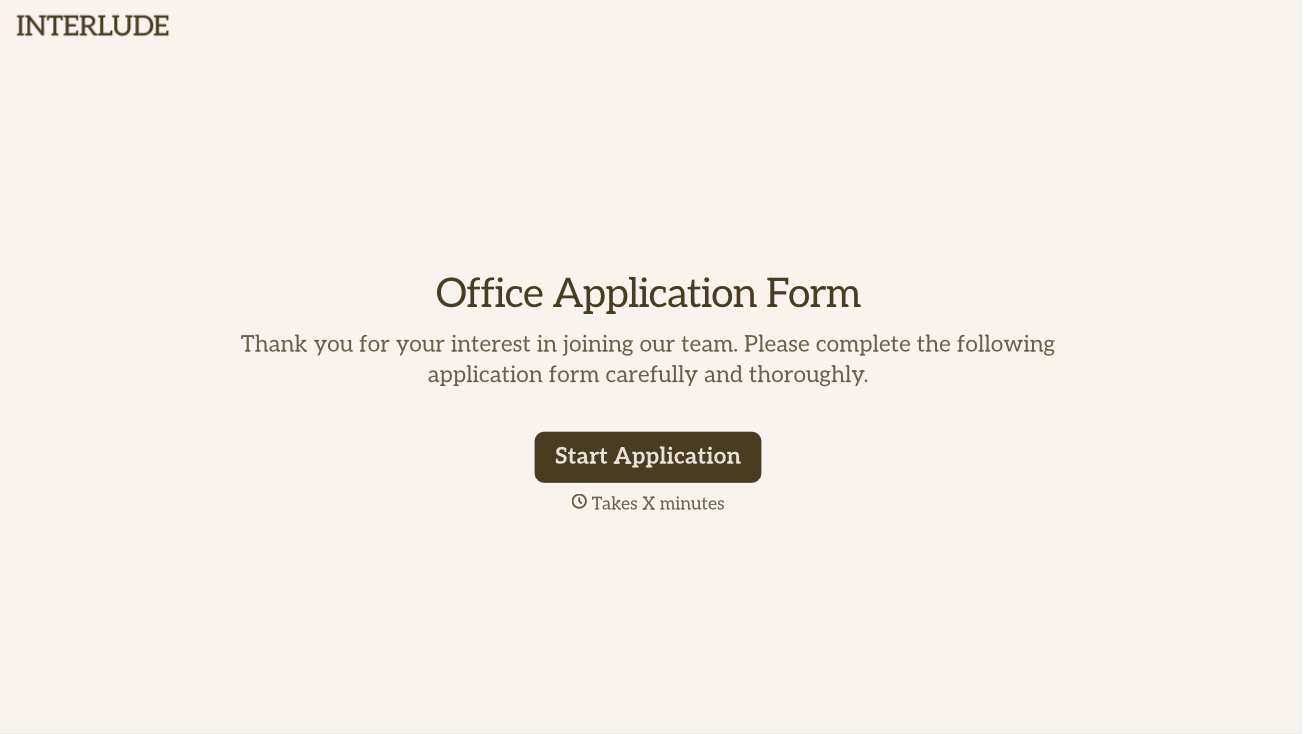
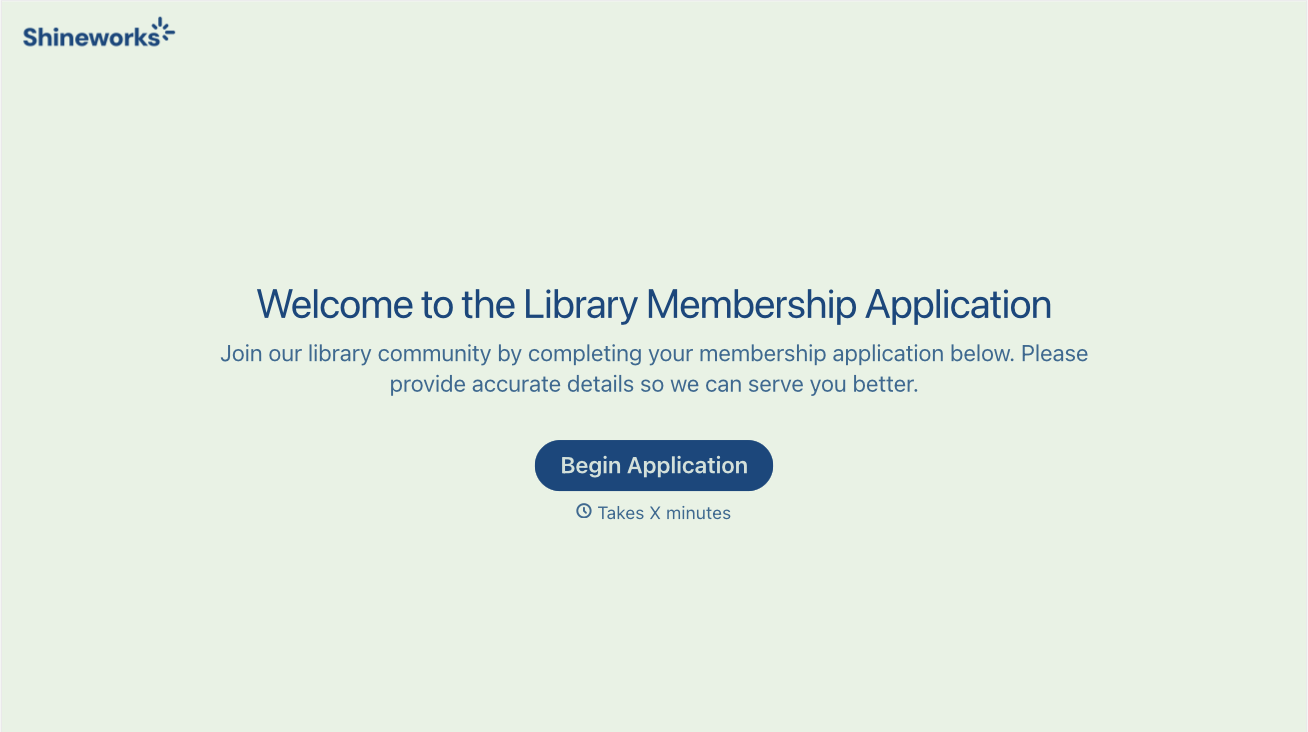
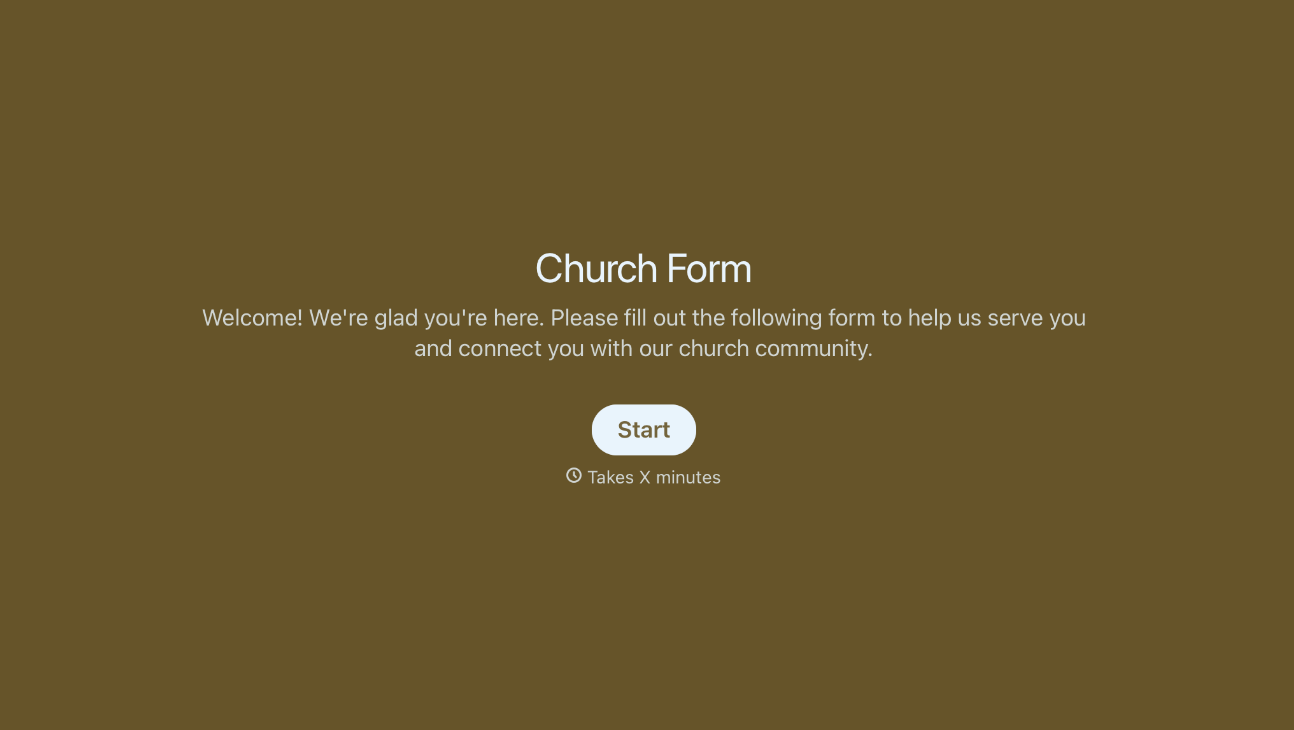
With Typeform, you can customize everything
Change text, colors, and even logos to match the look and feel of your brand. Then embed forms smoothly onto web and email.
Make forms feel effortless to fill out. Pace questions, call people by their name, and adapt the flow based on the data they share.
Stay efficient by connecting forms to your workflow. Typeform integrates with 300+ tools including Slack, Zapier, and HubSpot.


