Newsletter Subscription Form
Turn casual readers into newsletter subscribers with a signup that takes seconds.



Most newsletter signups ask for too much, too soon, and lose the reader before they hit subscribe. A long form at the wrong moment can cost you a subscriber you already earned. Typeform's newsletter subscription template gives marketers a fast, friendly way to grow a list people actually want to be on.
The form captures just the essentials: email, name, and content preferences. Questions appear one at a time, making the form feel effortless rather than intrusive. Conditional logic tailors the experience based on a subscriber's interests—someone who picks product updates sees different follow-up options than someone who wants industry news.
Customize the preference options to match your content and add a checkbox for marketing consent. Embed it on your site, share it as a link, or add it to your social bios. Every signup flows into Mailchimp, ConvertKit, or your email platform via Zapier, so new subscribers land in your list automatically. Segment subscribers from the start, so every newsletter goes to the right inbox.
A newsletter subscription form is a signup tool that collects email addresses, content preferences, and explicit consent from interested readers. Those details let you send the right content to the right person, and keep you compliant with GDPR and CAN-SPAM.
A Typeform newsletter subscription form asks subscribers one question at a time, so it never feels like a form. Readers share their email, interests, and consent without friction, and you end up with a segmented list from the first signup. Pair it with Mailchimp or ConvertKit via Zapier so every new subscriber lands in the right list automatically.
Collect only what you need and nothing more:
- Email address
- First name
- Content topics of interest
- Preferred send frequency
- Marketing and privacy consent
Yes. Add a topic preference question at the start and use conditional logic to show only relevant follow-ups. A reader who selects product news won't see questions about events or promotions, and a reader who selects weekly digests won't get asked about daily updates. Every subscriber moves through a form that matches their interests, so the preference data you collect is clean and specific. You end up with a segmented list before you send a single email.
Yes. Set up a follow-up email so new subscribers receive a warm welcome message the moment they confirm. You can include your best content, a discount, or notes on what to expect next. Trigger it on every signup, or only when someone opts into a specific topic.
Get inspired by relevant templates and categories
3200+ Templates, 300+ Integrations
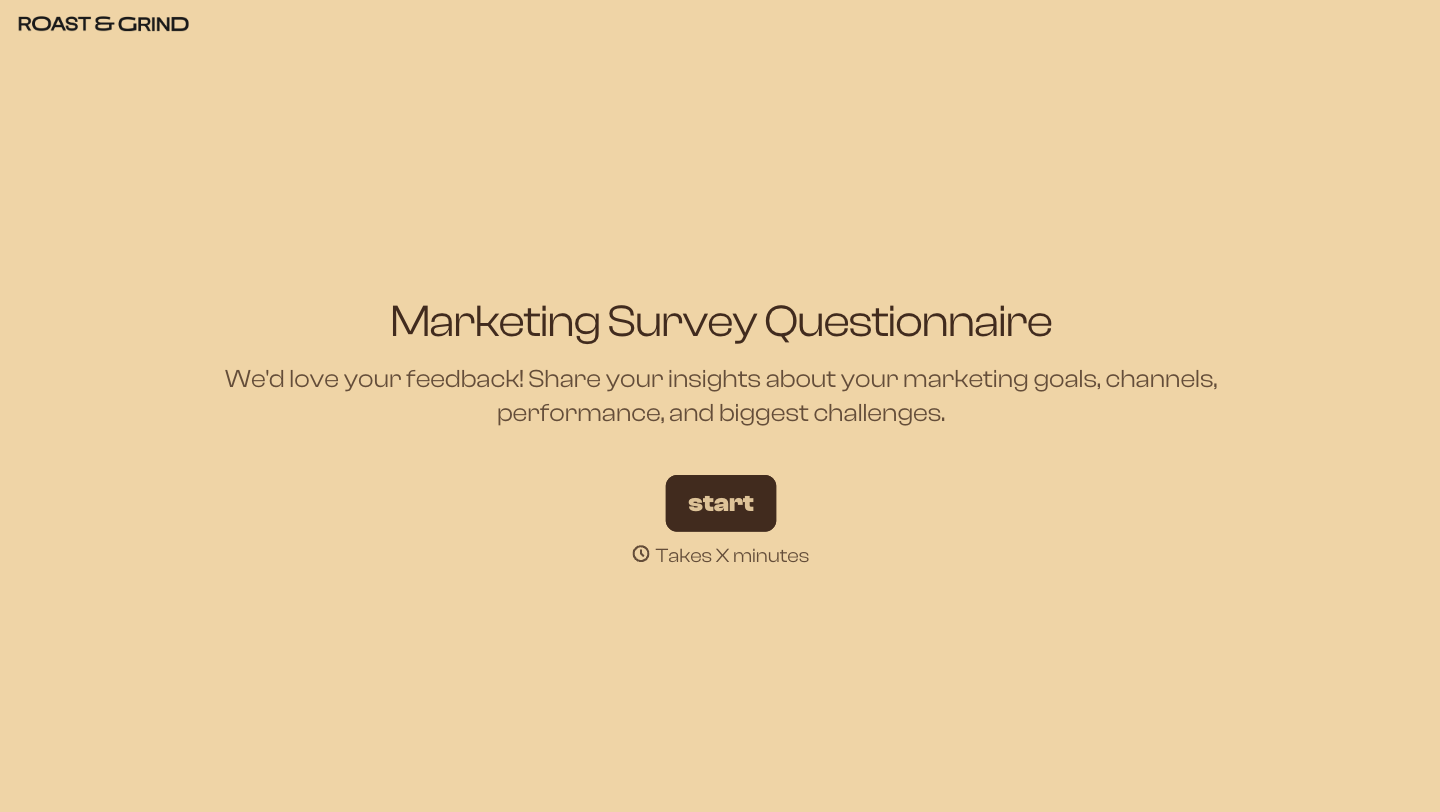

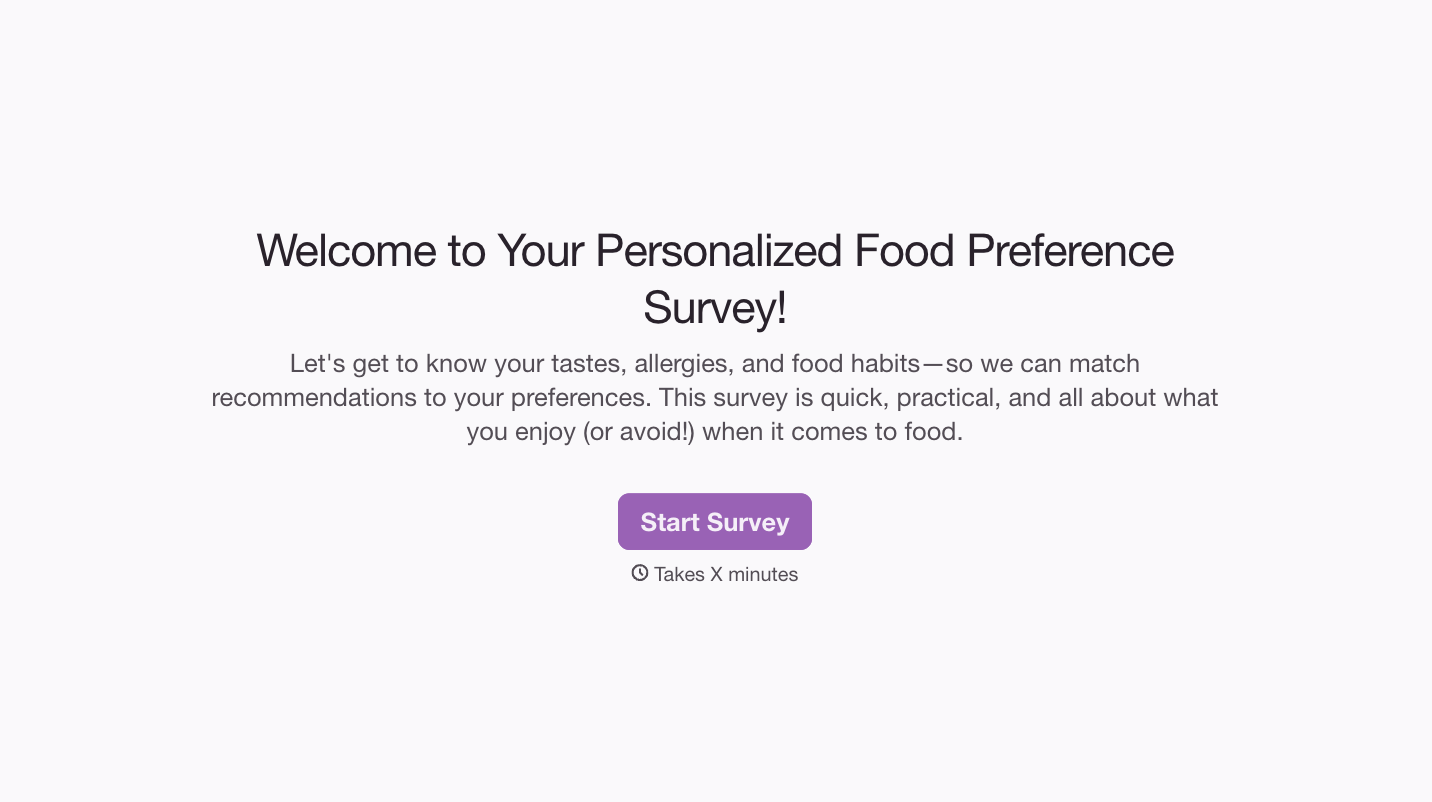
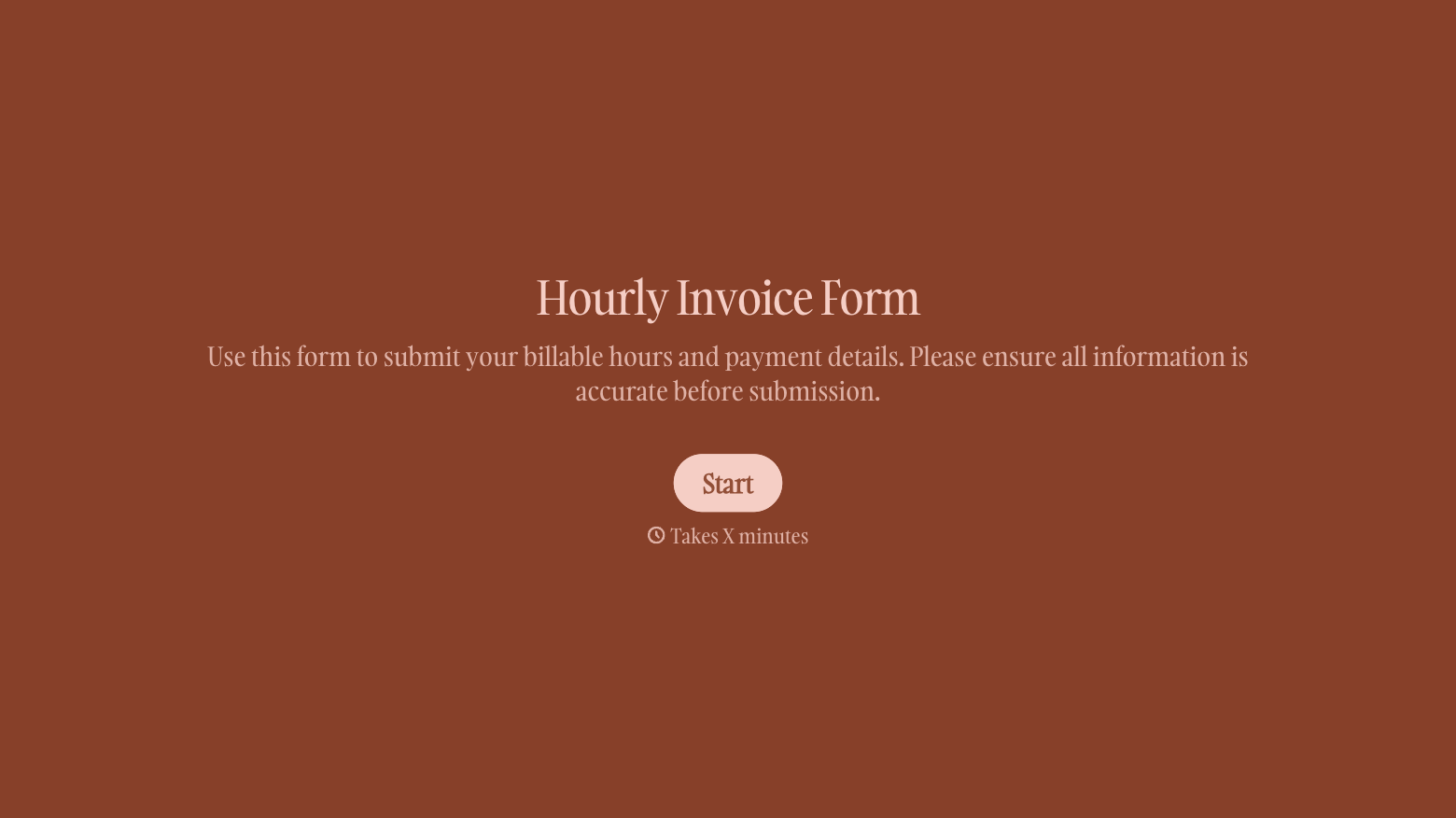
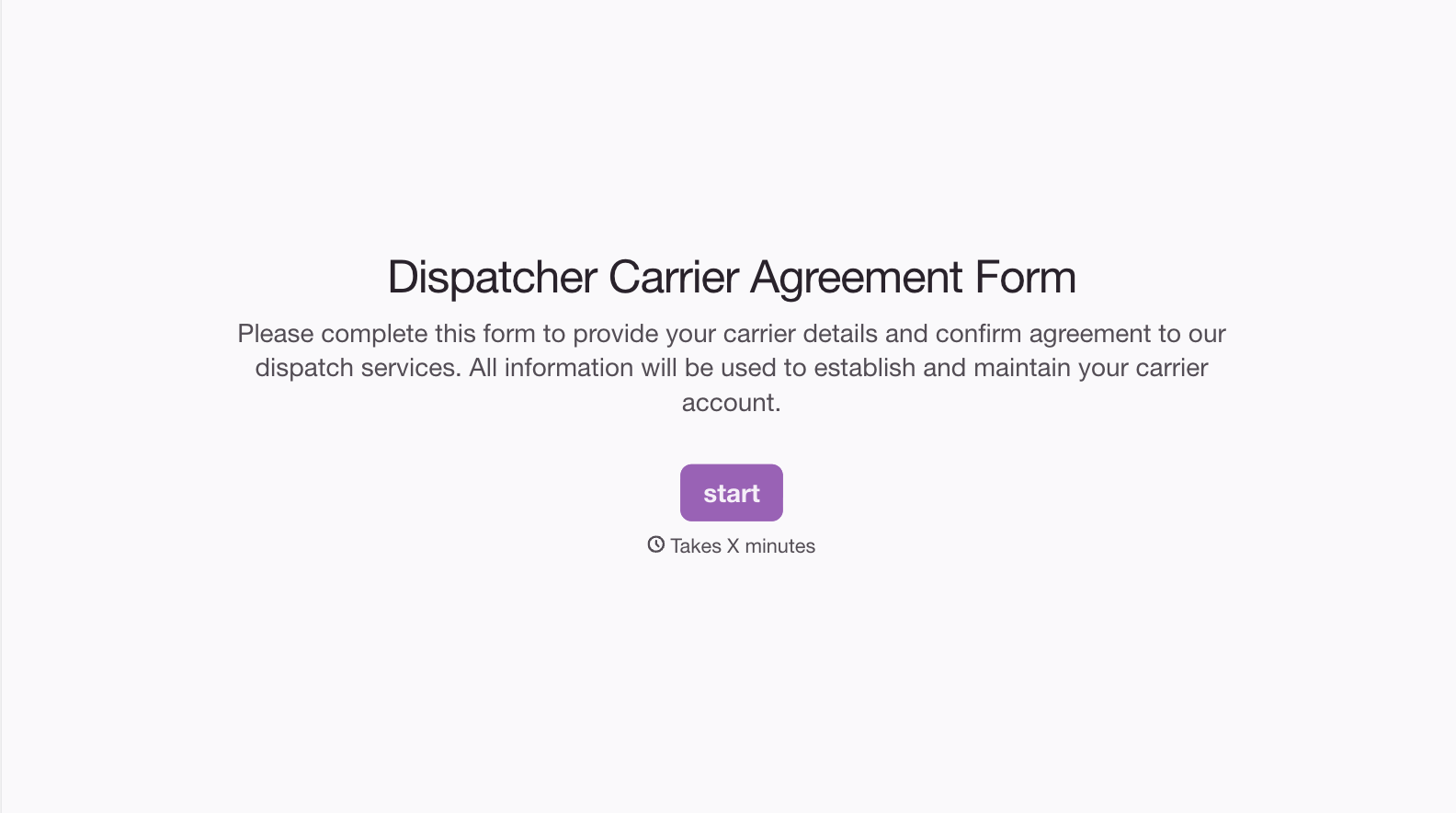
With Typeform, you can customize everything
Change text, colors, and even logos to match the look and feel of your brand. Then embed forms smoothly onto web and email.
Make forms feel effortless to fill out. Pace questions, call people by their name, and adapt the flow based on the data they share.
Stay efficient by connecting forms to your workflow. Typeform integrates with 300+ tools including Slack, Zapier, and HubSpot.


