New Job Application Form Template
Give applicants a clear, respectful way to apply and give your team the information they need to screen effectively.



A cluttered, confusing application process puts off strong candidates before they even submit. Long forms with redundant questions, unclear instructions, and a cold, transactional feel send the message that your company doesn't value people's time.
Typeform's conversational approach changes that. Applicants move through one question at a time, which reduces friction and completion drop-off. Conditional logic lets you show role-specific questions based on the position applied for, so applicants only see what's relevant to them. Responses flow into your ATS via integrations with tools like Workable, Greenhouse, or Google Sheets, so your hiring team has everything they need without manual sorting.
Customize the form with your company's tone and branding, and add questions specific to the role. You can build separate forms for different job families or use a single adaptive form that routes applicants dynamically.
A job application form is a structured questionnaire that collects information from candidates applying for a role. It typically covers contact details, work history, education, skills, and role-specific questions. It gives employers a consistent way to compare applicants and screen for fit.
It creates consistency across your candidate pool. When every applicant answers the same questions, early-stage comparisons are faster and more objective. It also captures information that resumes often omit — availability, salary expectations, willingness to relocate — so you're not chasing down basics before deciding whether to schedule a screen.
Build the form around your screening criteria:
- Contact information
- Role applying for
- Work authorization status
- Relevant work experience
- Education and certifications
- Skills specific to the role
- Availability and expected salary
Keep it as short as possible for the initial screen. Ask only what you need to make a shortlisting decision. You can collect more detailed information at the interview stage. A progress bar and clear, conversational question phrasing also help candidates feel that their time is being respected.
Add a dropdown question early in the form asking which role the applicant is applying for. Use conditional logic to show role-specific questions based on their answer. This keeps a single form manageable while still capturing the right information for each position.
Get inspired by relevant templates and categories
3200+ Templates, 300+ Integrations
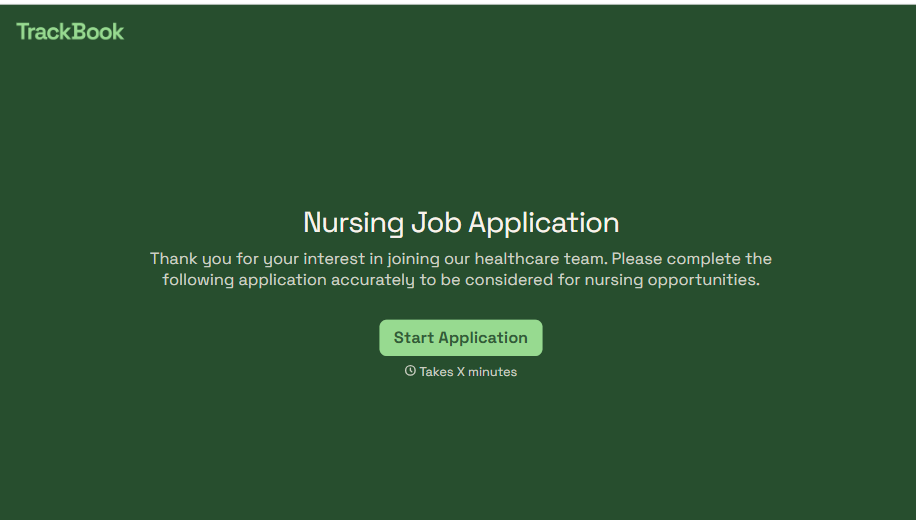
Nursing Job Application Form
A generic job application that doesn't ask for a license number isn't a nursing application, it's a formality a recruiter has to follow up on before they can even screen the candidate. Collect license and certification details, specialty experience, and availability before the resume gets reviewed, so recruiters aren't chasing down credentials mid-process.
View template
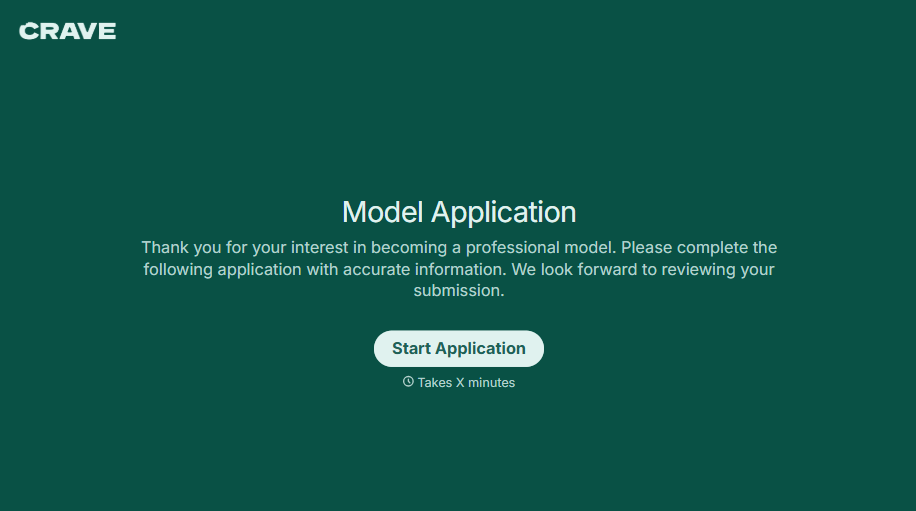
Female Model Application Form
A portfolio submitted through a DM slide doesn't give a casting team enough to actually evaluate someone, and it doesn't give the applicant much confidence about who's actually on the other end of it either. Collect what your agency actually needs, measurements, photos, and experience, through a process both sides can trust.
View template
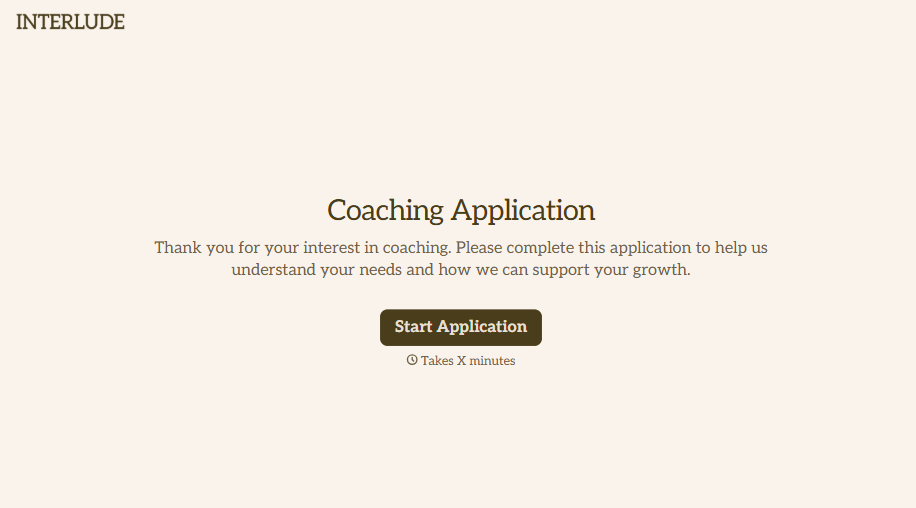
Coaching Application Form
Almost anyone can put "certified life coach" on a resume, because almost nowhere requires a license to use that title. A resume and a cover letter won't tell you whether the person you're about to hire actually has a credential behind that claim, or years of client results, or neither. Ask for the specifics upfront, not after they've already started with clients.
View template
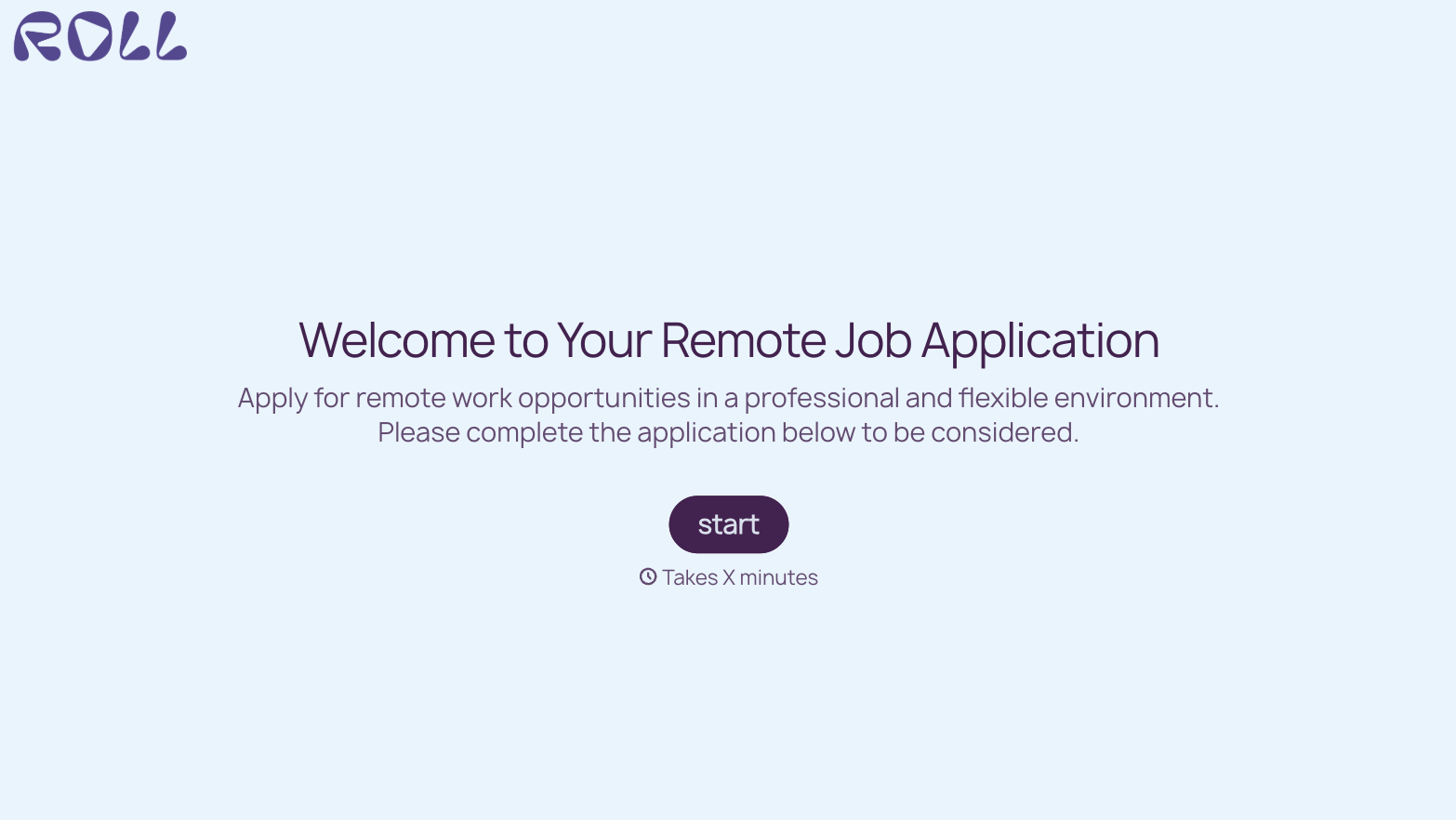
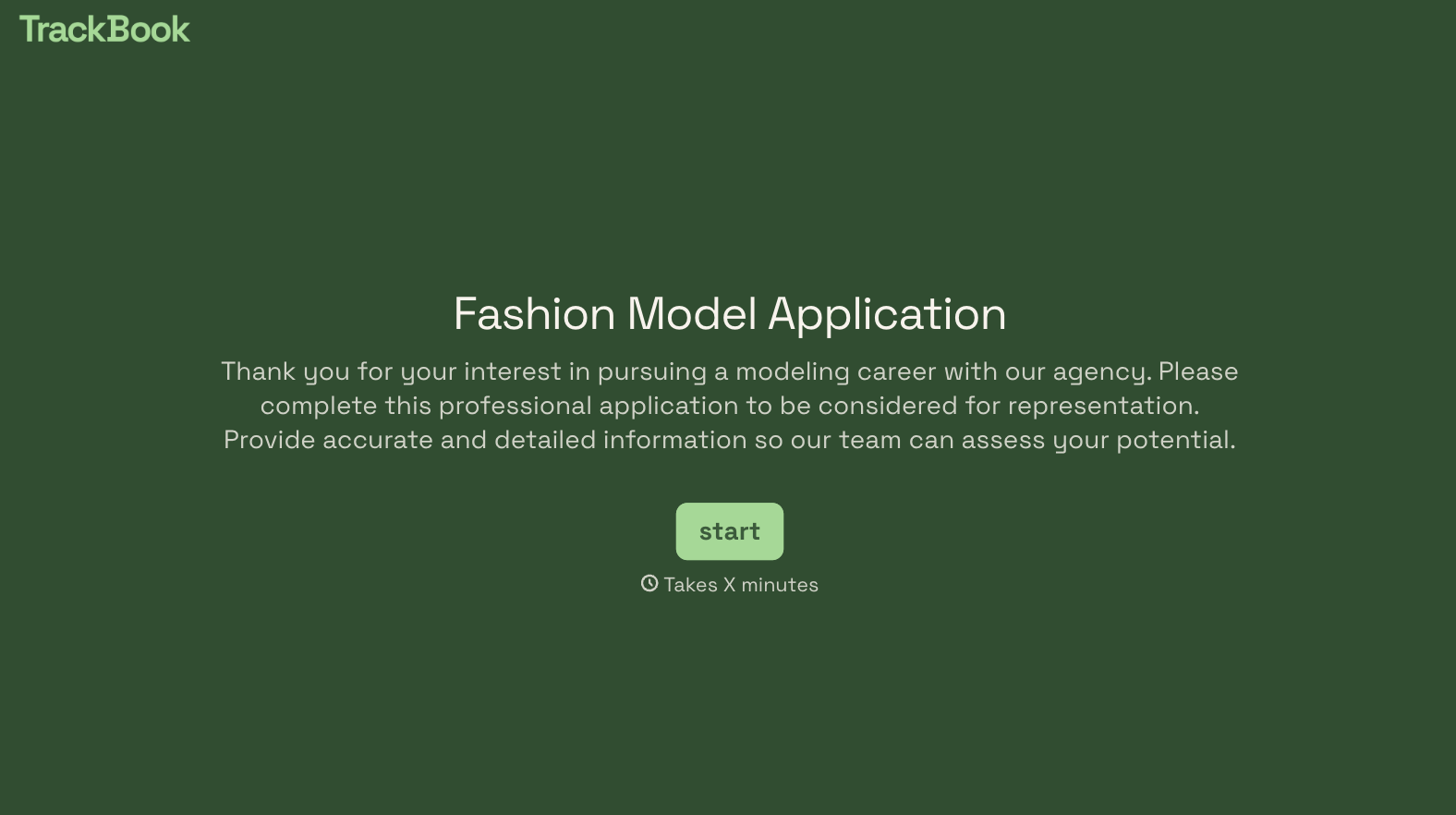
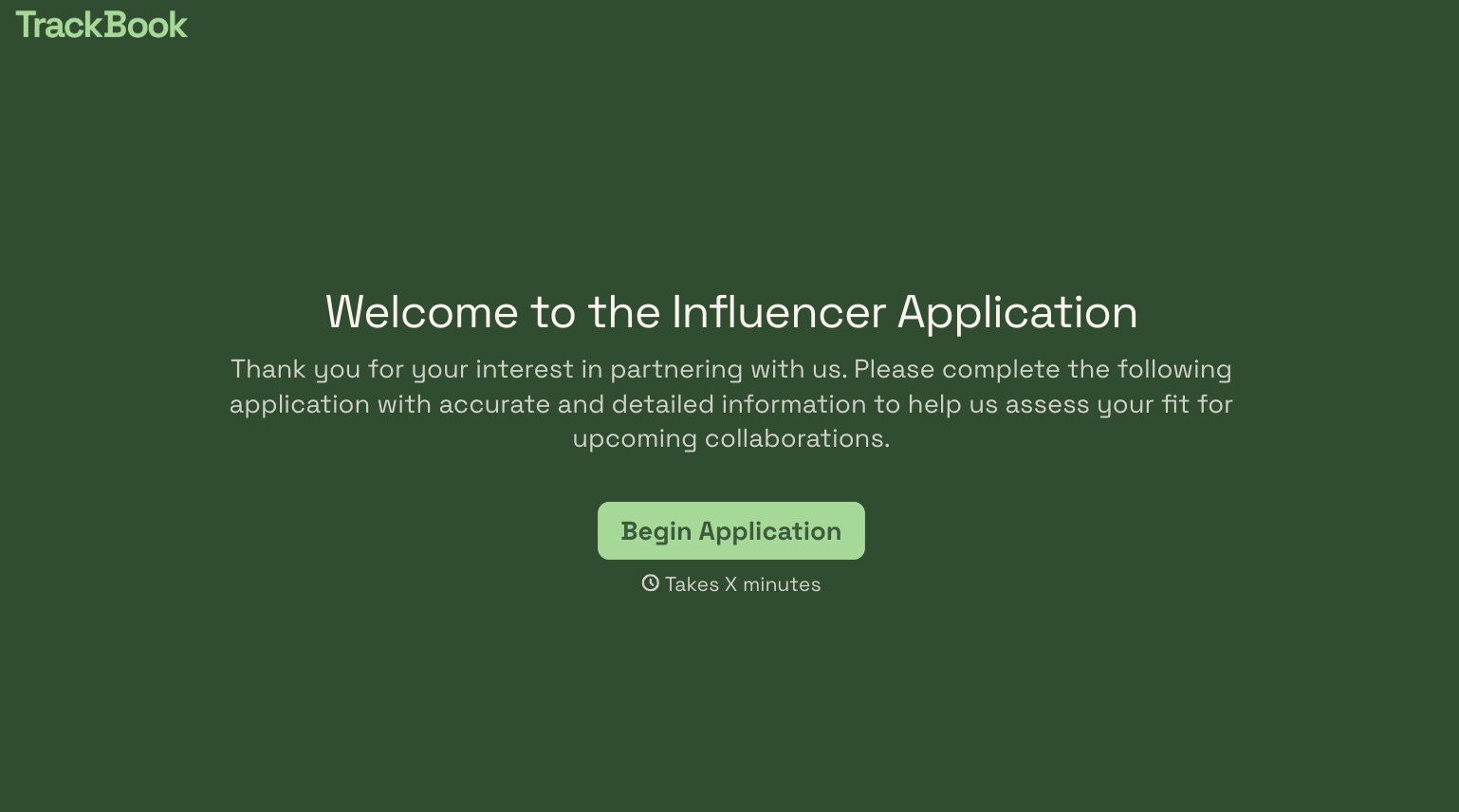
With Typeform, you can customize everything
Change text, colors, and even logos to match the look and feel of your brand. Then embed forms smoothly onto web and email.
Make forms feel effortless to fill out. Pace questions, call people by their name, and adapt the flow based on the data they share.
Stay efficient by connecting forms to your workflow. Typeform integrates with 300+ tools including Slack, Zapier, and HubSpot.


