New Design Feedback Form Template
Collect honest reactions to new designs before they go live. This template gives stakeholders and users a structured way to share what's working and what's not.



Sharing a new design and asking "what do you think?" rarely gets you actionable input. You'll get vague praise, offhand comments, and nothing concrete to work with. The feedback that actually improves a design comes from structured questions that direct people's attention to the things that matter.
A design feedback form creates that structure. You can walk reviewers through specific sections of the design, ask targeted questions about usability or visual clarity, and use rating scales alongside open-text fields to capture both quantitative and qualitative responses. With Typeform's one-question-at-a-time format, reviewers stay focused instead of rushing through a dense survey.
Customize the template to match your design brief, share it with the right stakeholders, and gather feedback you can actually act on before the next iteration.
A design feedback form is a structured survey used to collect reactions and evaluations from stakeholders, users, or team members on a new or updated design. It replaces unstructured review sessions with a consistent process that surfaces specific, actionable input on visual, functional, or strategic design decisions.
Unstructured feedback tends to be shallow. People default to subjective opinions rather than specific observations when there's no framework guiding them. A form changes that by directing attention to the right elements — layout, hierarchy, messaging, usability. You get more useful feedback from fewer reviewers in less time.
Ask about specific design attributes rather than overall impressions:
- Does the design clearly communicate its intended purpose?
- How would you rate the overall visual clarity on a scale of 1 to 5?
- Is there anything that feels confusing or out of place?
- Does the layout guide your eye in the right direction?
- How well does this design match the brand's tone and aesthetic?
- What one thing would you change if you could?
That depends on your design's purpose. Internal stakeholders like product managers or brand teams are a good starting point for early-stage work. For user-facing designs, testing with a sample of actual users gives you the most relevant signal. Running both in parallel — internal and user feedback — often reveals gaps that neither group would catch on their own.
When you get conflicting input from different reviewers, look for patterns rather than trying to reconcile every comment. If multiple people flag the same element independently, that's a signal worth acting on. If 1 person out of 10 objects to something that everyone else found clear, you have context to weigh that appropriately. A rating scale alongside open-text responses helps you spot consensus quickly.
Get inspired by relevant templates and categories
3200+ Templates, 300+ Integrations




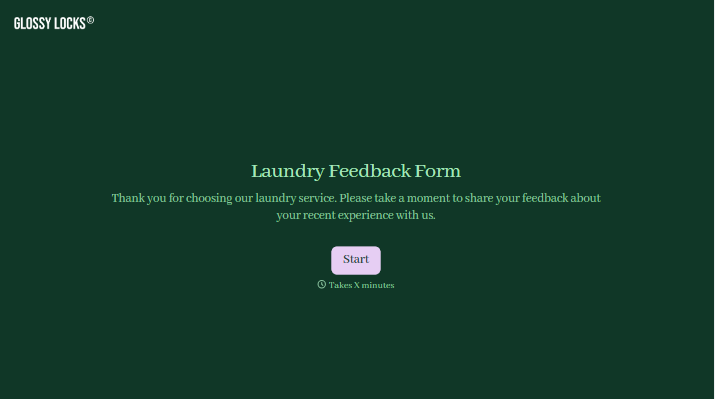

With Typeform, you can customize everything
Change text, colors, and even logos to match the look and feel of your brand. Then embed forms smoothly onto web and email.
Make forms feel effortless to fill out. Pace questions, call people by their name, and adapt the flow based on the data they share.
Stay efficient by connecting forms to your workflow. Typeform integrates with 300+ tools including Slack, Zapier, and HubSpot.


