Mod Application Form
Find the right moderators for your community with an application that surfaces experience, judgment, and availability, not just who clicked first.



Online communities live or die by their moderators—yet most recruit through messy DMs and gut feel. A rushed pick becomes a power-tripping mod or an inactive one, and the community pays for it. Typeform's mod application template gives community managers a consistent way to evaluate candidates fairly.
The form captures the applicant's experience, availability, scenario responses, and motivation. The one-question-at-a-time format keeps applicants focused on each answer without distraction. Conditional logic branches questions based on an applicant's experience—a seasoned moderator sees scenario questions, while a newcomer answers about why they want the role.
Customize the questions to match your community's rules and tone. Share the link in your server, on your forum, or via a pinned post. Every application logs to Google Sheets or Notion via Zapier, ready to review side by side. Compare candidates on what matters, not on who happened to ask first.
A mod application form is a tool for collecting and evaluating candidates who want to moderate your community. It captures experience, availability, judgment, and motivation. Think of it as a structured way to hire the people who'll protect your space.
Recruiting mods through DMs scatters the process and invites bias. A structured form asks every candidate the same questions, so you compare them fairly. You see experience, availability, and judgment side by side. That consistency helps you pick moderators who'll actually strengthen the community.
Focus on the qualities that make a good moderator:
- Username and contact details
- Time zone and weekly availability
- Past moderation experience
- Responses to realistic conflict scenarios
- Motivation for applying
- Familiarity with the community's rules
Conditional logic branches the form based on an applicant's stated experience. A candidate who reports years of moderation sees harder scenario questions, while a first-timer answers about their approach and motivation. You get a sharper read on each candidate without making everyone answer the same generic questions.
Yes—turn on duplicate response prevention so an applicant can't flood your queue with repeat submissions. This keeps your review list clean and gives each candidate one fair shot. It's available on Growth, Flow, and Custom plans.
Get inspired by relevant templates and categories
3200+ Templates, 300+ Integrations

Bank Reference Form
A reference request faxed to a bank branch and left sitting in a queue for weeks isn't the kind of turnaround a landlord or business can wait on. Collect the applicant's signed authorization and the specific details you need confirmed before the request even reaches the bank, so a decision isn't stuck behind a letter that hasn't come back yet.
View template

Bar Inventory Form
A bottle count eyeballed at the end of a shift and scrawled on a paper sheet doesn't hold up against a pour cost report that says something doesn't add up. Collect what your bar actually needs, item, count, and variance, on a schedule you can actually compare week to week.
View template


Equipment Inventory Form
Equipment that leaves a storage room in someone's arms, with no note about where it went, doesn't show up again until someone needs it and can't find it. Collect what your team actually needs, item details, condition, and who's got it, every time something moves.
View template
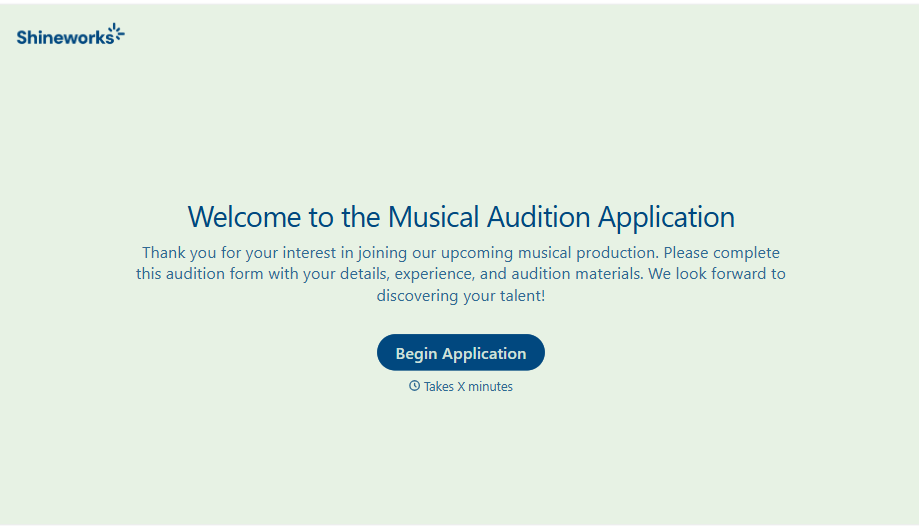
Musical Audition Form
A name scrawled on a sign-up sheet taped near the rehearsal room doesn't tell a director what role someone's after, or whether they can actually make callbacks next Tuesday. Collect what your production actually needs, contact information, role interest, and availability, before audition day arrives.
View template
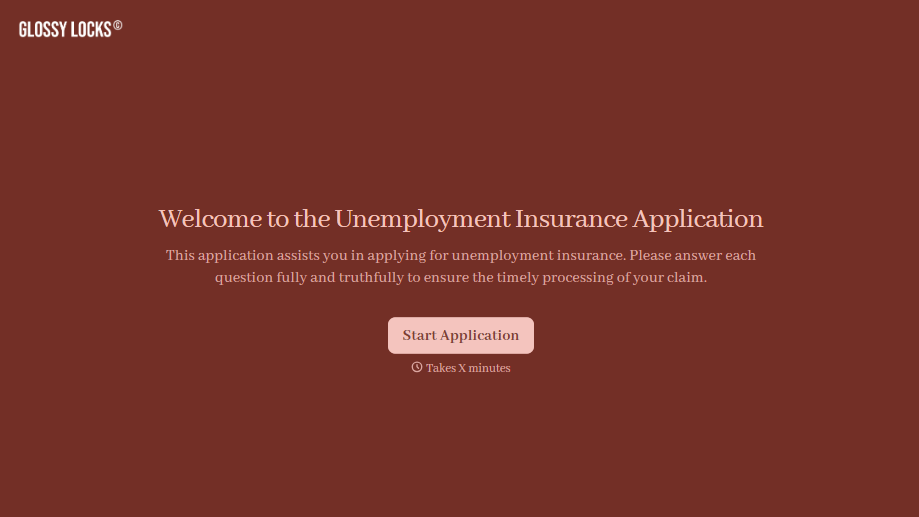
Unemployment Insurance Application Form
A stack of pay stubs gathered the morning of a filing deadline isn't the kind of preparation that gets a claim processed without delay. Collect employment history, separation details, and supporting documents before you sit down at your state's unemployment portal, so a claim doesn't stall over a missing detail.
View template
With Typeform, you can customize everything
Change text, colors, and even logos to match the look and feel of your brand. Then embed forms smoothly onto web and email.
Make forms feel effortless to fill out. Pace questions, call people by their name, and adapt the flow based on the data they share.
Stay efficient by connecting forms to your workflow. Typeform integrates with 300+ tools including Slack, Zapier, and HubSpot.


