Mental Health Survey Form Template
Understand the mental wellbeing of your community, team, or patient population — with thoughtful, evidence-informed questions.



Mental health surveys help organisations and clinicians understand population-level wellbeing, identify those who may need support, and measure the impact of interventions over time. This form gives you a starting point built on validated approaches.
The template covers general wellbeing ratings, frequency of common symptoms (anxiety, low mood, sleep disruption, concentration difficulties), social connection, access to support, workplace or life stressors, and interest in accessing mental health resources. All questions are framed sensitively and with appropriate context.
Aggregated responses reveal trends — not individual vulnerabilities. Use the data to improve access to support, not to single out individuals.
The PHQ-9 for depression, GAD-7 for anxiety, and the WHO-5 wellbeing index are widely used and validated. Including these in your survey provides benchmarkable data and a basis for clinical follow-up.
Not on its own. Survey data is a population-level tool, not a clinical assessment. Include signposting to support resources in the form and follow up individually only through appropriate clinical channels.
If the survey includes safety screening questions, define a response protocol before launching. This might include an immediate automated message with crisis resources, or a follow-up contact from a trained professional.
Identify the most common concerns, the populations with highest reported difficulties, and the barriers to accessing existing support. Share findings with leadership and resource decisions should follow the data.
In most cases, yes. Anonymity dramatically increases honesty, especially for younger students or those who worry about consequences. If you need to connect feedback to individual students for follow-up, consider a confidential approach, where you can see who responded but students are assured their answers won't affect their grades. Be transparent about your approach either way.
Get inspired by relevant templates and categories
3200+ Templates, 300+ Integrations

X-Ray Release Form
A phone call asking to send X-rays to a new provider isn't an authorization your compliance file can rely on. Collect patient information, the receiving provider's details, and a signed authorization before the images go out, so your front desk isn't scrambling to prove who approved a release.
View template

Palliative Care Assessment Form
A symptom check done verbally during a rushed home visit isn't the kind of record that shows whether pain management is actually working from one visit to the next. Collect symptom severity, functional status, and psychosocial needs consistently, so a care team can see change over time instead of relying on memory of the last visit.
View template
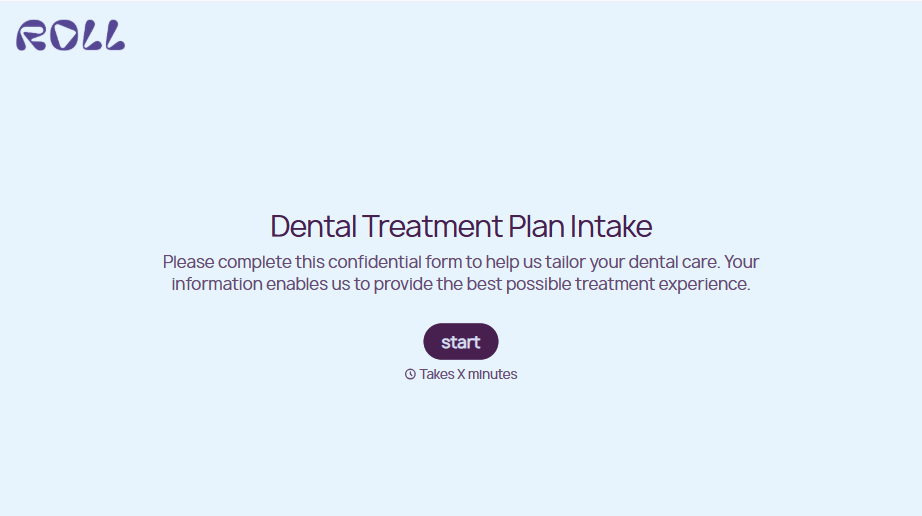
Dental Treatment Plan Form
A treatment plan explained chairside, in the few minutes right after an exam, doesn't hold up when a patient's trying to remember it at the front desk. Collect what your practice actually needs, the recommended procedures, cost estimate, and signed consent, before treatment gets scheduled.
View template
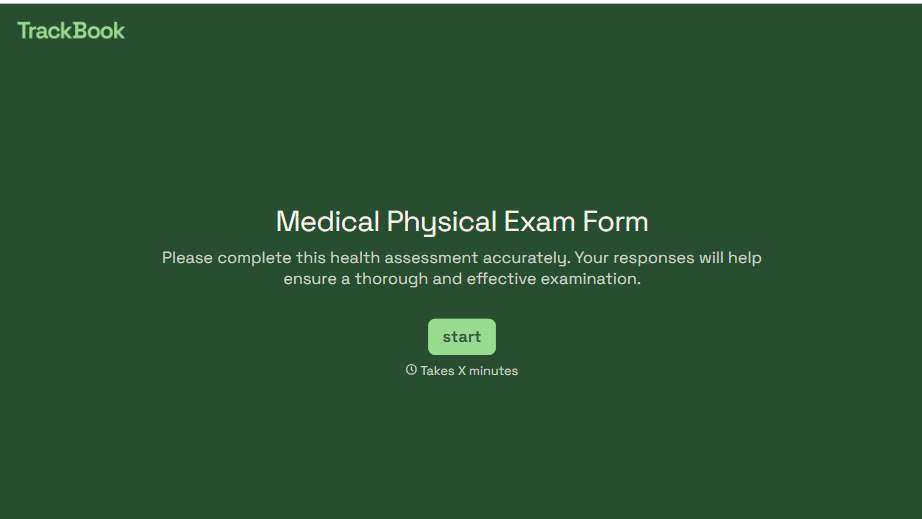
Medical Physical Exam Form
A health history filled out on a clipboard in the waiting room, minutes before being called back, isn't a history anyone fills in completely. Collect what your provider actually needs, patient information, health history, and current symptoms, before the exam starts.
View template
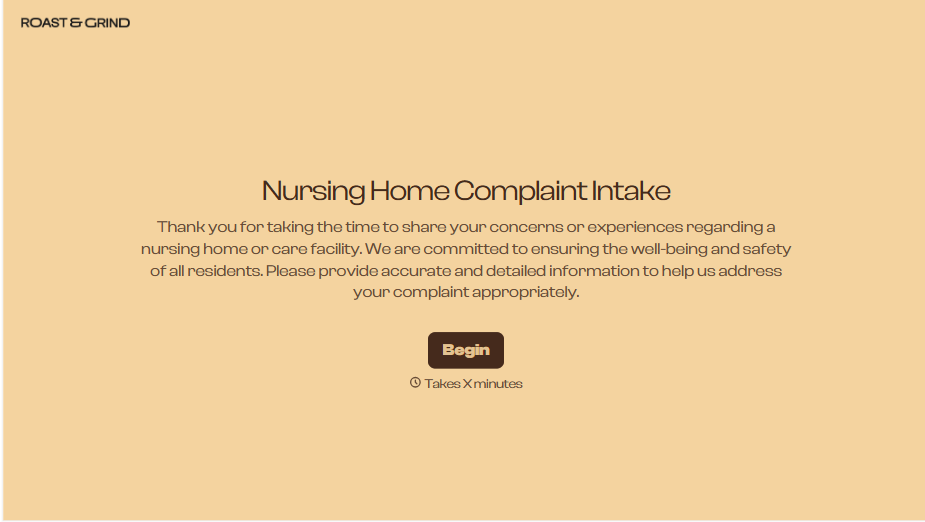
Nursing Home Complaint Form
A family member who calls the front desk about a missed medication or an unanswered call light often gets a verbal apology and nothing written down, no record that it happened, no way to tell if it's the third time this month or the first. And if what's actually being reported is abuse or neglect, a facility's own intake form isn't where that report should end, or even start.
View template
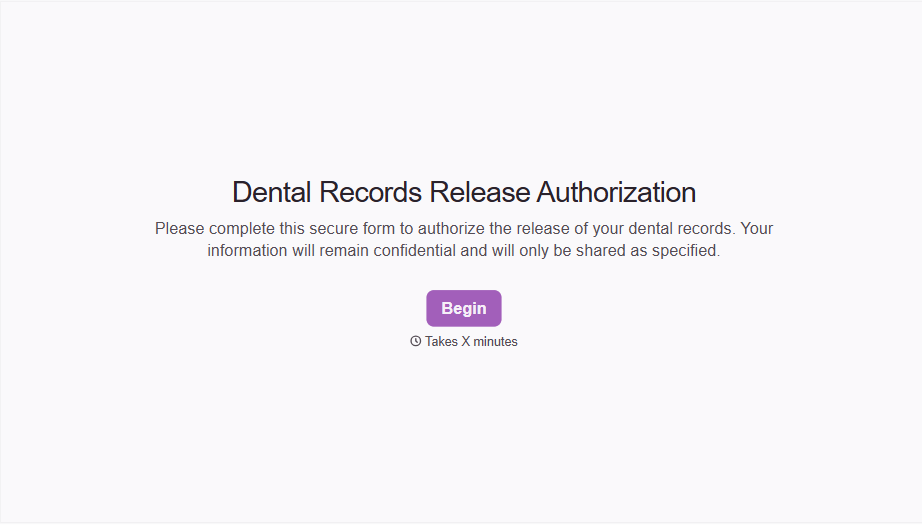
Dental Record Release Form
A release that just says "I authorize my records to be sent" doesn't say which records, sent to whom, or for how long that authorization is good, and HIPAA has a specific list of what actually has to be in there for the release to count as valid. Spell out what's being released, to whom, and until when, before the request goes out.
View template
With Typeform, you can customize everything
Change text, colors, and even logos to match the look and feel of your brand. Then embed forms smoothly onto web and email.
Make forms feel effortless to fill out. Pace questions, call people by their name, and adapt the flow based on the data they share.
Stay efficient by connecting forms to your workflow. Typeform integrates with 300+ tools including Slack, Zapier, and HubSpot.


