Membership Application Form Template
Make joining your organization as welcoming as being part of it, with an application process that's clear, simple, and professional.



Whether you're running a professional association, a co-working space, a club, or a community organization, the application process sets the tone for the entire membership experience. If it's confusing, clunky, or asks for information in a disorganized way, prospective members question whether the organization itself is equally disorganized. First impressions happen before people even walk through the door.
This membership application form template guides applicants through a polished, structured process. Collect personal details, professional background, membership tier preference, referral information, and any supporting documents, one question at a time. Conditional logic adapts the flow based on membership type (individual vs. corporate, student vs. professional) and shows relevant requirements for each. Submissions route to your membership committee via email, Slack, or Google Sheets through Zapier.
Customize the membership categories, requirements, and branding to match your organization. Embed the form on your website, include it in recruitment materials, or share the link directly. Applicants get a smooth experience, and you get complete, organized applications, ready for review.
A membership application form is a structured questionnaire that prospective members complete to apply for membership in an organization. It collects personal and professional information, membership preferences, qualifications, and any required supporting materials. The form serves as both an intake tool and an initial touchpoint that communicates the organization's professionalism.
Paper applications and email-based processes create administrative overhead — manual data entry, lost documents, and inconsistent information. A digital form standardizes submissions, ensures completeness, and lets you process applications faster. It's also accessible 24/7, which removes barriers for prospective members in different time zones or with busy schedules.
Adjust based on your organization type and membership requirements:
- Full name, email, and contact information
- Professional background or qualifications
- Preferred membership tier or category
- How they learned about the organization
- Referral or sponsor information (if required)
- Agreement to membership terms and code of conduct
Create a clear workflow: submissions arrive in a shared inbox or spreadsheet, a committee member reviews and flags any incomplete applications, the committee discusses qualified ones (if your process requires it), and you communicate decisions promptly. Automate the notification step — use Zapier to send approval or follow-up emails based on the review outcome.
Yes. Integrate a payment processor through Zapier to collect membership dues at the point of application. Alternatively, include payment instructions on the confirmation screen and follow up with an invoice. The best approach depends on whether payment is required before approval or after.
Get inspired by relevant templates and categories
3200+ Templates, 300+ Integrations
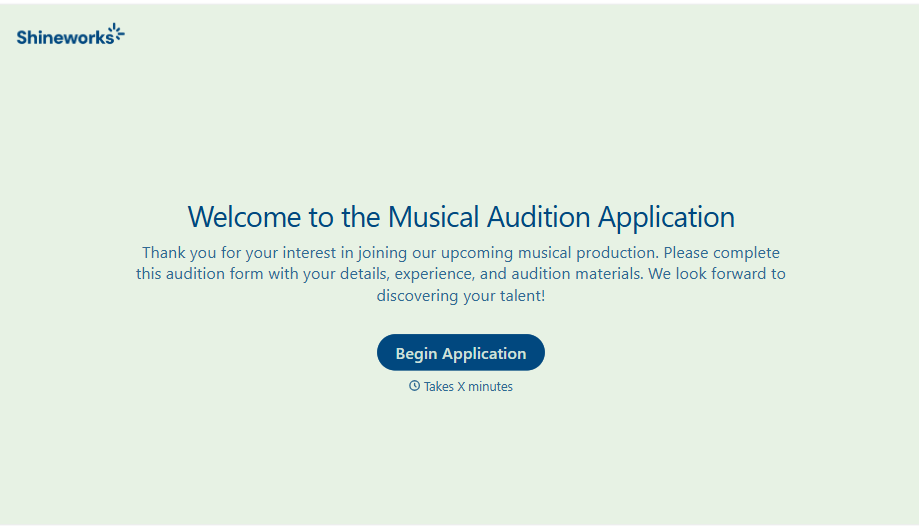
Musical Audition Form
A name scrawled on a sign-up sheet taped near the rehearsal room doesn't tell a director what role someone's after, or whether they can actually make callbacks next Tuesday. Collect what your production actually needs, contact information, role interest, and availability, before audition day arrives.
View template
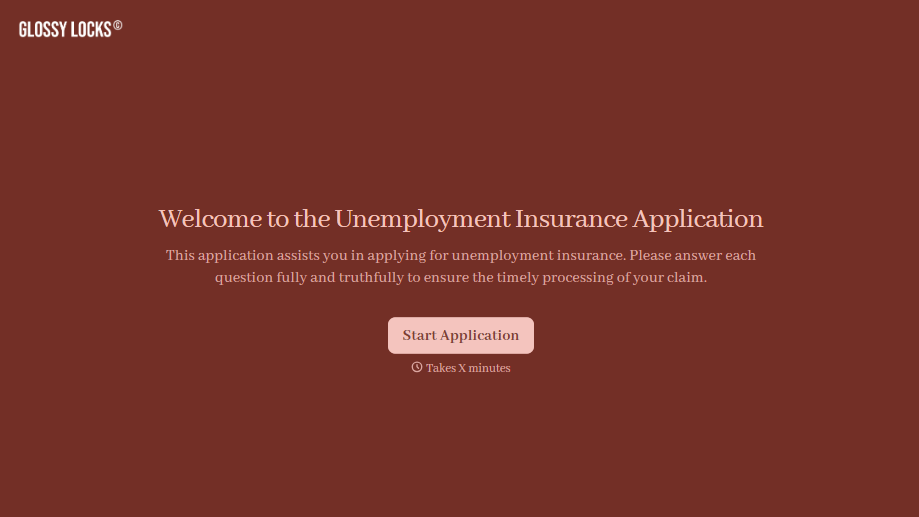
Unemployment Insurance Application Form
A stack of pay stubs gathered the morning of a filing deadline isn't the kind of preparation that gets a claim processed without delay. Collect employment history, separation details, and supporting documents before you sit down at your state's unemployment portal, so a claim doesn't stall over a missing detail.
View template
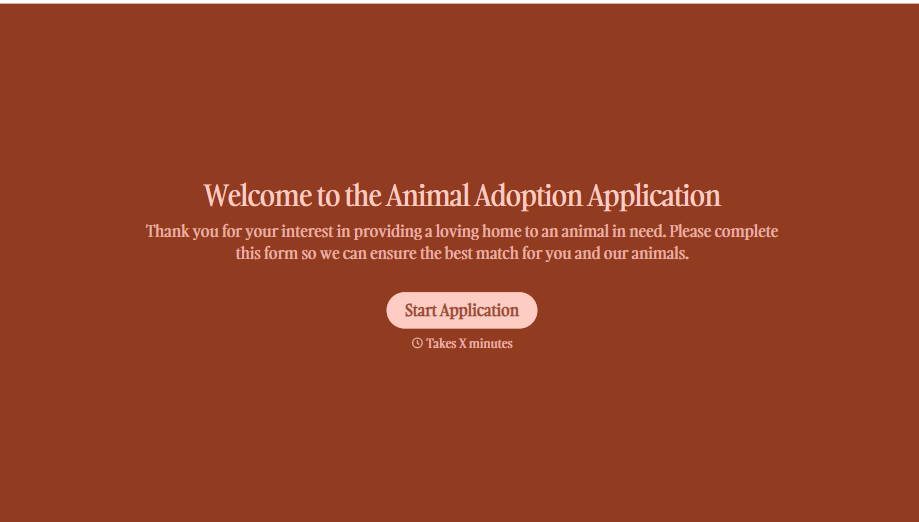
Animal Adoption Application Form
A paper application filled out at the counter while a dog's watching through the window isn't enough information to place an animal in a home that'll actually work. Collect household information, pet experience, and references before adoption day, so your staff aren't approving a placement on a rushed form.
View template
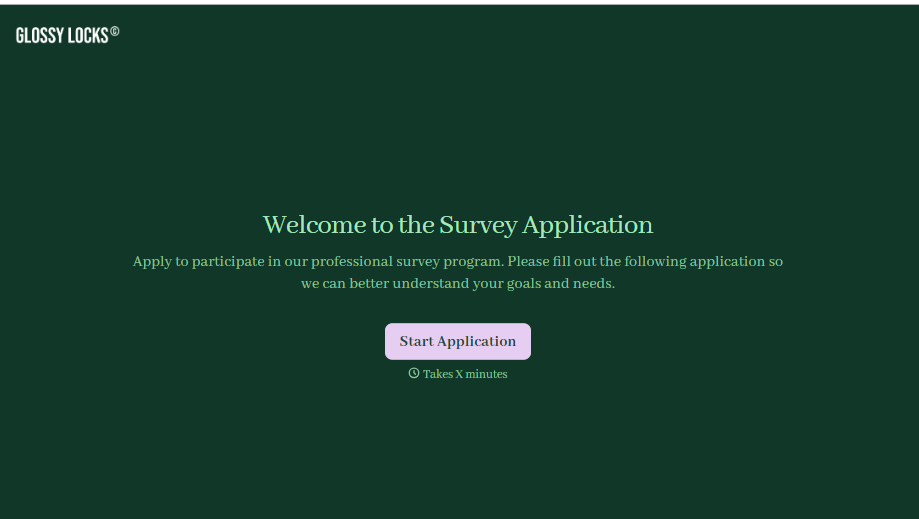
Survey Application Form
A screener that makes someone answer 20 questions before finding out they don't qualify isn't good research design, it's a wasted respondent and a wasted budget. Collect qualifying details upfront, route ineligible applicants out quickly, and send the full survey only to people who actually fit, so your research budget isn't spent on data you can't use.
View template
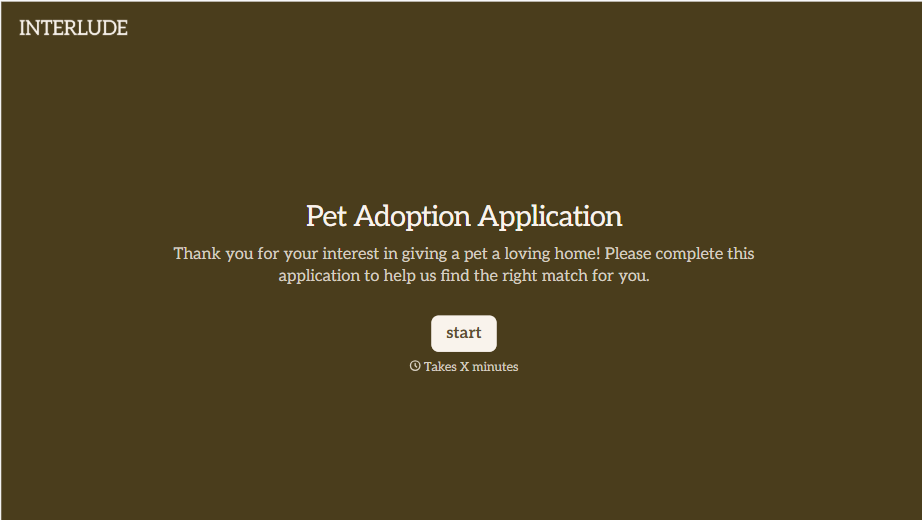
Pet Adoption Application Form
An adoption approved after a quick conversation at the shelter doesn't tell anyone whether the applicant's landlord actually allows pets, and that's usually the detail that sends an animal back a few weeks later. Collect what your shelter actually needs, applicant information, living situation, and experience with pets, before the adoption gets approved.
View template
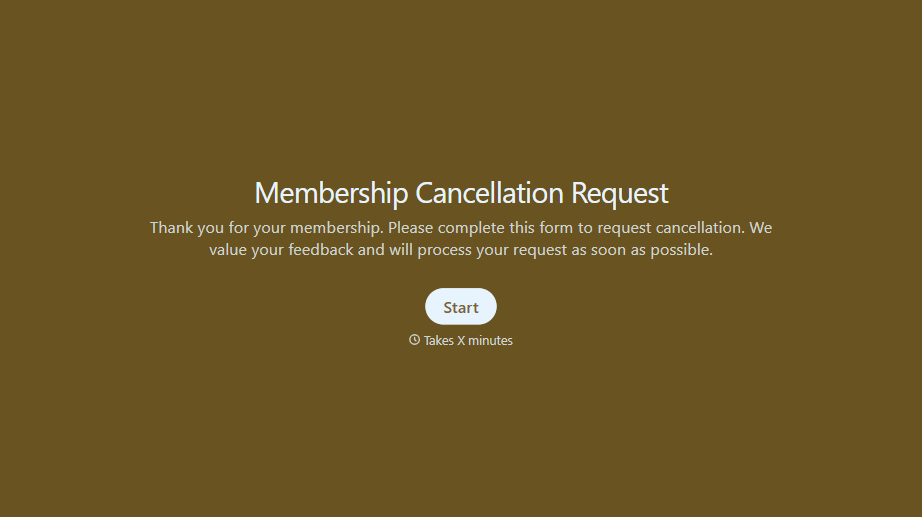
Membership Cancellation Request Form
A cancellation buried behind a phone number you can only call during business hours, or a support ticket that takes three emails to get an actual confirmation, isn't retention, it's friction people remember on the way out the door. Make canceling straightforward, and use the moment to actually find out why.
View template
With Typeform, you can customize everything
Change text, colors, and even logos to match the look and feel of your brand. Then embed forms smoothly onto web and email.
Make forms feel effortless to fill out. Pace questions, call people by their name, and adapt the flow based on the data they share.
Stay efficient by connecting forms to your workflow. Typeform integrates with 300+ tools including Slack, Zapier, and HubSpot.


