Medical Consultation Form Template
Collect patient information before a consultation so you spend appointment time on care, not paperwork.



When patients arrive at a consultation without having completed their intake paperwork, the appointment starts late, and clinicians spend the first few minutes asking basic questions they should already have answers to. As a result, patients feel rushed through questions that deserve more than a quick answer.
Moving the intake process online solves these issues. Typeform's medical consultation form lets patients complete their information before they arrive, at their own pace. Conditional logic means the form adapts based on their responses — a patient reporting a new symptom sees different follow-up questions than one coming in for a routine check. Responses can connect to your practice management system or EHR via integrations, reducing manual data entry.
Customize the form to reflect your specialty, consultation type, and any required consent language. Share it via appointment confirmation email so patients have plenty of time to complete it before they arrive.
A medical consultation form is a pre-appointment questionnaire that collects a patient's health history, current symptoms, medications, and relevant background, before a clinical appointment. It gives the clinician the context they need to make the most of the consultation time.
It reduces the administrative burden at the start of an appointment and gives patients the chance to share information they might forget under time pressure. Clinicians who review responses in advance can ask more targeted follow-up questions, leading to better clinical outcomes and a more efficient appointment.
Core fields for most consultation types include:
- Current symptoms or reason for the visit
- Symptom onset and duration
- Relevant medical history
- Current medications and supplements
- Known allergies
- Family medical history (if relevant to the consultation)
- Previous treatments for this issue
Use a platform that supports HIPAA-compliant data handling, and review Typeform's data processing agreements for your region. Export responses to your practice management system or EHR, and avoid storing identifiable health data in general-purpose tools not designed for medical records.
Yes, it's particularly well-suited to telehealth. Send the form link along with the video consultation details — patients complete it before the appointment, and the clinician reviews responses before joining the call. This makes telehealth consultations more structured and productive from the start.
Get inspired by relevant templates and categories
3200+ Templates, 300+ Integrations
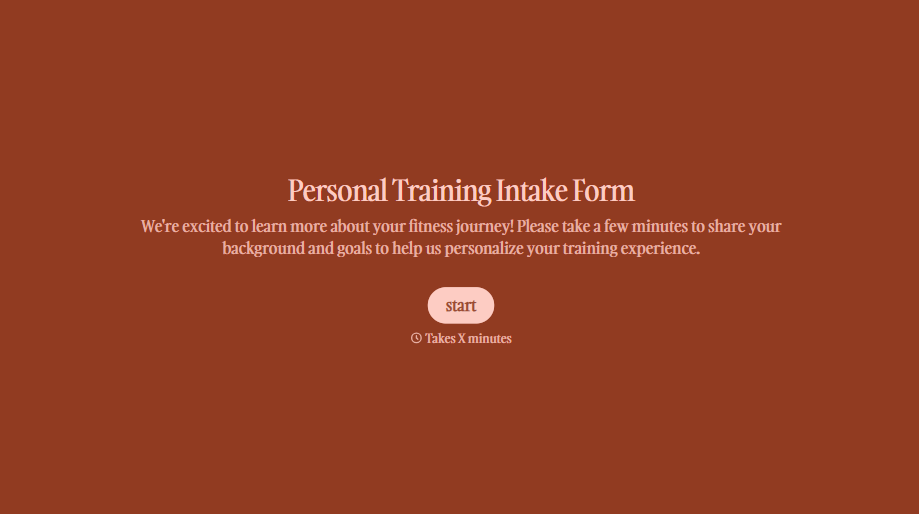
Personal Trainer Intake Form
A PAR-Q filled out in the lobby five minutes before a first session isn't intake, it's a formality nobody has time to read closely. Collect health history, injury information, and fitness goals before the first session, so your trainer isn't building a program blind.
View template
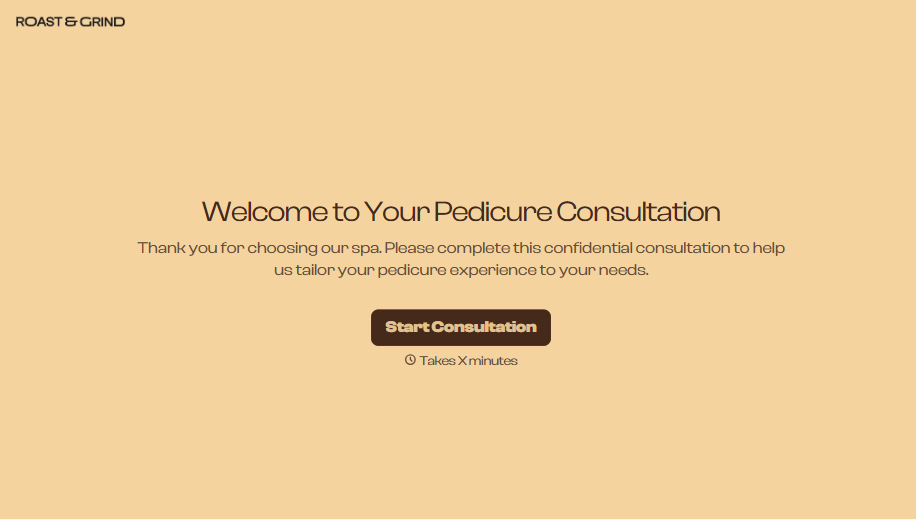
Pedicure Consultation Form
An intake card filled out on a clipboard while a client's feet are already in the soak isn't a consultation, it's a formality nobody reads closely. Collect foot health disclosures, allergy information, and service preferences before the technician picks up a tool, so nobody discovers a health condition mid-service.
View template

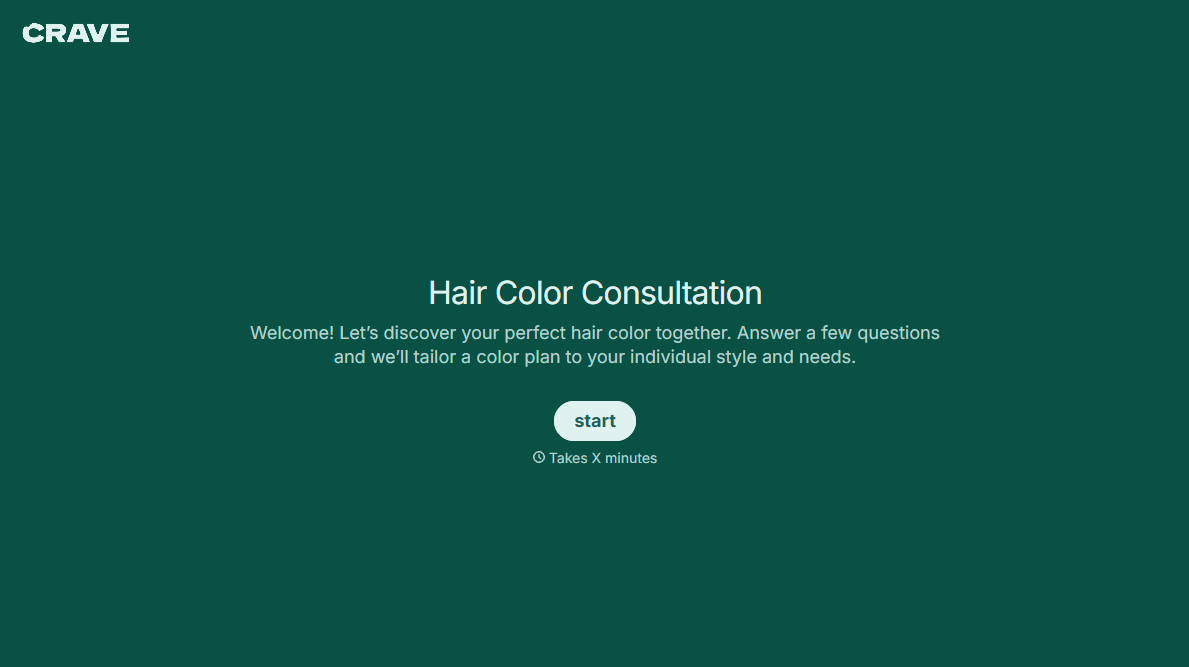


With Typeform, you can customize everything
Change text, colors, and even logos to match the look and feel of your brand. Then embed forms smoothly onto web and email.
Make forms feel effortless to fill out. Pace questions, call people by their name, and adapt the flow based on the data they share.
Stay efficient by connecting forms to your workflow. Typeform integrates with 300+ tools including Slack, Zapier, and HubSpot.


