Medical alert form template
Keep every person's allergies, conditions, and emergency contacts somewhere staff can find them in seconds. Collect medical details, medications, and consent in one form.



A medical alert record matters most in an emergency, which is exactly when nobody has time to hunt for it. A child's peanut allergy sitting in a filing cabinet, or in an email only one coordinator can search, isn't doing its job. Typeform's medical alert form collects each person's conditions, medications, and emergency contacts in one place, so the people responsible have them when it counts.
Each person, or their parent or guardian, lists their conditions, allergies, current medications, and who to contact. Someone with a severe allergy answers about their triggers and whether they carry emergency medication, while someone managing a chronic condition answers about dosages and daily routine. Guardians give treatment consent at the same time.
Every record arrives complete and legible, so nobody is deciphering handwriting during an emergency. When a medication changes or a doctor diagnoses a new allergy, a fresh submission updates the record, and what you hold is what's true now.
A medical alert form is an online form organizations use to collect and store a person's critical medical information. It collects allergies, medical conditions, current medications, emergency contacts, and treatment consent. Schools, camps, care providers, and employers use medical alert forms to keep those details somewhere staff can reach quickly.
Without a medical alert form, medical details sit on paper in a drawer or in one staff member's inbox. The person who needs to know about an allergy during an emergency is rarely the person who collected the form, and searching costs critical time in an emergency. A medical alert form keeps every record together and searchable, so whoever is there can find what they need.
Capture what staff need to know:
- Allergies and known reactions
- Medical conditions
- Current medications and dosages
- Emergency contacts
- Treatment consent and physician details
Yes. Typeform encrypts every response in transit and at rest, and meets major security standards including GDPR, SOC 2, and ISO 27001. For organizations that need to meet HIPAA, a Business Associate Agreement is available on Typeform's Enterprise plan, so health details stay protected from submission onward.
Send the medical alert form again at the start of each term, season, or year, and ask people to fill it in fresh rather than confirm nothing changed. Medications and diagnoses shift between one intake and the next. Resubmissions do stack up, so run a new copy of the form each cycle and let that season's responses stand on their own, or route submissions to a spreadsheet where you keep one current record per person. Either way, what staff pull up is current.
Get inspired by relevant templates and categories
3200+ Templates, 300+ Integrations

X-Ray Release Form
A phone call asking to send X-rays to a new provider isn't an authorization your compliance file can rely on. Collect patient information, the receiving provider's details, and a signed authorization before the images go out, so your front desk isn't scrambling to prove who approved a release.
View template

Palliative Care Assessment Form
A symptom check done verbally during a rushed home visit isn't the kind of record that shows whether pain management is actually working from one visit to the next. Collect symptom severity, functional status, and psychosocial needs consistently, so a care team can see change over time instead of relying on memory of the last visit.
View template
Dental Treatment Plan Form
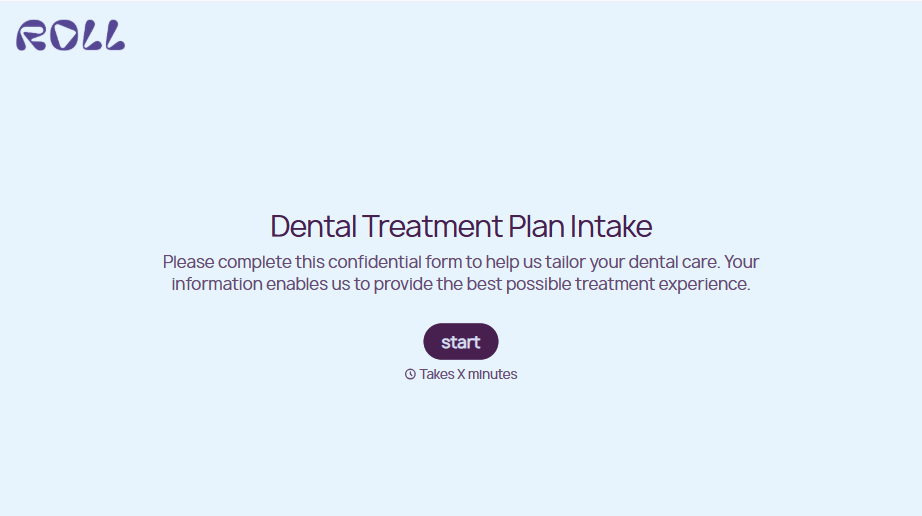
A treatment plan explained chairside, in the few minutes right after an exam, doesn't hold up when a patient's trying to remember it at the front desk. Collect what your practice actually needs, the recommended procedures, cost estimate, and signed consent, before treatment gets scheduled.
View template
Medical Physical Exam Form
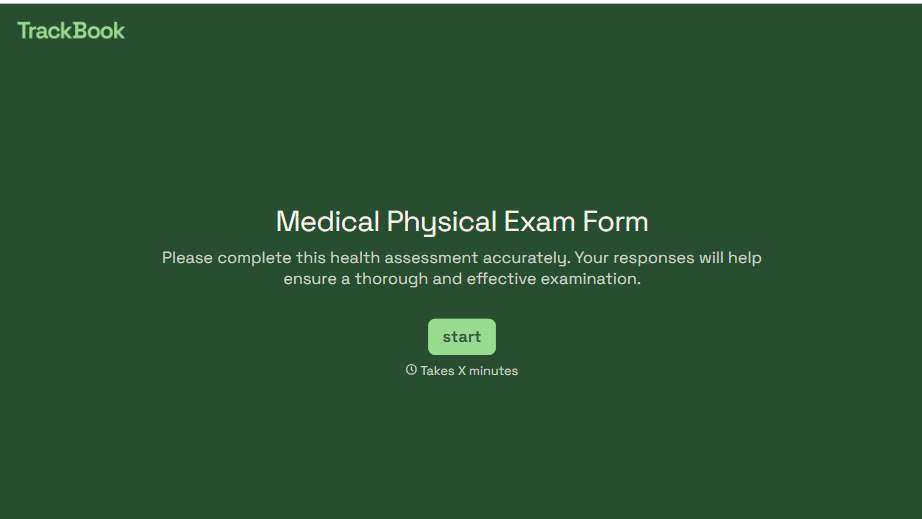
A health history filled out on a clipboard in the waiting room, minutes before being called back, isn't a history anyone fills in completely. Collect what your provider actually needs, patient information, health history, and current symptoms, before the exam starts.
View template
Nursing Home Complaint Form
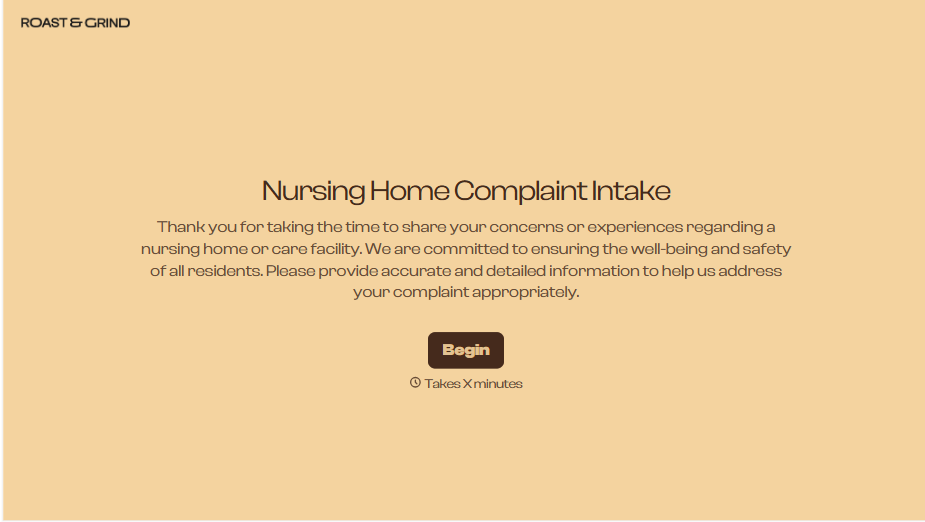
A family member who calls the front desk about a missed medication or an unanswered call light often gets a verbal apology and nothing written down, no record that it happened, no way to tell if it's the third time this month or the first. And if what's actually being reported is abuse or neglect, a facility's own intake form isn't where that report should end, or even start.
View template
Dental Record Release Form
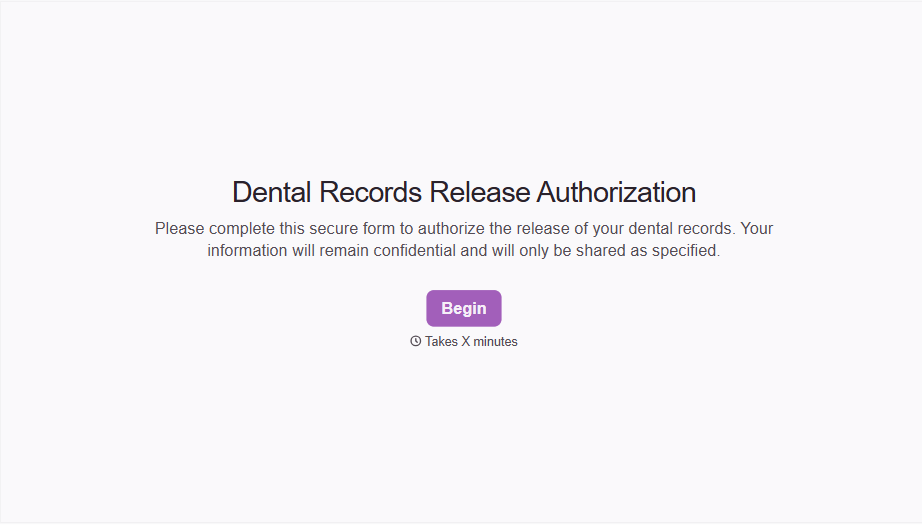
A release that just says "I authorize my records to be sent" doesn't say which records, sent to whom, or for how long that authorization is good, and HIPAA has a specific list of what actually has to be in there for the release to count as valid. Spell out what's being released, to whom, and until when, before the request goes out.
View template
With Typeform, you can customize everything
Change text, colors, and even logos to match the look and feel of your brand. Then embed forms smoothly onto web and email.
Make forms feel effortless to fill out. Pace questions, call people by their name, and adapt the flow based on the data they share.
Stay efficient by connecting forms to your workflow. Typeform integrates with 300+ tools including Slack, Zapier, and HubSpot.


