Maternity Leave Form Template
Make the happiest workplace news the easiest to process.



Finding out a team member is expecting should be cause for celebration. Not a paperwork crisis. But for many organizations, the maternity leave process is a tangle of confusing policies, multiple forms, and unclear timelines. Expecting parents already have enough to plan for. The last thing they need is a bureaucratic obstacle course to access the leave they're entitled to.
This maternity leave form template walks expecting employees through the request process in a clear, supportive flow. Typeform's one-question-at-a-time format feels respectful and unhurried. A welcome contrast to dense HR paperwork. Conditional logic adapts based on the employee's situation. Someone planning to use accrued PTO alongside leave sees different fields than someone taking unpaid leave.
Connect the form to your HR system, trigger manager notifications, and generate automatic confirmation emails through integrations. The process stays organized so the conversation can stay human.
A maternity leave form is an internal HR document through which an employee formally notifies their employer of an upcoming maternity leave and provides the information needed to process it. It typically captures expected due dates, requested leave start and end dates, benefit continuation preferences, and coverage plans. It initiates the administrative process for both the leave period and the employee's eventual return.
Because it's personal. This isn't a routine PTO request. It's a major life event, and the process surrounding it sends a strong signal about how the organization treats its people. A confusing, multi-step process adds stress during an already intense time. A clean, respectful process builds loyalty and trust. It also reduces HR workload by ensuring every submission contains the information needed to process the leave without follow-up.
- Employee name, ID, department, and manager
- Expected due date or adoption placement date
- Requested leave start date and anticipated return date
- How the employee plans to use accrued PTO, if applicable
- Benefits continuation preferences during leave
- Interim coverage plan or delegation of responsibilities
Most organizations require 30 days' notice when the leave is foreseeable, which aligns with FMLA requirements in the US. However, babies don't always follow schedules. Your policy and form should accommodate both planned and emergency situations. Include a field that allows employees to indicate whether the leave is planned or has been accelerated by medical circumstances, so your HR team can adjust the processing timeline accordingly.
Include a section in the form where the employee identifies a covering colleague and outlines key responsibilities that need to be transferred. This creates a documented delegation plan that both the employee and their manager can reference. Connect the form to a shared task management tool through integrations to automatically create a handoff checklist. Proactive planning here prevents the scramble that often accompanies an unexpected early leave start.
Get inspired by relevant templates and categories
3200+ Templates, 300+ Integrations
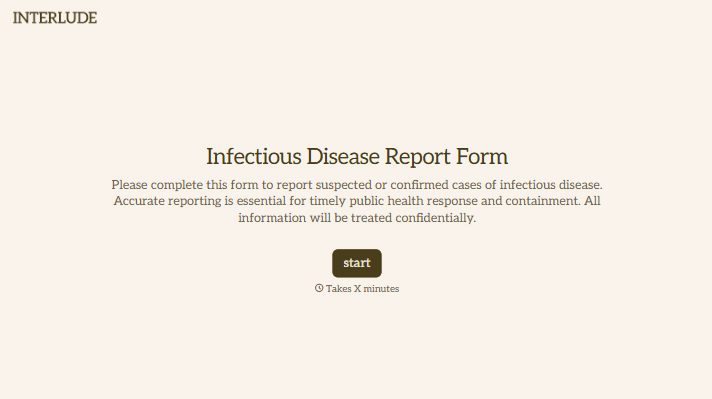
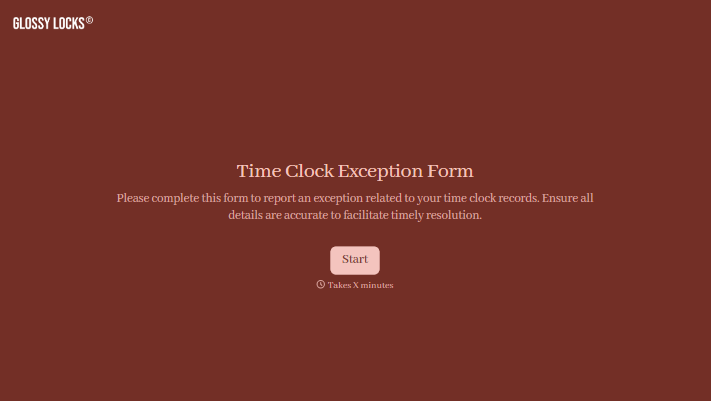
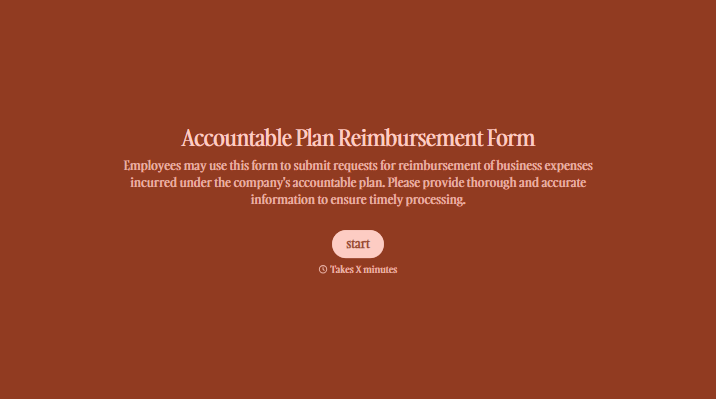
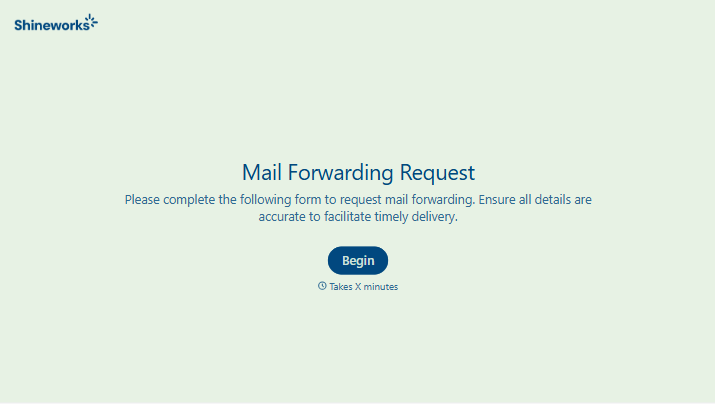
With Typeform, you can customize everything
Change text, colors, and even logos to match the look and feel of your brand. Then embed forms smoothly onto web and email.
Make forms feel effortless to fill out. Pace questions, call people by their name, and adapt the flow based on the data they share.
Stay efficient by connecting forms to your workflow. Typeform integrates with 300+ tools including Slack, Zapier, and HubSpot.


