Marketing quote form template
Capture qualified leads and speed up your quotation process



Once you’ve finished your marketing quote form, hit ‘publish’ and start sharing. We’ve got plenty of ways to get your form out there—you can spread it across social media, embed it in an email or even into your website’s HTML with a simple copy and paste. A wider reach often means more responses, and in turn, more leads.
So now you’ve got your form in front of the right people, how do you get them to that ‘thank you’ screen?
- Make it short and sweet: Gather everything you need to create a quote, without bombarding them with unnecessary questions.
- Call them by their name: Use the recall information feature to ask for things like names, and recall them in a later question. This turns your form into a friendly conversation, and makes it feel like you’re really listening.
- Switch up the question types: No one wants to scan big blocks of text or rate things aimlessly. Mix long-form questions with picture choices, opinion scales and simple file uploads. This keeps things engaging, and keeps them around ‘til the end.
Typeforms are built to get you more responses, deeper insights and higher completion rates than standard form builders. Here’s how:
- They work great on every device: Share, embed and share some more—your typeform will work perfectly across mobile, tablet and desktop. This means a better experience for your users, and higher completion rates for you.
- Asking one question at a time boosts engagement: Overwhelming people with a wall of questions can lead to high drop-off rates. But asking one at a time feels like chatting with a friend.
- Integrations lighten your workload: Plug your quote form into Google Sheets so responses organize on autopilot. Sync it up with Slack so you get notified when someone fills in your form. And connect with project management tools like Asana or monday.com, to turn quote requests into tasks your whole team can see.
Get inspired by relevant templates and categories
3200+ Templates, 300+ Integrations
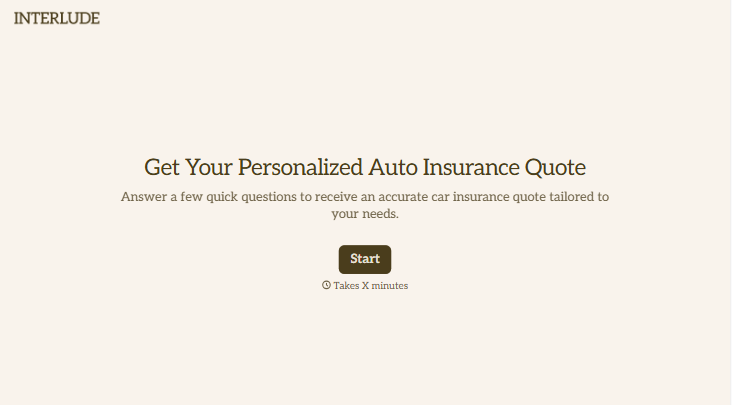
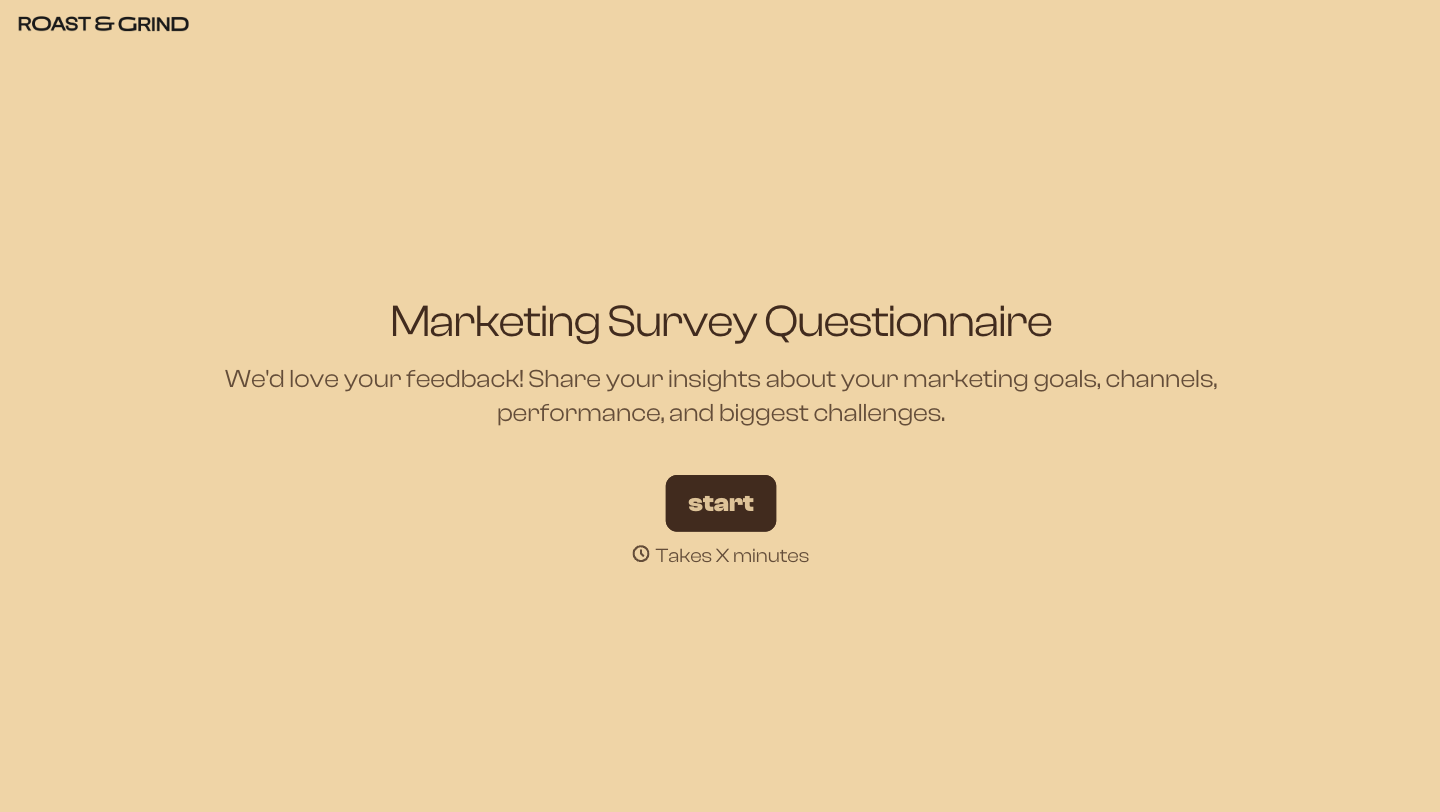


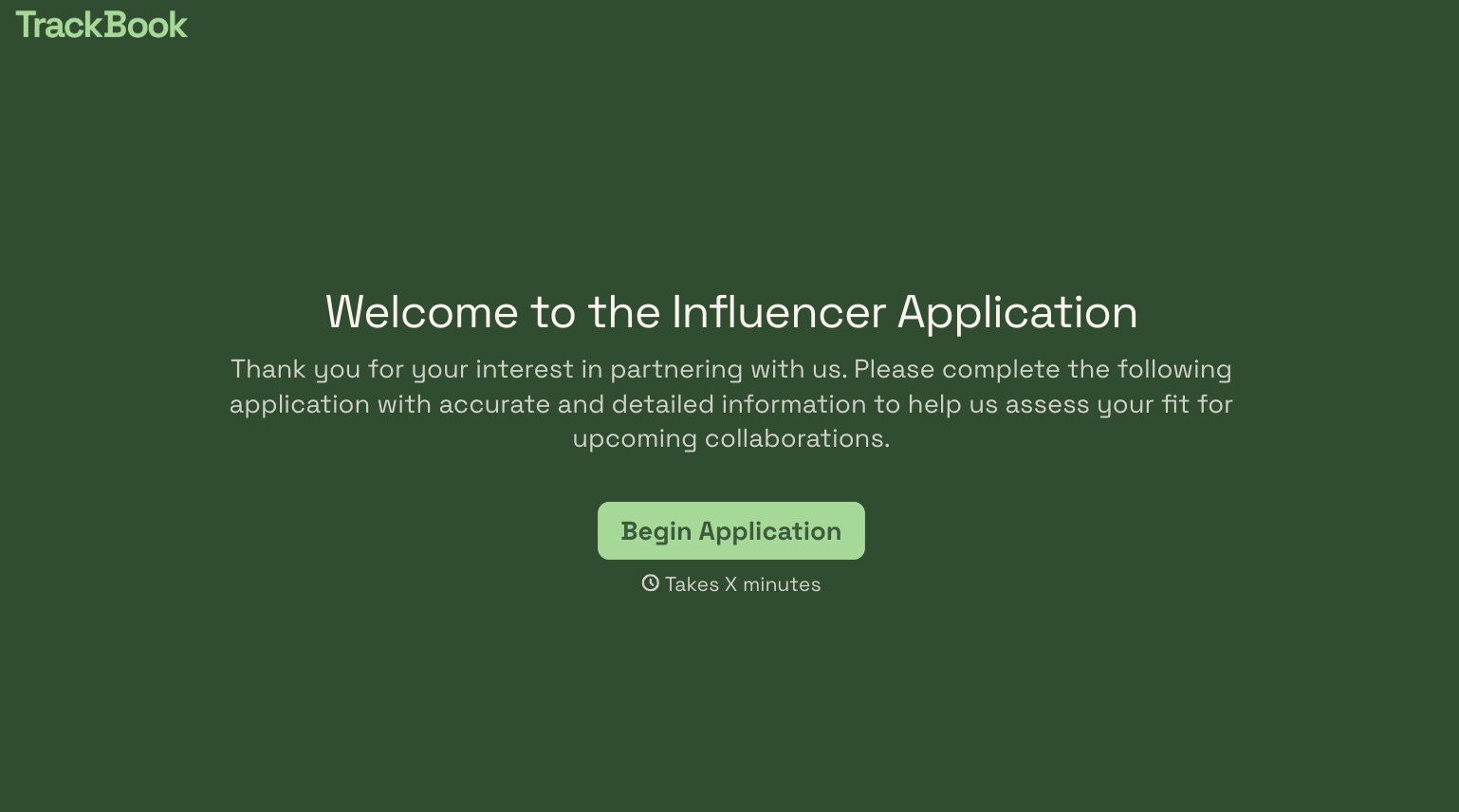

With Typeform, you can customize everything
Change text, colors, and even logos to match the look and feel of your brand. Then embed forms smoothly onto web and email.
Make forms feel effortless to fill out. Pace questions, call people by their name, and adapt the flow based on the data they share.
Stay efficient by connecting forms to your workflow. Typeform integrates with 300+ tools including Slack, Zapier, and HubSpot.


