Makeup Consultation Form Template
Understand your client's style, skin, and occasion before the appointment. Capture the look they want, their skin type, and any sensitivities — so the result is exactly what they had in mind.



Makeup artists who know their client's preferences before they arrive work faster, waste less product, and deliver better results. A pre-appointment consultation form captures skin type, coverage preferences, the occasion, inspiration references, known sensitivities, and the overall vibe the client wants — giving you everything you need to plan the look before they sit in the chair.
This template covers the client's name and contact details, the occasion and date, skin type and concerns, skin tone and undertone, coverage preference, eye and lip focus, any makeup they always wear or never wear, known product sensitivities or allergies, inspiration images, and whether they'd like a lesson alongside the application. A field for previous makeup experiences that didn't work out often reveals the most useful insights.
Freelance makeup artists, bridal makeup teams, beauty counters, and film and TV makeup departments use consultation forms before every new client appointment. Send the link when booking is confirmed. Artists review before arrival and arrive with the right products and a clear plan. Store in the client file for repeat bookings.
Yes — add a file upload field for images or a link field for Pinterest boards and Instagram references.
Skin type (oily, dry, combination, sensitive), undertone (warm, cool, neutral), and any known reactions to specific product types or ingredients.
Yes — duplicate the template and adjust questions for the context. Bridal consultations might cover wedding color palette and photographer's lighting; editorial work might focus on creative direction and mood board.
Yes — add a section explaining your patch test process and a consent field. Link the patch test requirement to the presence of known sensitivities captured earlier in the form.
Reference previous consultation responses before repeat bookings. A short update form at each return visit captures any changes without repeating the full intake.
Get inspired by relevant templates and categories
3200+ Templates, 300+ Integrations




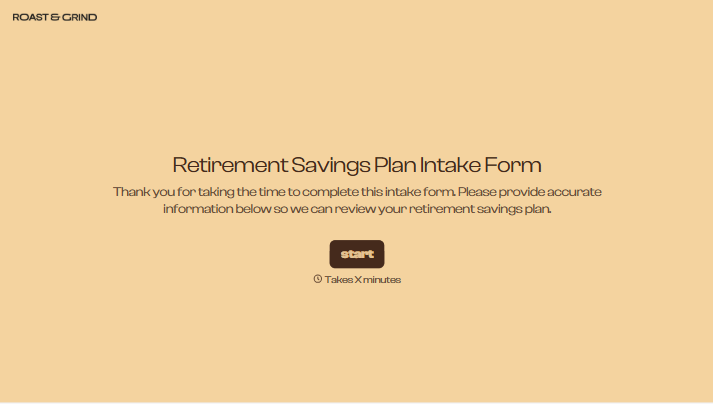
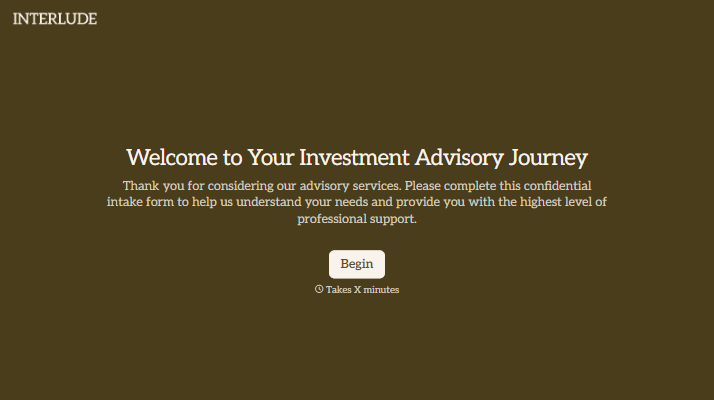
With Typeform, you can customize everything
Change text, colors, and even logos to match the look and feel of your brand. Then embed forms smoothly onto web and email.
Make forms feel effortless to fill out. Pace questions, call people by their name, and adapt the flow based on the data they share.
Stay efficient by connecting forms to your workflow. Typeform integrates with 300+ tools including Slack, Zapier, and HubSpot.


