Lead Qualification Form Template
Find out which leads are worth your team's time before you pick up the phone.


Not every lead in your pipeline deserves the same attention, but without a qualification process, your sales team treats them all the same. They spend hours on discovery calls with prospects who were never a fit, while genuinely interested buyers wait too long to hear from you.
A lead qualification form changes that. Typeform's one-question-at-a-time format feels conversational rather than interrogative, so prospects are more likely to complete it honestly. Conditional logic routes different types of leads through different question paths based on their answers — a small business owner sees different follow-up questions than an enterprise buyer. Responses sync to your CRM automatically, so your team knows exactly who to prioritize.
Set up the form to match your qualification criteria, embed it on a landing page or in a follow-up email, and start filtering your pipeline with real data. You can update the scoring criteria anytime as you learn what signals actually predict a closed deal.
A lead qualification form is a short survey that collects information from potential customers to help you assess whether they're a good fit for your product or service. It typically covers budget, timeline, decision-making authority, and the problem they're trying to solve.
With a slick, responsive layout and people-friendly design, this form is a great way to collect (and qualify) leads through your website.
To get started, check out our ready-made form template. You can use the questions we’ve included, or just drop in your own. Our flexible, intuitive form builder is packed with 20+ question types, helping you gather everything you need—from budget to pain points to project scope. The more info you’ve got, the better prepared you’ll be for the first contact.
Once you’ve added the finishing touches to your form, simply copy and paste the embed link into your website. You don’t need to worry about coding, either—Typeforms look great on every device.
Build your form around the BANT framework or your own qualification criteria:
- What problem are you trying to solve?
- What's your approximate budget for this?
- When are you looking to make a decision?
- Who else is involved in the decision?
- How many people in your team/company will use this?
- Have you used a similar solution before?
Connect your form to a CRM like HubSpot or Salesforce using Typeform's integrations. Assign scores to different answers and set up automated routing so high-fit leads go directly to your top reps. Lower-fit leads can enter a nurture sequence instead of going straight to sales.
That depends on your sales process. Many teams embed the form on a scheduling page so prospects complete it before booking a demo, giving reps context before the call. Others use it as a pre-qualification step that determines whether a call gets booked at all.
Get inspired by relevant templates and categories
3200+ Templates, 300+ Integrations
With Typeform, you can customize everything
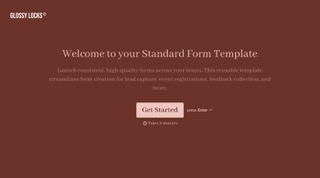
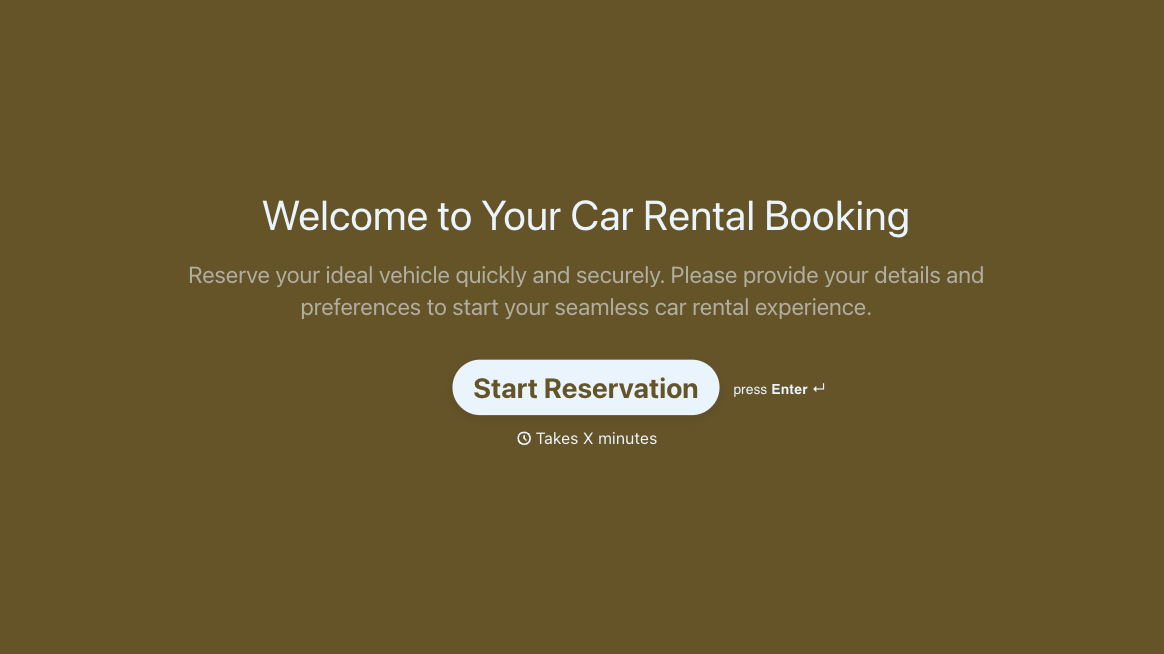
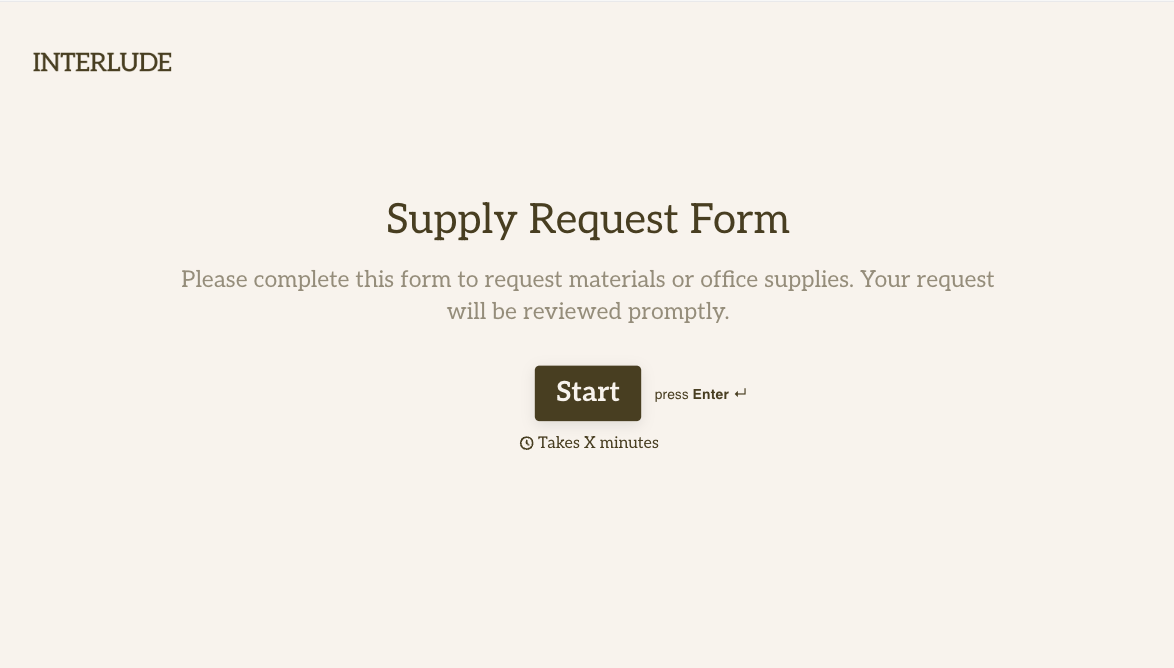
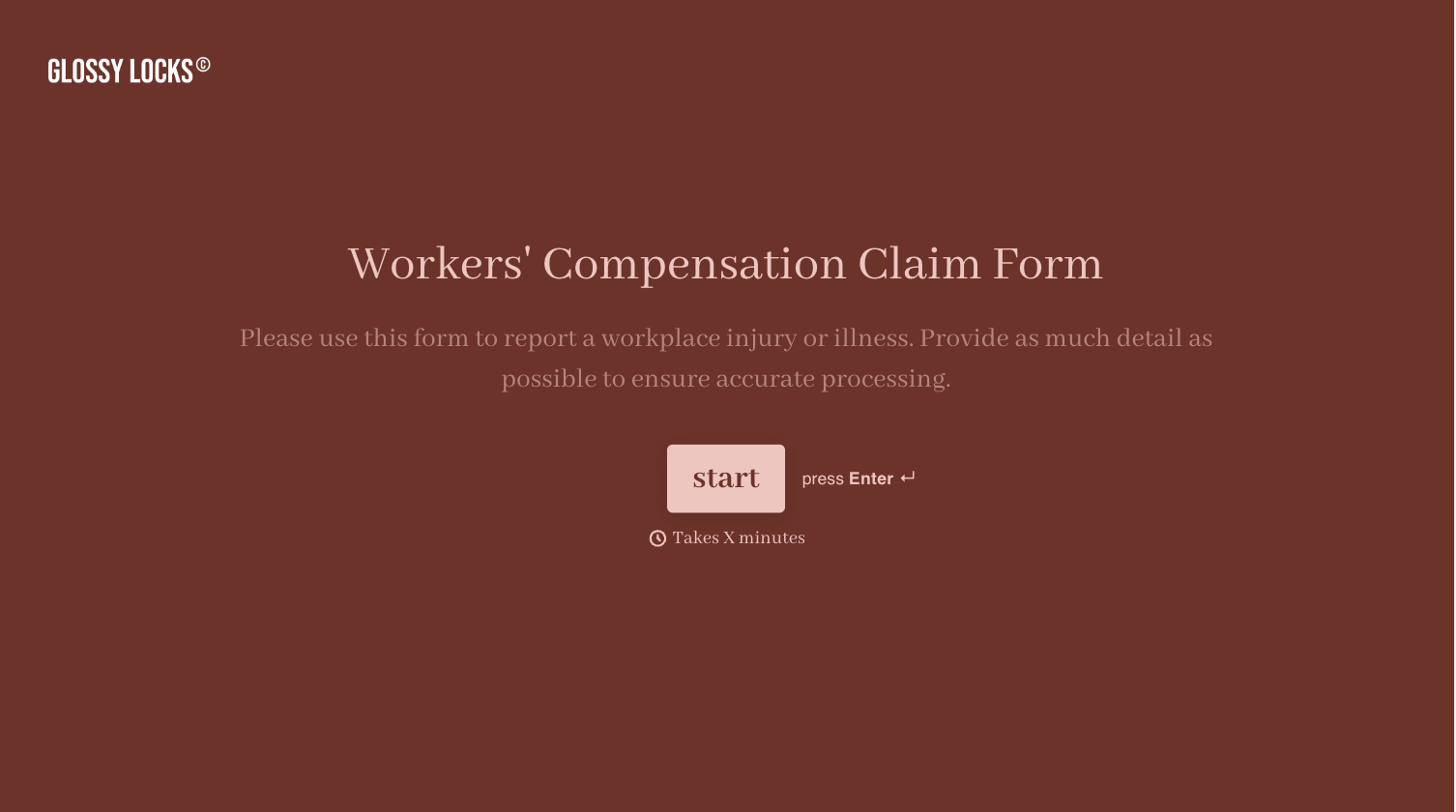
Change text, colors, and even logos to match the look and feel of your brand. Then embed forms smoothly onto web and email.
Make forms feel effortless to fill out. Pace questions, call people by their name, and adapt the flow based on the data they share.
Stay efficient by connecting forms to your workflow. Typeform integrates with 300+ tools including Slack, Zapier, and HubSpot.


