Kitchen Requisition Form
A request for "more chicken, we're running low" shouted across the kitchen doesn't tell the storeroom how much, by when, or for which prep list. Collect what your kitchen actually needs, item, quantity, and when it's needed, before the shelf actually runs empty.



Requests for supplies tend to happen however someone has a spare second to ask, a call across the kitchen, a note left on a clipboard near the walk-in, and the details that actually matter, exact quantity, which prep list it's for, how soon it's needed, don't always make it from the person who noticed the shortage to whoever's pulling stock. An order gets guessed at, and either the kitchen runs short mid-service or ends up with more of something than it can use before it turns.
Typeform's kitchen requisition form asks for what your kitchen actually needs, item and quantity, which station or prep list it's for, and when it's needed, then uses conditional logic to branch from there. A request marked urgent can route to a notification that goes out immediately instead of waiting in a queue, and an order spanning multiple items can list each one instead of a single field standing in for a whole list. Every requisition lands in one record instead of a shout across a busy kitchen.
Connect the form to your inventory or purchasing system through Zapier, and a submitted requisition can check itself against stock and flag anything that needs reordering automatically. Ask for it before a shift starts or as soon as something's running low, and your storeroom can pull an accurate order, instead of guessing at what "more chicken" actually means.
A kitchen requisition form is an online form kitchen staff use to request supplies from a storeroom or purchasing department, specifying item, quantity, and when it's needed. Instead of a request called out during service, each one lands as its own record the storeroom can act on.
A request called out during service depends on someone hearing it correctly and remembering the exact quantity, and details tend to get lost in a busy kitchen. A form captures the same request in writing, with nothing relying on what someone thinks they heard.
Ask for what your storeroom will actually need to pull an accurate order:
- Requester name and station
- Item and quantity
- Prep list or menu item it's for
- Date and time needed
- Urgency
Not necessarily. A submission requests the item, but availability still depends on what's actually on hand or able to be ordered in time. It's worth having a process for flagging a shortage back to whoever submitted the request, rather than assuming it'll show up as requested.
Yes. Add a file upload question and staff can attach a photo, a prep list, or another reference document in the same submission, no separate note required. Pair it with conditional logic so the upload only appears when it's relevant to that request.
Get inspired by relevant templates and categories
3200+ Templates, 300+ Integrations



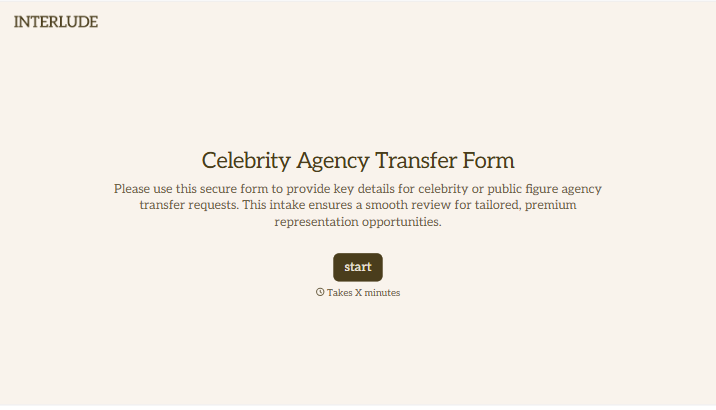
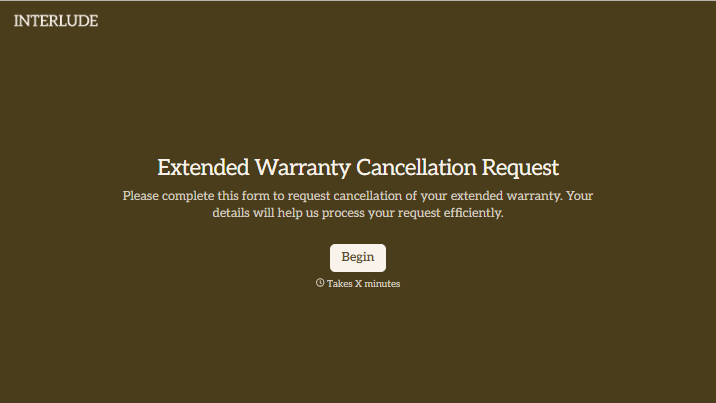
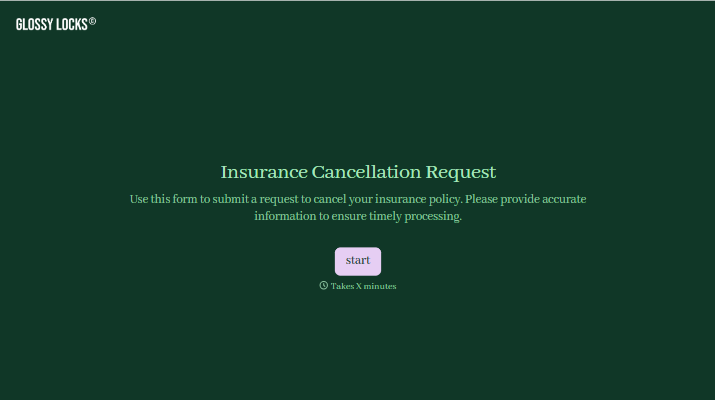
With Typeform, you can customize everything
Change text, colors, and even logos to match the look and feel of your brand. Then embed forms smoothly onto web and email.
Make forms feel effortless to fill out. Pace questions, call people by their name, and adapt the flow based on the data they share.
Stay efficient by connecting forms to your workflow. Typeform integrates with 300+ tools including Slack, Zapier, and HubSpot.


