Free IT Request Form Template
When employees need IT help, they shouldn't have to figure out who to email. Give them one place to submit every request.



IT teams deal with a constant stream of requests — password resets, software installs, hardware issues, access permissions. When those requests come in through emails, Slack messages, and shoulder taps, it's impossible to prioritize or track them effectively. Things get missed, duplicated, or resolved in the wrong order.
A dedicated request form fixes that. Typeform's IT request form collects all the relevant details upfront — device type, issue category, urgency level — so your team isn't playing phone tag to gather basic information. Conditional logic surfaces the right follow-up questions based on the type of request, meaning a hardware issue prompts different questions than a software access request. Connect the form to your ticketing system via integrations to automatically create tickets the moment a request is submitted.
Set up the form in minutes, share it with your team, and start clearing the queue — with every request documented and categorized from the start.
An IT request form is a structured intake form that employees use to submit technical support needs. It captures the details your IT team needs to understand, prioritize, and resolve each request without back-and-forth.
Requests that come in through informal channels are easy to lose or deprioritize. A dedicated form creates a consistent record of every submission, ensures you have all the diagnostic information upfront, and makes it much easier to assign and track work across your team.
The goal is to collect enough detail to act without needing a follow-up. Consider including:
- Employee name and department
- Type of request (hardware, software, access, other)
- Device type and operating system (if relevant)
- Description of the issue or request
- Urgency level
- Any error messages or screenshots
Typeform integrates with tools like Jira, Zendesk, and Freshdesk via direct integrations or through Zapier. When a form is submitted, a ticket can be automatically created and routed to the right team, cutting out the manual data entry step entirely.
Yes. Conditional logic lets you branch the form based on the request type selected at the start. A software install request shows different follow-up questions than a network issue or a new employee onboarding request — all within the same form.
Get inspired by relevant templates and categories
3200+ Templates, 300+ Integrations



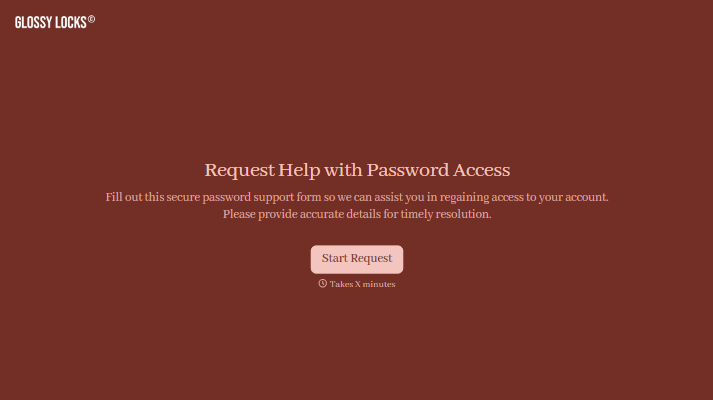
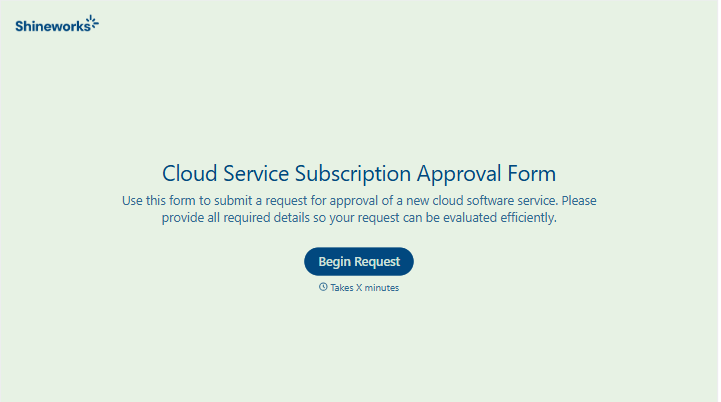
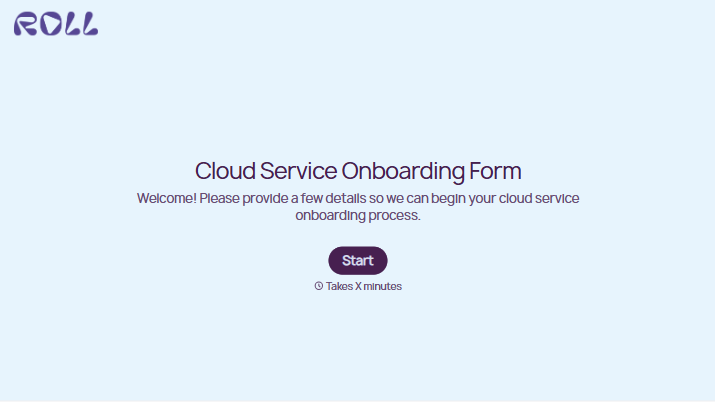
With Typeform, you can customize everything
Change text, colors, and even logos to match the look and feel of your brand. Then embed forms smoothly onto web and email.
Make forms feel effortless to fill out. Pace questions, call people by their name, and adapt the flow based on the data they share.
Stay efficient by connecting forms to your workflow. Typeform integrates with 300+ tools including Slack, Zapier, and HubSpot.


