Incident Report Form Template
Capture what happened, when it happened, and who was involved while the details are still fresh.



When incidents happen (e.g., workplace injuries, security breaches, equipment failures, near-misses), every hour that passes makes accurate documentation harder — memories fade and details shift. If your incident reporting process involves finding the right form, printing it, and tracking down a supervisor, you're losing critical information.
This incident report form template lets anyone on your team file a report from their phone or computer the moment something happens. The one-question-at-a-time format guides reporters through a structured account: what occurred, where, when, who was involved, and what actions were taken. Conditional logic adapts the form based on incident type, so a workplace injury triggers medical response questions, while a security breach surfaces data exposure fields.
Connect submissions to Slack, email, or your incident management platform so the right people are notified instantly. Every report is timestamped, stored, and searchable for compliance reviews.
An incident report form is a structured document used to record the details of an unexpected event, such as a workplace accident, security incident, property damage, or near-miss. It captures the facts while they're fresh and creates an official record for investigation, compliance, and prevention.
Delays compromise accuracy. Witnesses forget details, physical evidence changes, and the sequence of events gets fuzzy. Fast reporting also demonstrates due diligence to regulators and insurers. An online form that's accessible from any device removes barriers to immediate documentation.
- Date, time, and exact location of the incident
- Name and role of the person reporting
- Names of anyone involved or who witnessed the event
- Detailed description of what happened
- Immediate actions taken (first aid, evacuation, containment)
- Upload field for photos or supporting evidence
Set up integrations so form submissions trigger notifications to safety officers, supervisors, or your incident response team via email, Slack, or Microsoft Teams. You can use conditional logic to route different incident types to different recipients: safety for injuries, IT for breaches, facilities for equipment failures.
Yes, and you should. Near-misses are leading indicators of future incidents. Add "near-miss" as an incident type option, and use conditional logic to surface questions about contributing factors and preventive suggestions. Creating a low-friction near-miss reporting culture helps you prevent incidents before they happen.
Get inspired by relevant templates and categories
3200+ Templates, 300+ Integrations


Nationality Verification Form
A self-certification buried in a stack of new account paperwork isn't the kind of record a compliance team can rely on for a regulatory filing. Collect nationality, tax residency, and a signed declaration before an account opens, so compliance isn't chasing down a customer's citizenship status after the fact.
View template

Policy Cancellation Form
A cancellation requested over the phone doesn't leave a clear record of exactly what date the policyholder actually asked for, and that date matters more than it sounds like it should. Collect what your agency actually needs, policy details, identity verification, and the requested effective date, before coverage actually ends.
View template

Inheritance Beneficiary Form
Asking a grieving family member for the same banking details across three different phone calls doesn't make settling an estate go any faster. Collect what your firm actually needs, beneficiary information, identification, and distribution details, in one submission instead of three calls.
View template

Personal Training Informed Consent Form
A consent form signed in the ten seconds before a first session isn't the kind of informed agreement that holds up if something goes wrong. Walk clients through the specific risks of training and get a signed, dated acknowledgment before the first rep, so consent actually means what the word implies.
View template
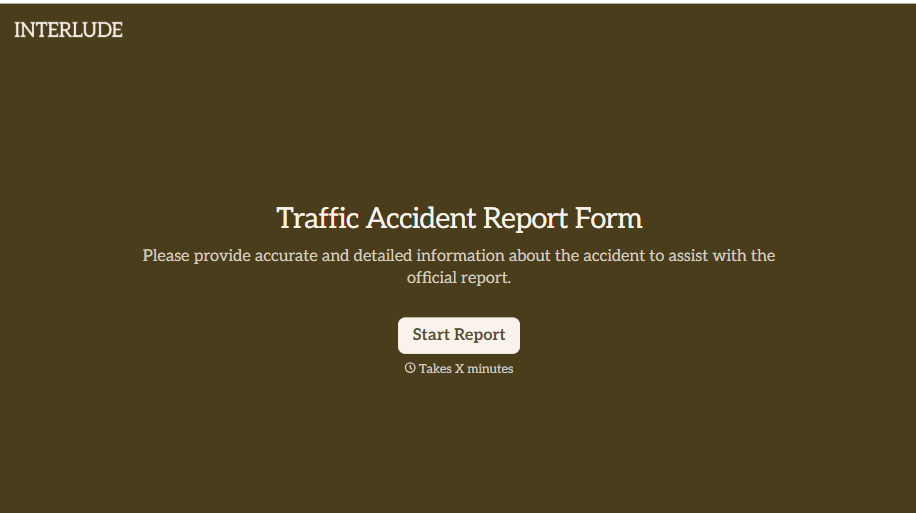
Traffic Accident Report Form
A phone call to a supervisor from the side of the road isn't the kind of record an insurance claim can be built on. Collect the accident details, the other party's information, and photos of the scene before memory starts to fade, so a claim doesn't sit unfiled for days waiting on someone to write it up.
View template
With Typeform, you can customize everything
Change text, colors, and even logos to match the look and feel of your brand. Then embed forms smoothly onto web and email.
Make forms feel effortless to fill out. Pace questions, call people by their name, and adapt the flow based on the data they share.
Stay efficient by connecting forms to your workflow. Typeform integrates with 300+ tools including Slack, Zapier, and HubSpot.


