Hotel Booking Form Template
Make direct bookings effortless for your guests and your revenue.



Every booking that goes through a third-party platform costs you commission. And every booking that gets abandoned halfway through your own form costs you the room entirely. The problem isn't that guests don't want to book directly — it's that most direct booking experiences can't compete with the slick interfaces of major travel sites.
This hotel booking form template closes that gap. It walks guests through a polished, one-question-at-a-time booking experience — dates, room selection, guest count, add-on services. That feels modern and effortless. Conditional logic personalizes the flow: a family selecting a suite sees child-friendly amenities, a business traveler sees meeting room options, a honeymoon couple sees romantic packages. Every guest gets a relevant experience.
Embed it on your website, link it from your social media profiles, or send it directly to corporate travel bookers. Connect it to your calendar, property management system, or payment processor through integrations to automate confirmations and avoid double-bookings.
A hotel booking form is a direct reservation tool hosted on a hotel's own website or shared via a direct link. It captures guest information, stay dates, room preferences, and optional services to initiate a booking. Unlike OTA listings, a direct booking form gives the hotel full control over the guest experience, pricing, and commission-free revenue.
OTA commissions typically run 15% to 25% per booking. A guest who books a $200-per-night room for 3 nights through an OTA costs you $90 to $150 in commissions. Multiply that across hundreds of bookings, and the savings from direct reservations become substantial. Beyond commissions, direct bookings give you guest email addresses and preferences for repeat marketing — something OTAs don't share.
- Guest name, email, and phone number
- Check-in and check-out dates
- Room type and number of rooms needed
- Number of guests (adults and children)
- Add-on services (airport transfer, breakfast, parking)
- Special requests or accessibility requirements
Integrate the form with your property management or calendar system so availability updates in real time. When the form can't check live availability, include a note that the booking is a request subject to confirmation, and set up a fast confirmation workflow. Ideally within 1 hour during business hours. The key is managing expectations: if guests know they'll hear back quickly, they're willing to wait for confirmation.
A "best rate guarantee" for direct bookings is a proven strategy. It gives guests confidence they're not overpaying by skipping the OTA. Communicate this clearly on your booking form. Either in the introduction or as a note near the room selection. Pair it with a direct-booking perk (free breakfast, late checkout, room upgrade when available) to make the value proposition clear.
Get inspired by relevant templates and categories
3200+ Templates, 300+ Integrations

Bank Reference Form
A reference request faxed to a bank branch and left sitting in a queue for weeks isn't the kind of turnaround a landlord or business can wait on. Collect the applicant's signed authorization and the specific details you need confirmed before the request even reaches the bank, so a decision isn't stuck behind a letter that hasn't come back yet.
View template

School Photography Order Form
A paper order form stuffed in a backpack for two weeks isn't an order anyone can act on. Collect student information, package selection, and payment before picture day, so your photographer shows up with an accurate count instead of a stack of crumpled envelopes.
View template

Bar Inventory Form
A bottle count eyeballed at the end of a shift and scrawled on a paper sheet doesn't hold up against a pour cost report that says something doesn't add up. Collect what your bar actually needs, item, count, and variance, on a schedule you can actually compare week to week.
View template


Equipment Inventory Form
Equipment that leaves a storage room in someone's arms, with no note about where it went, doesn't show up again until someone needs it and can't find it. Collect what your team actually needs, item details, condition, and who's got it, every time something moves.
View template
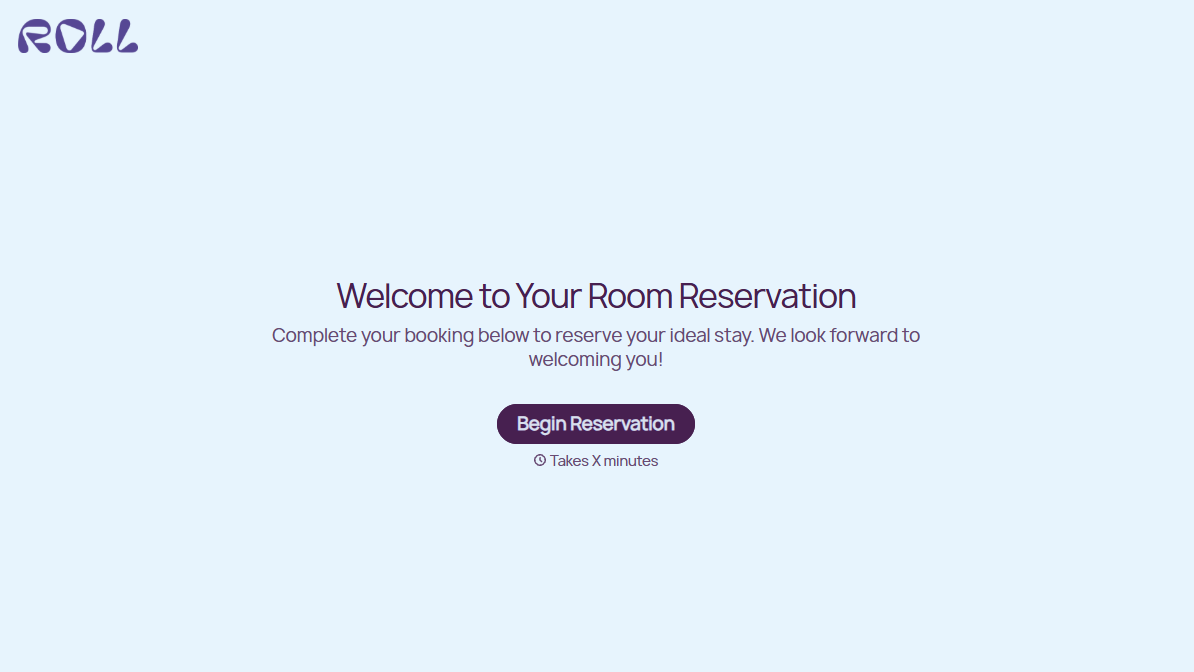
Hotel Room Booking Form
A room booked over the phone with "we'll figure out the room type when you get here" doesn't leave the front desk anything to actually plan around. Collect what your hotel actually needs, guest information, dates, and room preferences, before the reservation gets confirmed.
View template
With Typeform, you can customize everything
Change text, colors, and even logos to match the look and feel of your brand. Then embed forms smoothly onto web and email.
Make forms feel effortless to fill out. Pace questions, call people by their name, and adapt the flow based on the data they share.
Stay efficient by connecting forms to your workflow. Typeform integrates with 300+ tools including Slack, Zapier, and HubSpot.


