Guest Registration Form Template
Collect guest information before events so you're organized from the start, not playing catch-up on the day.



Managing guest arrivals gets messy fast when you're collecting names, dietary requirements, and contact details through email threads or spreadsheets. You end up chasing people for missing information, correcting errors, and building lists manually right when you have other things to focus on.
A Typeform guest registration form handles all of that upfront. Conditional logic means guests only see questions relevant to them — someone attending a free event won't get asked for payment details, and a guest with dietary restrictions can share specifics without everyone else wading through irrelevant fields. Responses feed directly into your event management tools or CRM, so your list is ready when you are.
You can customize the form to match your event branding, add your logo, and change the color scheme in minutes. Share it by link or embed it on your event page, and guests can complete it from any device.
A guest registration form collects identifying information from visitors to a property, facility, or event. It creates a documented record of who was present, when they arrived, and their purpose for visiting.
Informal sign-in processes create gaps in your visitor record that matter for security, emergency management, and liability. A structured digital form ensures every guest is logged consistently and the information is searchable when you need it.
A useful guest registration captures the essentials quickly. Consider including:
- Full name and contact number or email
- Organization or affiliation
- Name of host or person they're visiting
- Purpose of visit
- Vehicle information (if relevant to your facility)
- Arrival and expected departure time
Yes. You can duplicate the form for each event and update the details, or use a single form with a dropdown question that lets guests select which event they're registering for. Either approach keeps your responses organized and easy to filter.
Keep the form link open until the day before your event, or set a closing date using scheduling tools in your workflow. You can also add a note in the form's closing screen about what happens if someone registers late, so expectations are clear.
Get inspired by relevant templates and categories
3200+ Templates, 300+ Integrations
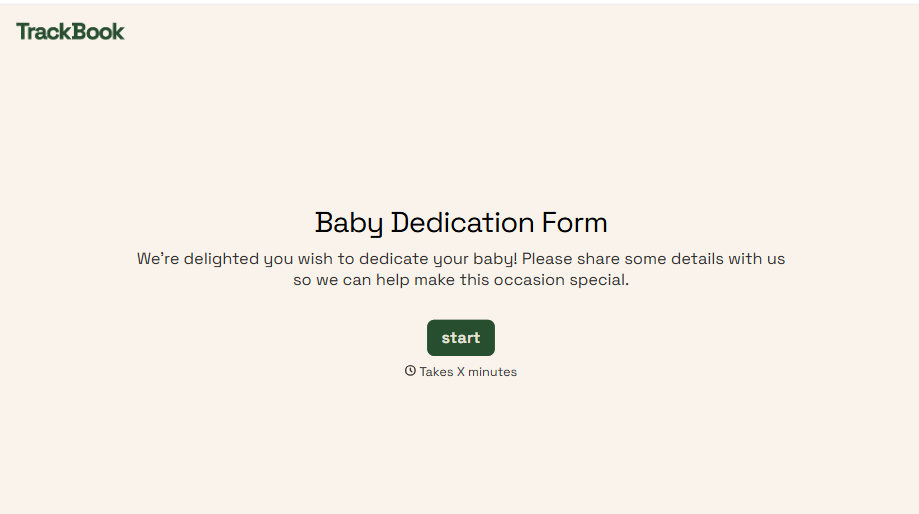
Baby Dedication Form
A sign-up sheet passed around during announcements isn't the kind of detail you want to compile into a Sunday program from memory. Collect the baby's information, requested ceremony date, and any required class attendance before the service, so your team isn't confirming a name's spelling the morning of.
View template
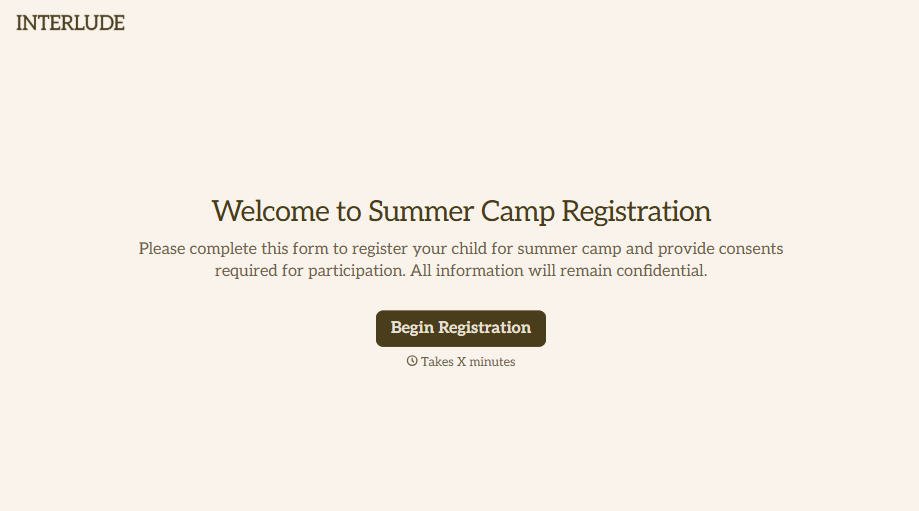
Summer Camp Consent Form
A camper with a bee sting and a counselor on the phone trying to reach a parent isn't a consent process, it's a delay. Collect guardian consent for emergency medical treatment, medication administration, and photo or media use before drop-off, so your staff can act instead of waiting for a callback.
View template
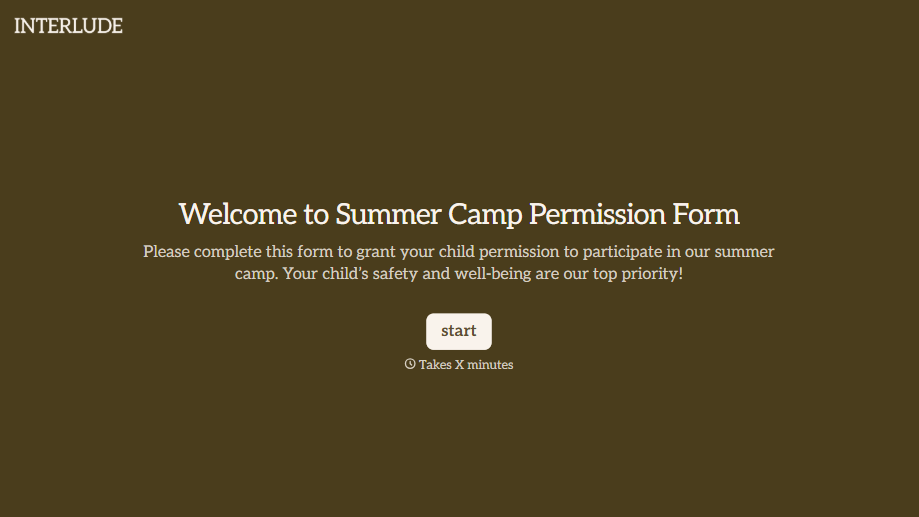
Summer Camp Permission Form
A permission packet crumpled at the bottom of a backpack for two weeks isn't a permission slip anyone can rely on. Collect camper information, medical disclosures, and a signed permission for camp activities before drop-off, so your staff aren't scrambling for an emergency contact on day one.
View template

Distributor Registration Form
A distributor application that arrives as a scanned resale certificate attached to an email doesn't tell your sales team what territory they're actually asking for. Collect what your company actually needs, business information, tax documentation, and territory, before you set up an account.
View template
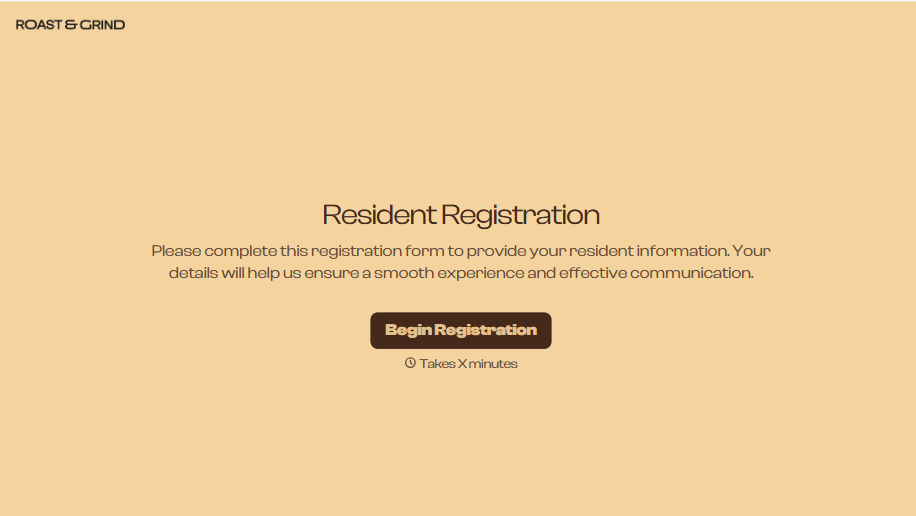
Resident Registration Form
A move-in packet signed at the leasing office and filed in a drawer isn't the kind of record your front desk can pull up when a resident's guest needs access or a car needs to be identified in the lot. Collect household members, vehicles, and emergency contacts before move-in day, so your community has an accurate record from the start.
View template
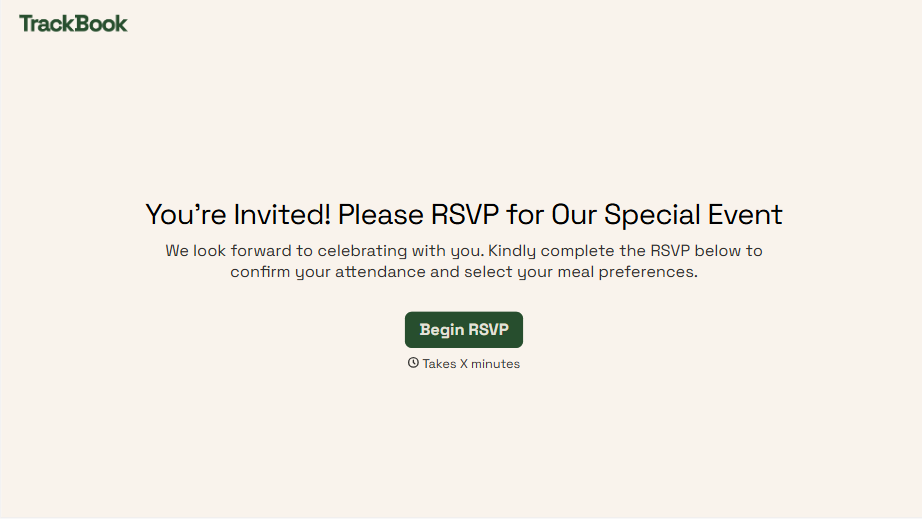
With Typeform, you can customize everything
Change text, colors, and even logos to match the look and feel of your brand. Then embed forms smoothly onto web and email.
Make forms feel effortless to fill out. Pace questions, call people by their name, and adapt the flow based on the data they share.
Stay efficient by connecting forms to your workflow. Typeform integrates with 300+ tools including Slack, Zapier, and HubSpot.


