Grand Opening Invitation Template
Build buzz for your big day, and know exactly who's coming.



You've poured everything into this new venture. The space is ready, the team is prepped, and now you need people to actually show up. But sending invitations without tracking RSVPs is like throwing a party and hoping the right number of chairs magically appears. You need to know who's coming, how many guests they're bringing, and what they're expecting.
This grand opening invitation template combines a polished invite with a built-in RSVP form. Guests get the key details (date, time, location, what to expect) and can confirm attendance in under a minute. Conditional logic lets you ask follow-up questions based on their response, like meal preferences or plus-one details, only when relevant.
Add your branding, include a map or parking instructions, and share the link via email, social media, or text. RSVPs sync to a spreadsheet or your CRM automatically, so you always have a real-time headcount without manually updating a guest list.
A grand opening invitation form combines an event announcement with an RSVP collection tool. It communicates the essential details of your opening (when, where, and what's happening) while capturing guest confirmations, headcounts, and any special requests. It's your invitation and guest management rolled into one.
Digital invitations are faster to send, easier to update, and infinitely shareable. If details change (new start time, different parking situation), you update the form once instead of reprinting. You also get real-time RSVP tracking, which means no more counting reply cards or wondering who forgot to respond.
- Guest name and email address
- RSVP confirmation (attending / not attending)
- Number of additional guests
- Any dietary restrictions or accessibility needs
- How they heard about the event
- Interest in receiving future updates or promotions
For a local business opening, 3-4 weeks gives people enough time to plan without forgetting. Send an initial invitation, then a reminder 1 week before and a final nudge 2 days out. Digital invitations make this easy. You can reshare the same link with an updated message each time.
Absolutely. Swap the physical address for a streaming link, adjust the event description, and you're set. You can use conditional logic to ask attendees whether they'll join in person or virtually, and tailor follow-up questions accordingly. One form handles both audiences.
Get inspired by relevant templates and categories
3200+ Templates, 300+ Integrations
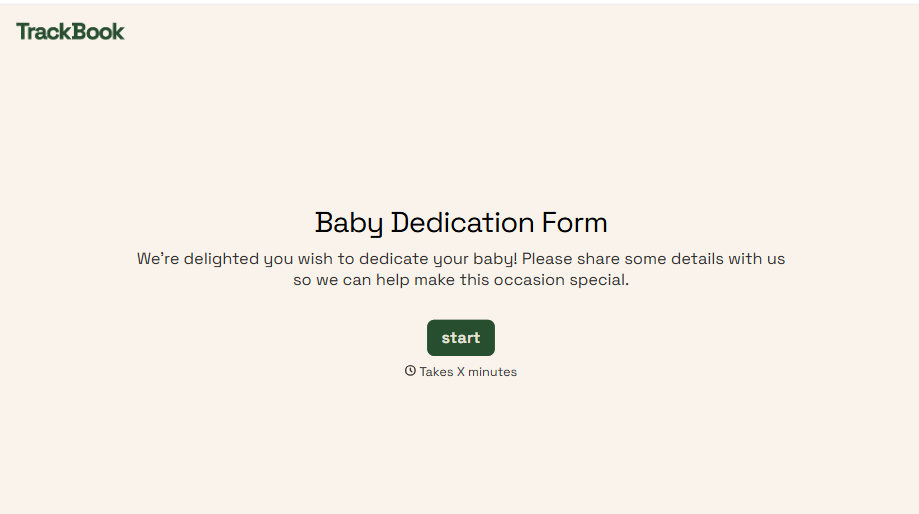
Baby Dedication Form
A sign-up sheet passed around during announcements isn't the kind of detail you want to compile into a Sunday program from memory. Collect the baby's information, requested ceremony date, and any required class attendance before the service, so your team isn't confirming a name's spelling the morning of.
View template
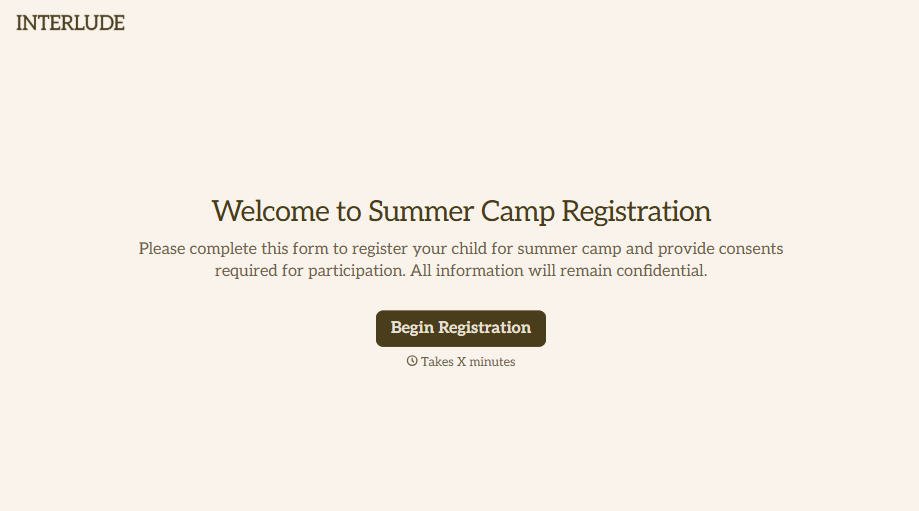
Summer Camp Consent Form
A camper with a bee sting and a counselor on the phone trying to reach a parent isn't a consent process, it's a delay. Collect guardian consent for emergency medical treatment, medication administration, and photo or media use before drop-off, so your staff can act instead of waiting for a callback.
View template
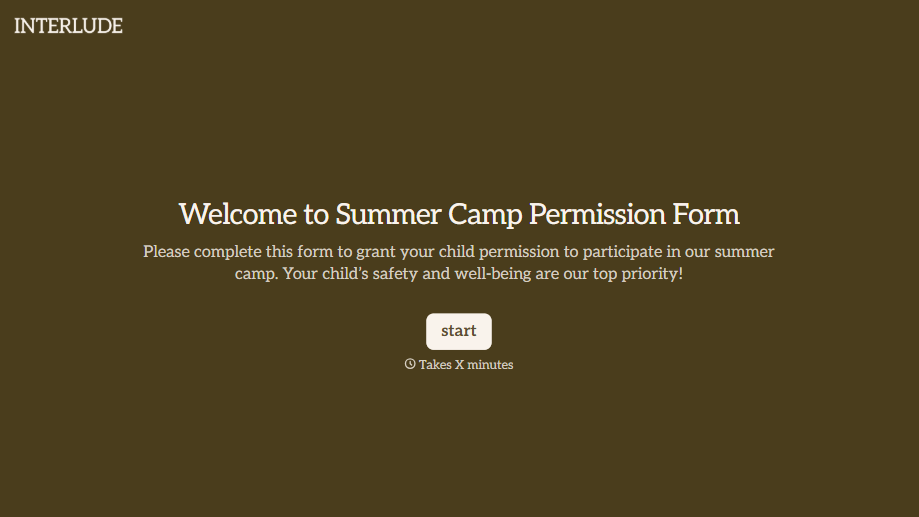
Summer Camp Permission Form
A permission packet crumpled at the bottom of a backpack for two weeks isn't a permission slip anyone can rely on. Collect camper information, medical disclosures, and a signed permission for camp activities before drop-off, so your staff aren't scrambling for an emergency contact on day one.
View template
With Typeform, you can customize everything
Change text, colors, and even logos to match the look and feel of your brand. Then embed forms smoothly onto web and email.
Make forms feel effortless to fill out. Pace questions, call people by their name, and adapt the flow based on the data they share.
Stay efficient by connecting forms to your workflow. Typeform integrates with 300+ tools including Slack, Zapier, and HubSpot.


