Go-to-Market Strategy Form Template
Capture every angle of your go-to-market plan in one place, before launch day chaos makes you forget half of it.



Launching a product or entering a new market involves input from product, marketing, sales, finance, and leadership, often spread across slide decks, docs, Slack threads, and whiteboard photos. When the strategy lives in 12 different places, alignment is an illusion.
This go-to-market strategy form template consolidates the critical elements of your GTM plan into a single, structured intake. Conditional logic adapts the questions based on launch type (new product, market expansion, feature release, or rebrand), so each respondent sees the prompts relevant to their scenario. The one-question-at-a-time format keeps contributors focused and prevents the overwhelm that kills completion rates.
Share it with stakeholders across departments to collect their input in a consistent format. Connect submissions to your project management platform through integrations and you've got a centralized strategy brief that everyone contributed to, not just one person's interpretation of a meeting that ran long.
A go-to-market strategy form is a structured intake tool that captures the key decisions, assumptions, and plans behind launching a product, service, or entering a new market. It covers areas like target audience, value proposition, pricing, distribution channels, competitive positioning, and success metrics. Using a form ensures every stakeholder addresses the same strategic questions in a comparable format.
Most GTM strategies fail — not because the ideas are bad, but because alignment breaks down between teams. A form forces clarity. You can't submit vague answers when there's a specific field asking for your target customer segment or primary distribution channel. It also creates a written record of strategic decisions, which is invaluable when teams later disagree about what was actually agreed upon.
- Target market segment and ideal customer profile
- Core value proposition and key differentiators
- Pricing strategy and revenue model
- Primary marketing and distribution channels
- Competitive landscape and positioning
- Key success metrics and timeline milestones
Send the form to stakeholders in product, marketing, sales, customer success, and finance. Each person completes it from their functional perspective. You'll quickly see where teams are aligned and where there are gaps or contradictions, which is exactly the information you need before launch. Conditional logic can even show department-specific questions based on the respondent's role.
Ideally, eight to 12 weeks before your target launch date — that's early enough to course-correct but late enough that your product direction is reasonably firm. It's also useful to revisit the form at key milestones: after beta testing, after competitive analysis, and 30 days post-launch for a retrospective. Each submission becomes a snapshot of your strategic thinking at that point in time.
Get inspired by relevant templates and categories
3200+ Templates, 300+ Integrations

Bank Reference Form
A reference request faxed to a bank branch and left sitting in a queue for weeks isn't the kind of turnaround a landlord or business can wait on. Collect the applicant's signed authorization and the specific details you need confirmed before the request even reaches the bank, so a decision isn't stuck behind a letter that hasn't come back yet.
View template

Bar Inventory Form
A bottle count eyeballed at the end of a shift and scrawled on a paper sheet doesn't hold up against a pour cost report that says something doesn't add up. Collect what your bar actually needs, item, count, and variance, on a schedule you can actually compare week to week.
View template

Equipment Inventory Form
Equipment that leaves a storage room in someone's arms, with no note about where it went, doesn't show up again until someone needs it and can't find it. Collect what your team actually needs, item details, condition, and who's got it, every time something moves.
View template

Maintenance Agreement Form
A maintenance plan agreed to over the phone isn't a contract your service team can actually work from, especially when nobody's sure whether the twice-a-year tune-up was part of the deal. Collect the equipment covered, service frequency, and a signed agreement before the first visit, so your team isn't guessing at scope once they're on-site.
View template

Incentive Claim Form
A rebate claim mailed in with a stapled stack of receipts isn't the kind of paperwork that gets processed quickly, especially when a required serial number turns out to be missing from page three. Collect proof of purchase, product details, and participant information upfront, so a claim doesn't bounce back for a missing document weeks later.
View template
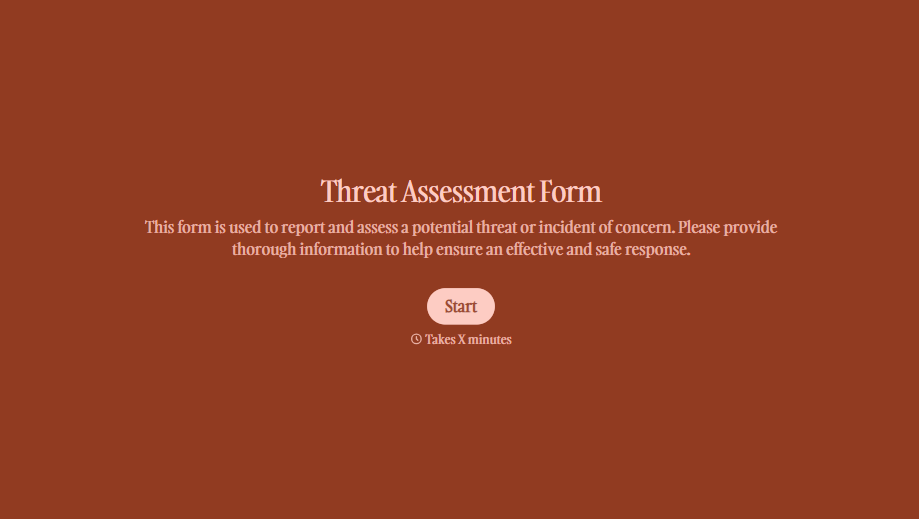
Threat Assessment Form
A concerning comment that gets passed from a teacher to a counselor to whoever's free that period loses detail with every retelling. Collect what your team actually needs, what was observed or reported, who was involved, and when, before an important detail gets dropped along the way.
View template
With Typeform, you can customize everything
Change text, colors, and even logos to match the look and feel of your brand. Then embed forms smoothly onto web and email.
Make forms feel effortless to fill out. Pace questions, call people by their name, and adapt the flow based on the data they share.
Stay efficient by connecting forms to your workflow. Typeform integrates with 300+ tools including Slack, Zapier, and HubSpot.


