Event Vendor Registration Form Template
Register vendors for your event with all the details you need to plan logistics.



Coordinating vendors for an event requires more information than most registration forms collect. Space requirements, power needs, setup times, product categories, insurance documentation, payment details — when that information comes in piecemeal through email, planning the floor becomes a puzzle with missing pieces.
A vendor registration form brings it all together before your planning deadline. Typeform's template uses conditional logic to surface the right questions based on vendor type — a food vendor has different space and power requirements than a merchandise seller or a sponsor booth. Every submission gives you a complete vendor profile you can use for layout planning, communications, and logistics. Responses connect to your planning spreadsheet or event management tool automatically.
You can customize the form for your event type — markets, festivals, conferences, trade shows — and add any vendor agreements or insurance acknowledgments your event requires.
An event vendor registration form is an online form that collects the information needed to register vendors for participation in an event. It captures contact details, booth or space requirements, product or service category, setup logistics, and any required documentation like certificates of insurance.
It gives you the complete picture you need for logistics planning before the event. Instead of emailing vendors back and forth for missing details, you get a structured data set from every vendor — making it much easier to assign spaces, coordinate setup schedules, and manage on-site logistics.
A vendor registration form typically needs:
- Business name and contact information
- Vendor category (food, merchandise, services, sponsor, etc.)
- Booth or space size required
- Power requirements
- Preferred setup and breakdown times
- Products or services to be sold or displayed
- Certificate of insurance upload
- Payment or booth fee acknowledgment
Set up the form so submissions notify your event team automatically. You can review applications and send approval confirmations manually, or configure a conditional redirect that sends approved vendors to a payment page while declined applications receive a separate message. Keeping a clear status in your tracking spreadsheet helps manage this at scale.
You can duplicate and adjust the form for each event, or add a question at the start that asks which event the vendor is registering for and use that to adapt the follow-up questions. If you run multiple events on the same platform, keeping a base template and adjusting dates, pricing, and event-specific details each time is the most efficient approach.
Get inspired by relevant templates and categories
3200+ Templates, 300+ Integrations
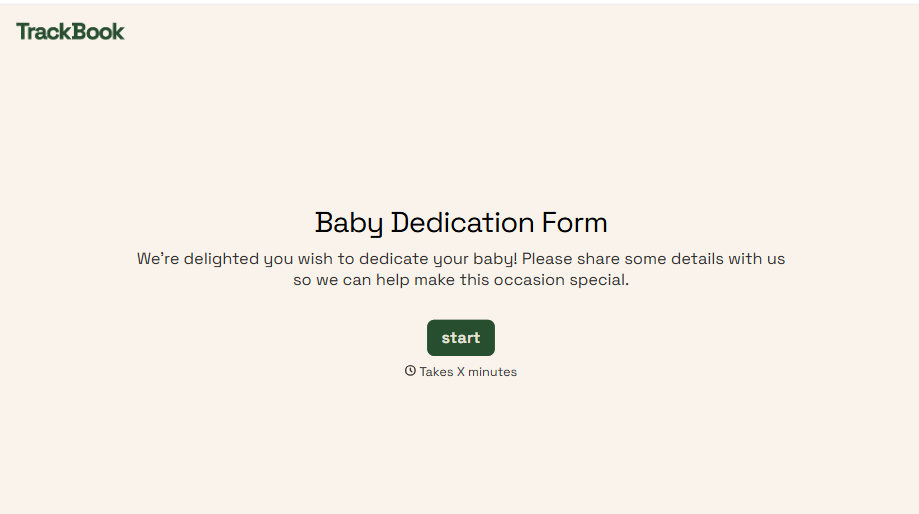
Baby Dedication Form
A sign-up sheet passed around during announcements isn't the kind of detail you want to compile into a Sunday program from memory. Collect the baby's information, requested ceremony date, and any required class attendance before the service, so your team isn't confirming a name's spelling the morning of.
View template
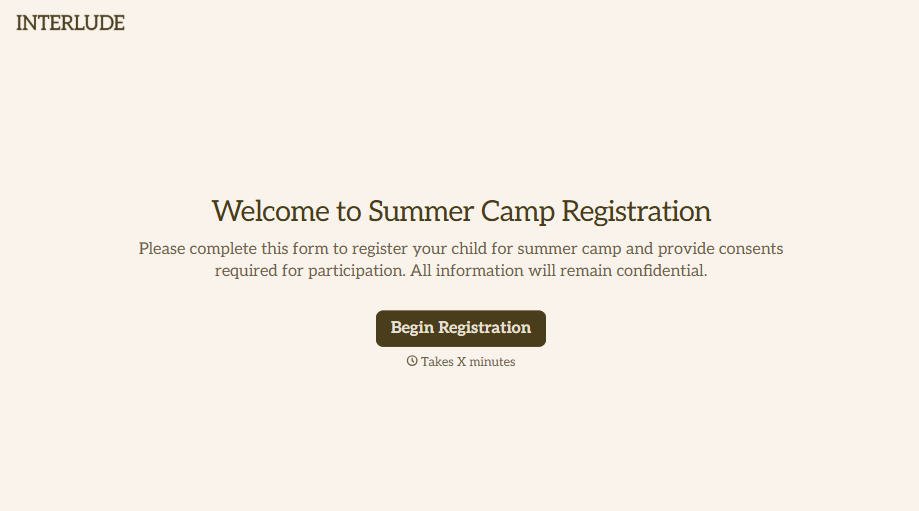
Summer Camp Consent Form
A camper with a bee sting and a counselor on the phone trying to reach a parent isn't a consent process, it's a delay. Collect guardian consent for emergency medical treatment, medication administration, and photo or media use before drop-off, so your staff can act instead of waiting for a callback.
View template
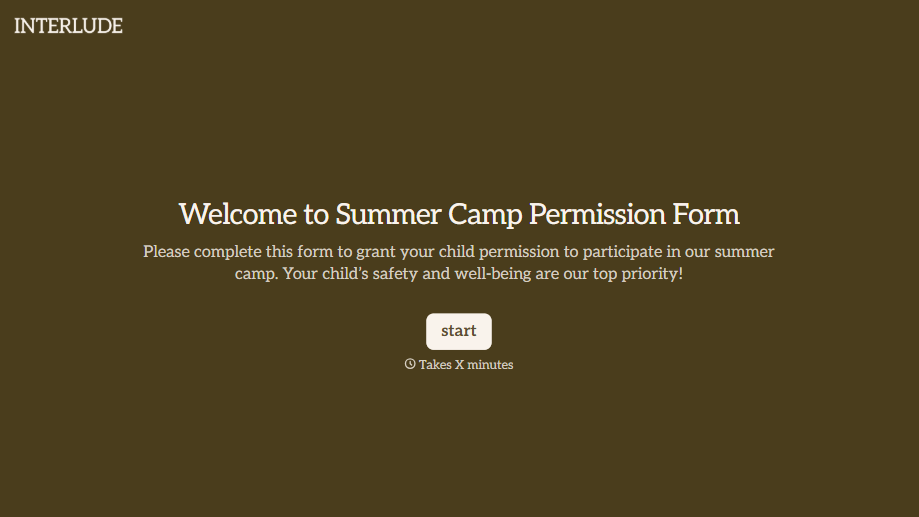
Summer Camp Permission Form
A permission packet crumpled at the bottom of a backpack for two weeks isn't a permission slip anyone can rely on. Collect camper information, medical disclosures, and a signed permission for camp activities before drop-off, so your staff aren't scrambling for an emergency contact on day one.
View template
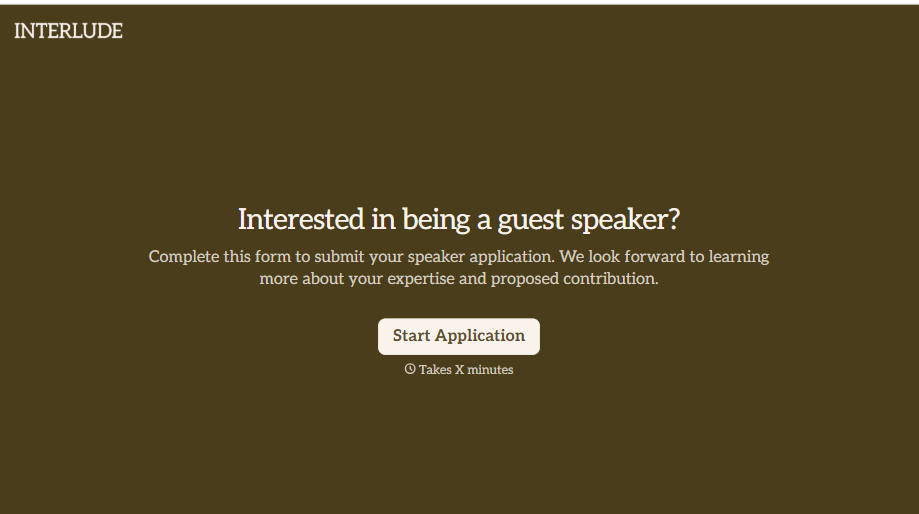
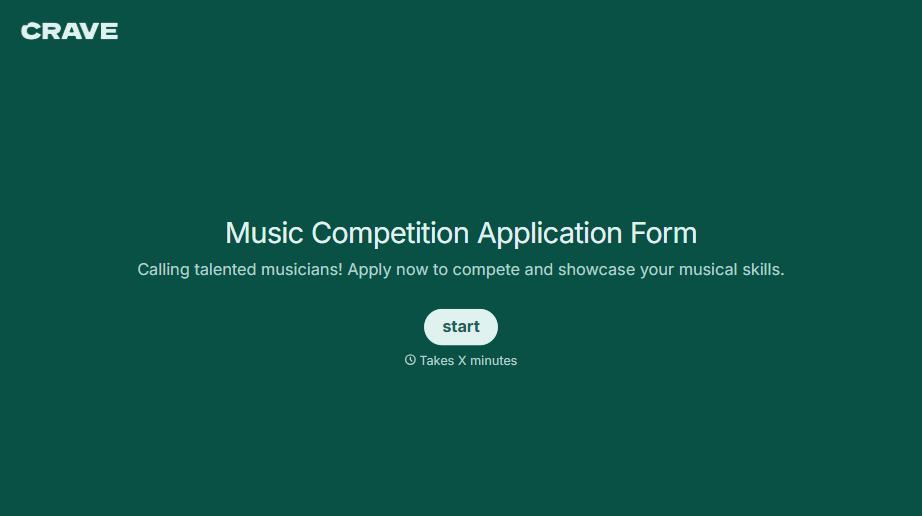
Music Competition Application Form
An application that asks for a video link and a repertoire list but never says whether the recording needs to be a single unedited take isn't a fair competition, it's whoever guessed the actual rules correctly. Set the age category, the time limit, and the recording requirements up front, so every entry gets judged against the same standard.
View template
With Typeform, you can customize everything
Change text, colors, and even logos to match the look and feel of your brand. Then embed forms smoothly onto web and email.
Make forms feel effortless to fill out. Pace questions, call people by their name, and adapt the flow based on the data they share.
Stay efficient by connecting forms to your workflow. Typeform integrates with 300+ tools including Slack, Zapier, and HubSpot.


