Event planning quote form template
Gather everything you need to create an accurate quote



First and foremost, a great quote form should make your life easier. So before you start customizing this template, think about what you really need from clients. Maybe you just need general info, like the number of guests and the type of event. Or maybe you need to dig a little deeper and ask for catering requirements or budget allocation.
Once you’re clear on what questions to ask, start playing around with the form builder. Here are some tips on how to create a great form:
- Switch up the question types: Back-to-back text blocks aren’t fun to look at. Break up text-heavy questions with picture choices to keep things engaging.
- Use logic jumps: Logic jumps let you ask the right follow-up questions, so it feels like you’re really listening.
- Make it visual: Pick the right fonts, colors, images and icons—a quote form is a great opportunity to make a solid first impression, so make it look good.
Banish busywork: An event planning quote form gathers everything you need to create an accurate client quote—no more chasing up on vague emails or piecing together bad briefs.
Save time: Connect your form with our smart integrations so your quote requests organize automatically. Gather data in Google Sheets. Send Slack notifications when someone completes your form. And turn requests into tasks in your go-to project management tool, like Asana or monday.com.
Make your events amazing: Some clients have a clear idea of how they want their event to go. But others don’t know what they want until they’re asked. That’s where your quote form comes in. Your questions can double up as prompts, helping unsure clients decide what they want their event to be like. All this will help you understand their expectations and plan a knockout event.
Get inspired by relevant templates and categories
3200+ Templates, 300+ Integrations
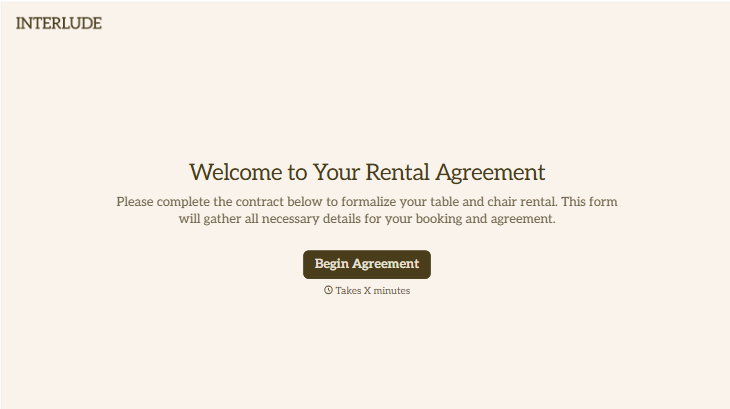
Table and Chair Rental Agreement Form
Move past a handshake and a hastily texted headcount. Document who's responsible for damage, confirm the equipment's warranty is disclaimed the way the law actually requires, and keep a timestamped record of exactly what was rented and returned in what condition.
View template
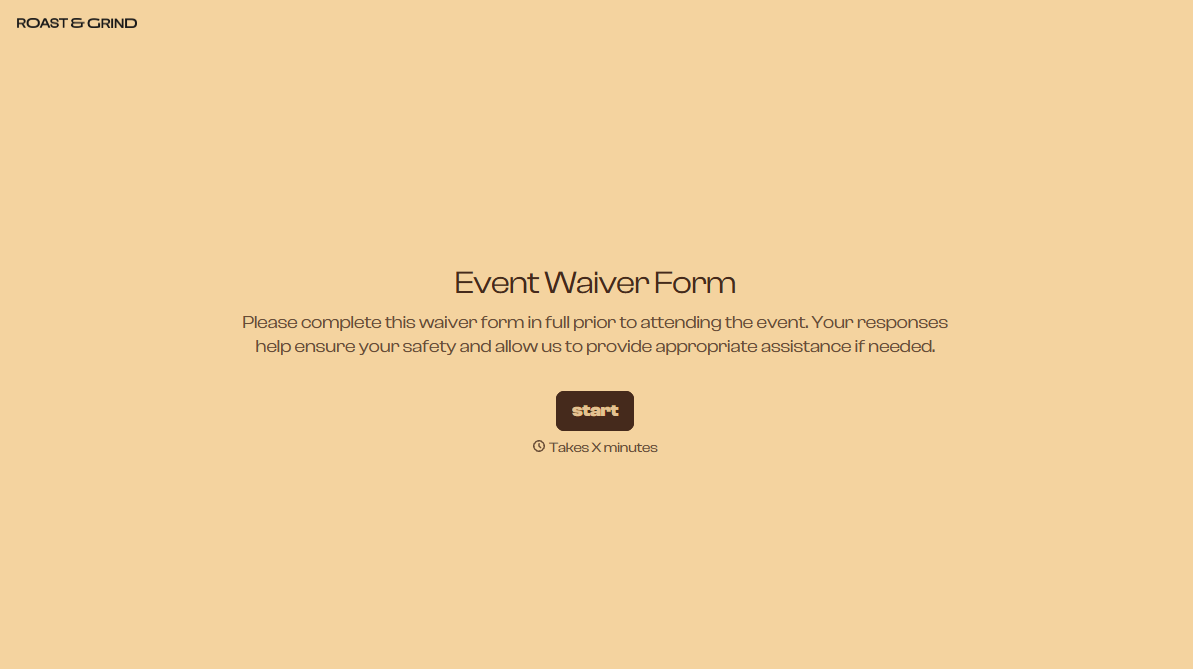
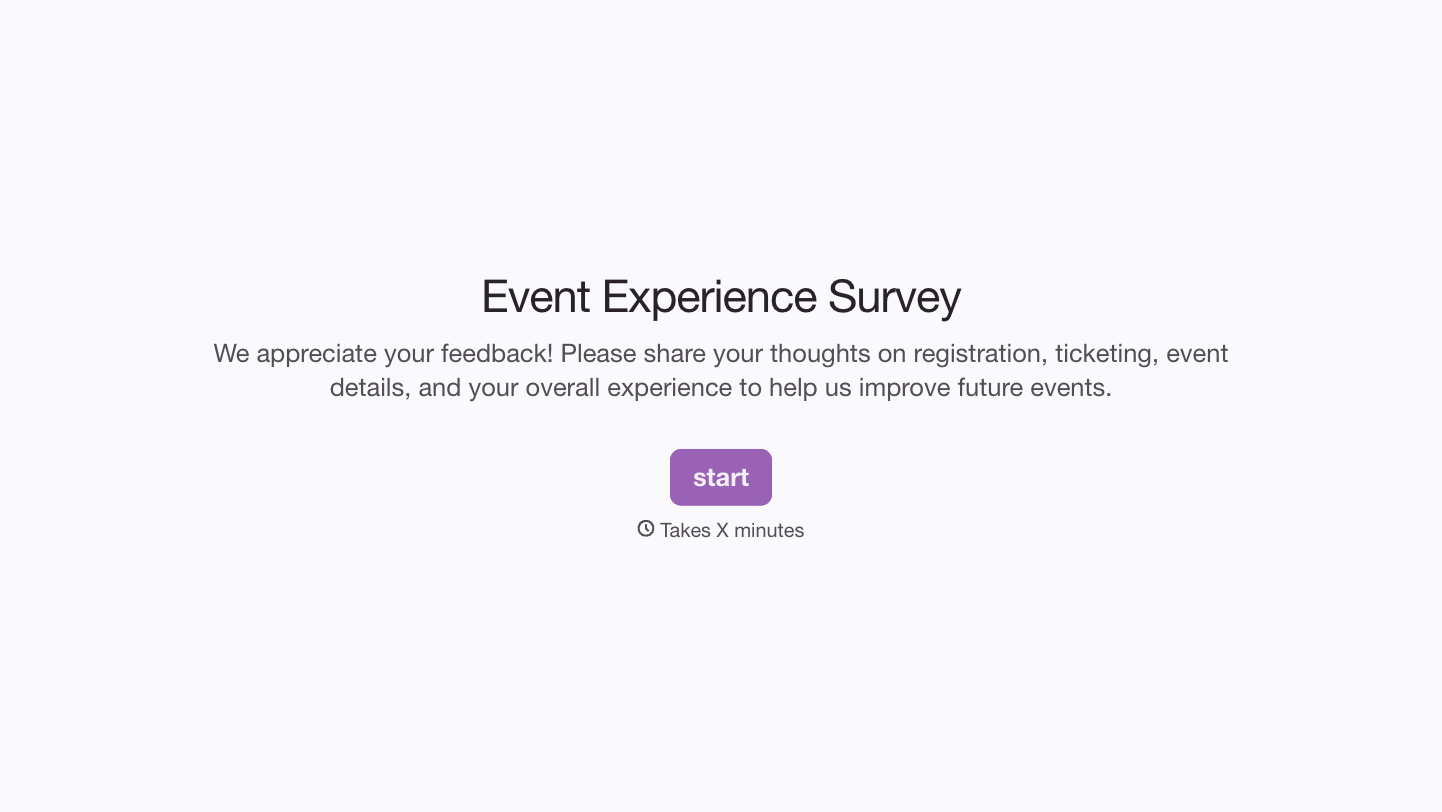
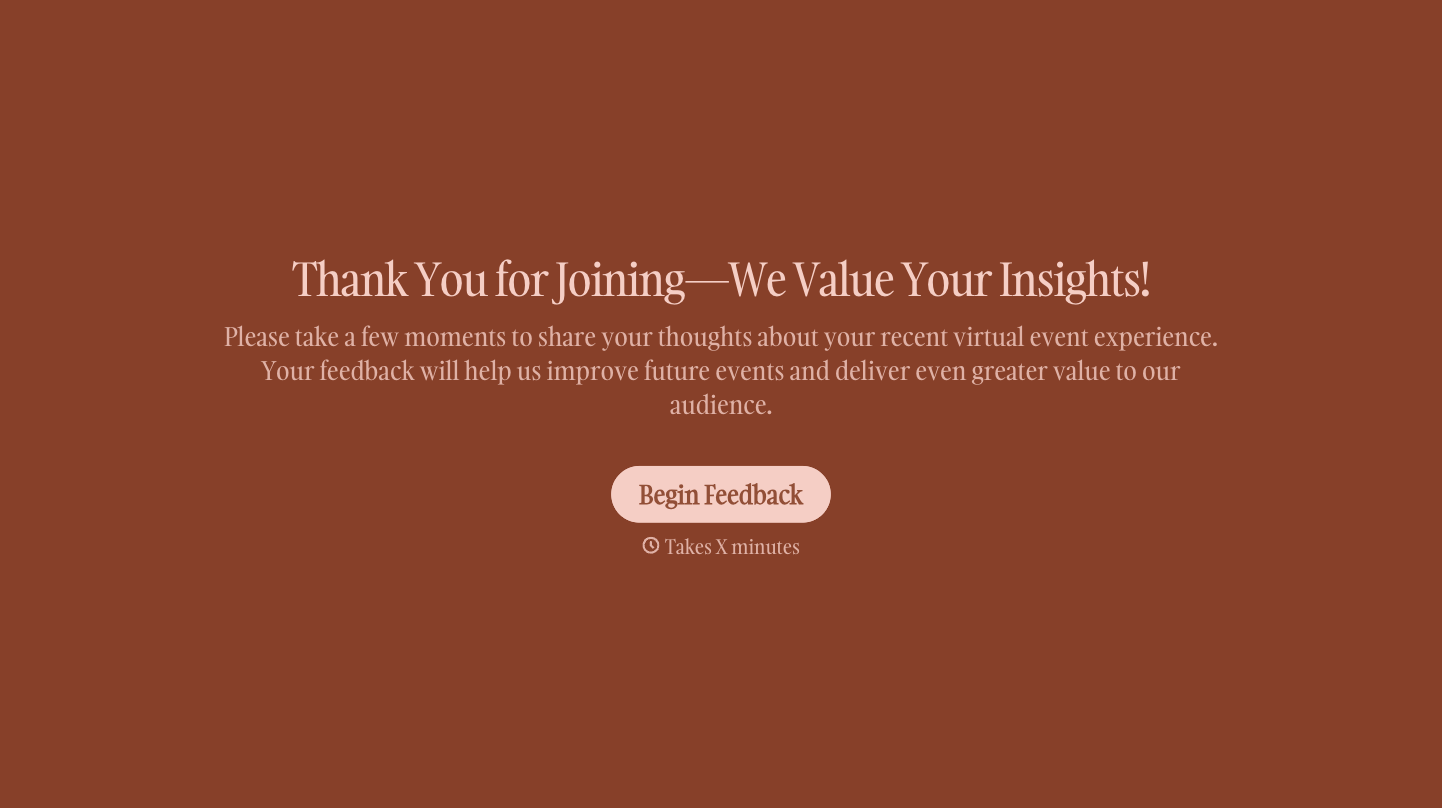
With Typeform, you can customize everything
Change text, colors, and even logos to match the look and feel of your brand. Then embed forms smoothly onto web and email.
Make forms feel effortless to fill out. Pace questions, call people by their name, and adapt the flow based on the data they share.
Stay efficient by connecting forms to your workflow. Typeform integrates with 300+ tools including Slack, Zapier, and HubSpot.


