Entry Form Template
Whether it's a contest, raffle, or competition, give entrants a smooth way in and give yourself organized data out.



Running a contest or competition should be exciting, not administratively exhausting. But entry management gets messy fast: paper entries pile up, email submissions come in wildly different formats, and tracking who entered what (and when) becomes a spreadsheet nightmare. Meanwhile, participants want a quick, clear way to throw their hat in the ring.
This entry form template gives participants a clean submission experience while giving you structured, consistent data for every entry. Whether you're running a photo contest, a business pitch competition, or a giveaway raffle, the form adapts. Conditional logic tailors questions by entry category, file uploads handle submissions like photos or essays, and the conversational format keeps dropout rates low.
Share the form link anywhere (social media, email newsletters, event pages) and watch entries roll into Google Sheets or your contest management platform via Zapier. Set a closing date in your communications, export entries for judging, and pull winner details without sifting through chaos. Clean process, fair competition, happy participants.
An entry form is a standardized submission document for contests, competitions, sweepstakes, or events. It collects participant information (name, contact details, entry category) along with any required submission materials like photos, essays, or project descriptions. It ensures every entry is complete, consistent, and trackable.
Online forms eliminate geographic barriers. Anyone with a link can enter from anywhere. You get structured data instead of random email submissions, automatic timestamps for deadline enforcement, and easy export for judging panels. Participants enjoy a professional, branded experience that builds excitement about the contest itself. And you never lose an entry to an overflowing inbox.
- Entrant's full name, email, and phone number
- Entry category or competition division
- Submission upload (photo, video link, essay, portfolio)
- Agreement to terms, conditions, and eligibility rules
- How they heard about the contest
- Optional: a brief description or artist statement about their entry
Use email validation to catch duplicate submissions from the same address. You can also add a hidden field that stamps each entry with a unique ID for tracking. For competitions where eligibility matters, include age verification or location questions. Make your terms and conditions acceptance a required step. For high-stakes competitions, manual review of entries before they enter the judging pool adds an extra layer of integrity.
Yes. Typeform's Stripe integration lets you collect entry fees directly within the form. Participants enter their payment details as part of the submission flow, so there's no separate checkout page and no dropped-off entries between form and payment. You get both the entry data and the fee in one seamless transaction, with automatic receipts for the entrant.
Get inspired by relevant templates and categories
3200+ Templates, 300+ Integrations



Nationality Verification Form
A self-certification buried in a stack of new account paperwork isn't the kind of record a compliance team can rely on for a regulatory filing. Collect nationality, tax residency, and a signed declaration before an account opens, so compliance isn't chasing down a customer's citizenship status after the fact.
View template
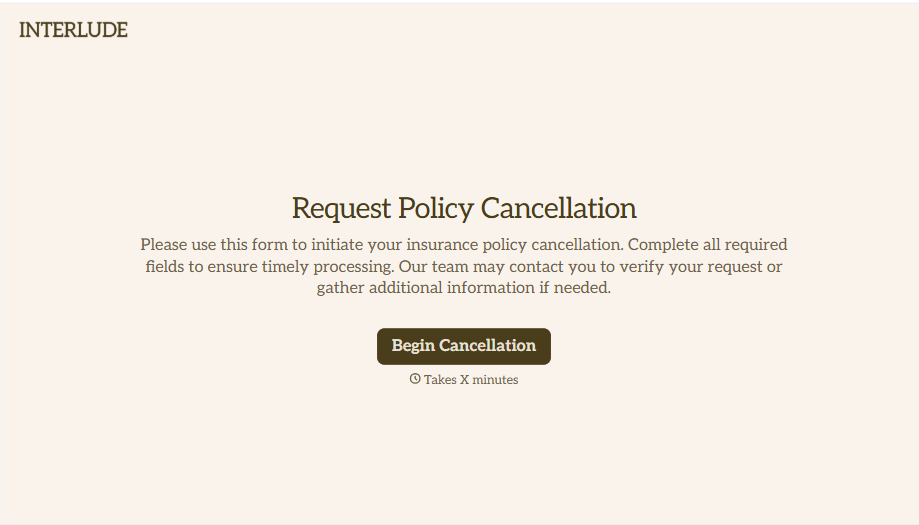
Policy Cancellation Form
A cancellation requested over the phone doesn't leave a clear record of exactly what date the policyholder actually asked for, and that date matters more than it sounds like it should. Collect what your agency actually needs, policy details, identity verification, and the requested effective date, before coverage actually ends.
View template
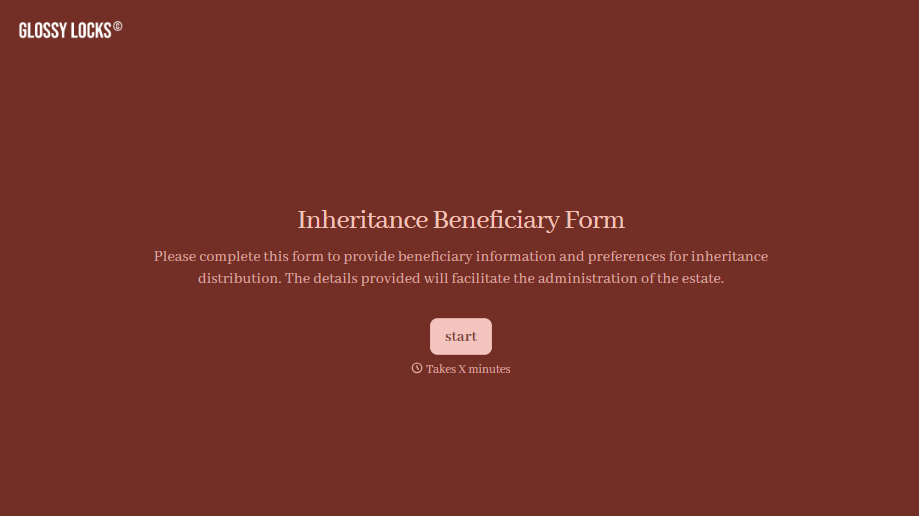
Inheritance Beneficiary Form
Asking a grieving family member for the same banking details across three different phone calls doesn't make settling an estate go any faster. Collect what your firm actually needs, beneficiary information, identification, and distribution details, in one submission instead of three calls.
View template
With Typeform, you can customize everything
Change text, colors, and even logos to match the look and feel of your brand. Then embed forms smoothly onto web and email.
Make forms feel effortless to fill out. Pace questions, call people by their name, and adapt the flow based on the data they share.
Stay efficient by connecting forms to your workflow. Typeform integrates with 300+ tools including Slack, Zapier, and HubSpot.


