Employment Verification Form Template
Respond to verification requests fast, with a process that protects both the company and the employee.



Employment verification requests arrive from lenders, landlords, government agencies, and prospective employers. Each one needs a response, but handling them via email, phone, or fax is slow, inconsistent, and hard to track. Without a standard process, HR teams either over-share (risking privacy violations) or under-respond (delaying the employee's loan or lease).
This employment verification form template standardizes the intake. The requesting party provides their details, the employee they're verifying, and exactly what information they need. Conditional logic adjusts based on the request type — salary verification for mortgage lenders includes different fields than a basic employment confirmation for a new landlord.
Route submissions to your HR team, respond with standardized verification letters, and keep a record of every request and response for compliance purposes.
An employment verification form is used by third parties to confirm an individual's current or past employment with an organization. It captures the requester's identity, their relationship to the employee, the purpose of the verification, and the specific information being requested — such as job title, employment dates, and salary.
Without a standard process, responses vary by whoever happens to pick up the phone or see the email. Some share too much, others too little. A standardized form ensures you collect the right information from the requester, respond consistently, and maintain records that protect you if a privacy question arises later.
- Requester's name, organization, and contact information
- Purpose of verification (mortgage, lease, background check, etc.)
- Employee's full name and job title (or former title)
- Specific information requested (dates of employment, salary, position)
- Employee consent confirmation or release authorization
- Preferred response format and deadline
This varies by jurisdiction. Generally, you can confirm dates of employment and job title. Salary information typically requires the employee's written consent. Subjective assessments (performance, reason for departure) should be avoided unless required by law. When in doubt, verify only what the employee has explicitly authorized.
Require the requesting party to provide their company name, position, and a callback number you can independently verify. For sensitive verifications (salary, background checks), require a signed employee authorization or release form before responding.
Get inspired by relevant templates and categories
3200+ Templates, 300+ Integrations


Work From Home Request Form
A Slack message asking to work from home on Thursday isn't a request anyone can track, especially once the same employee has asked five different ways over a month. Collect the request type, dates or schedule, and manager approval in one place, so HR isn't reconstructing who's working where from a scattered inbox.
View template

Return of Property Form
A property checklist stapled to an exit interview packet isn't a record anyone can rely on when a laptop turns up missing three weeks later. Collect itemized equipment details, condition at return, and a signed acknowledgment before an employee's last day, so IT isn't chasing down a laptop that already walked out the door.
View template

Early Retirement Form
A retirement mentioned to a manager in conversation doesn't give HR anything to actually process, and if there's an incentive deadline attached, the date that conversation happened can matter more than anyone realized at the time. Collect what your HR team actually needs, employee information, requested date, and benefit elections, before a window closes.
View template
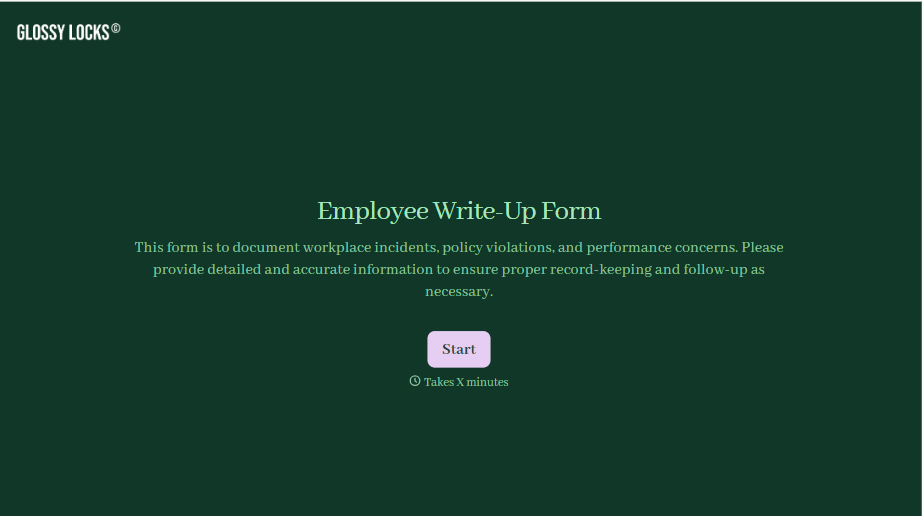
Employee Write-Up Form
A verbal warning that never makes it into a written record isn't the kind of documentation that holds up if a termination is challenged later. Collect the specific incident, policy violated, and corrective action while it's fresh, so a pattern of issues doesn't go undocumented until it's too late to matter.
View template
With Typeform, you can customize everything
Change text, colors, and even logos to match the look and feel of your brand. Then embed forms smoothly onto web and email.
Make forms feel effortless to fill out. Pace questions, call people by their name, and adapt the flow based on the data they share.
Stay efficient by connecting forms to your workflow. Typeform integrates with 300+ tools including Slack, Zapier, and HubSpot.


