Employee Self-Appraisal Form Template
Give employees space to reflect on their performance — before the review conversation begins.



Performance reviews that start without employee input are one-sided. A self-appraisal gives employees the opportunity to document their contributions, identify growth areas, and set the agenda for a more meaningful conversation.
The template covers the review period and the employee's role, key accomplishments and their impact, areas where the employee feels they've grown, areas they'd like to develop further, goals for the next period, any support or resources they need, and their overall assessment of their own performance.
Managers who read a completed self-appraisal before a review conversation come in better prepared, and the conversation itself is more productive — more discussion of the future, less reciting of what happened.
At least 5 to 7 days before the performance review, so the manager has time to read it thoroughly. Send the form 2 weeks before the review so employees have time to reflect, not rush.
Significant discrepancies are actually valuable — they reveal perception gaps worth exploring. Use the discrepancy as a conversation starter, not a correction opportunity.
Required participation signals that employee perspective is genuinely valued. Make it a standard part of the process, but keep it reasonable in length — 30 to 45 minutes is a fair time investment.
The content can inform the conversation that influences merit decisions. Allowing self-ratings to directly influence compensation is unusual and can introduce risk. Most organizations treat the self-appraisal as input to the review, not a separate rating source.
5 to 8 questions covering the key areas: accomplishments, growth, development, goals, and support needs. More than 10 questions and completion quality suffers. Less than 5 and you lose meaningful depth.
Get inspired by relevant templates and categories
3200+ Templates, 300+ Integrations


Work From Home Request Form
A Slack message asking to work from home on Thursday isn't a request anyone can track, especially once the same employee has asked five different ways over a month. Collect the request type, dates or schedule, and manager approval in one place, so HR isn't reconstructing who's working where from a scattered inbox.
View template

Return of Property Form
A property checklist stapled to an exit interview packet isn't a record anyone can rely on when a laptop turns up missing three weeks later. Collect itemized equipment details, condition at return, and a signed acknowledgment before an employee's last day, so IT isn't chasing down a laptop that already walked out the door.
View template

Early Retirement Form
A retirement mentioned to a manager in conversation doesn't give HR anything to actually process, and if there's an incentive deadline attached, the date that conversation happened can matter more than anyone realized at the time. Collect what your HR team actually needs, employee information, requested date, and benefit elections, before a window closes.
View template
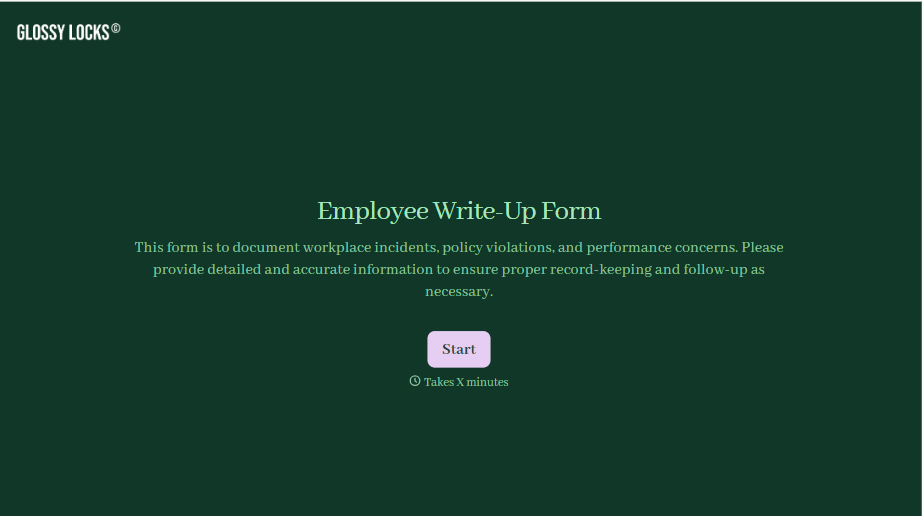
Employee Write-Up Form
A verbal warning that never makes it into a written record isn't the kind of documentation that holds up if a termination is challenged later. Collect the specific incident, policy violated, and corrective action while it's fresh, so a pattern of issues doesn't go undocumented until it's too late to matter.
View template
With Typeform, you can customize everything
Change text, colors, and even logos to match the look and feel of your brand. Then embed forms smoothly onto web and email.
Make forms feel effortless to fill out. Pace questions, call people by their name, and adapt the flow based on the data they share.
Stay efficient by connecting forms to your workflow. Typeform integrates with 300+ tools including Slack, Zapier, and HubSpot.


