Employee Registration Form Template
Onboarding a new employee starts with getting their details right. A clean intake form means your records are complete from day one.



Employee onboarding paperwork is one of those things that tends to happen in a hurry, with predictable results: incomplete forms, missing information, and a first-day experience that feels disorganized. New hires notice. It sets an early tone that you don't want to set.
A well-designed employee registration form collects everything your HR, IT, and payroll teams need before the first day. Typeform's template walks new hires through personal details, tax information, direct deposit setup, emergency contacts, and any other intake requirements one step at a time. Conditional logic handles role-specific questions — a remote employee needs different equipment information than someone working on-site. Connect responses to your HRIS or payroll platform via integrations to auto-populate records.
Customize the form for your organization's needs, send it as part of the offer acceptance process, and have records ready before your new hire's first morning.
Collecting intake information informally or through paper forms creates incomplete records and delays onboarding workflows. A digital form ensures all required fields are completed before submission and creates a clean, organized record in your HR system from day one.
Cover the essentials for HR, payroll, and IT. Common fields include:
- Legal name, address, and contact information
- Date of birth and government ID details (as required)
- Tax withholding information
- Direct deposit banking details
- Emergency contact name and relationship
- Start date and department
- Equipment preferences or remote/on-site status
- IT account setup requirements
Typeform encrypts data in transit and at rest. For payroll-sensitive information, ensure your form is shared directly with new hires via a secure link (not publicly embedded) and that access to responses is restricted to authorized HR and payroll staff. Review your local data handling regulations for additional requirements.
Yes. When integrated with tools like HubSpot, your HRIS, or an email automation platform, a new employee record being created can automatically trigger the registration form to be sent. This fits naturally into a pre-boarding workflow without manual sending.
An employee registration form collects the personal, tax, payroll, and emergency contact information from a new hire that HR, IT, and payroll teams need to set up their systems and employment records. It's typically completed before or during the first day of employment.
Get inspired by relevant templates and categories
3200+ Templates, 300+ Integrations
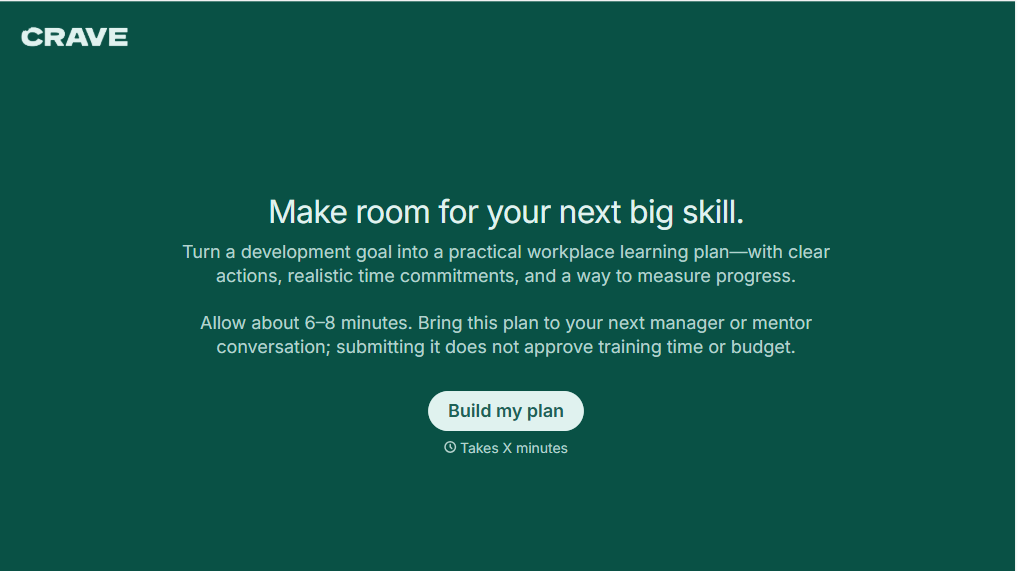
Workplace Learning Plan Form
Help employees and managers create structured professional development plans with a form that collects learning goals, skill gaps, and training preferences. Keep development priorities organized so teams can track progress, identify learning opportunities, and support employee growth in the workplace.
View template

Skills Assessment Consent Form
Give employers, training providers, and educational organizations a straightforward way to obtain consent for skills assessments with a form that collects participant information, assessment details, and authorization. Keep consent records organized so administrators can communicate evaluation procedures, explain how results will be used, and confirm participation before assessments begin.
View template

Hiking Trip Check Out Form
Provide hikers with a simpler way to record their departure from a trail or outdoor program with a form that collects participant details, trip information, and safety confirmations. Keep checkout records organized so trip coordinators can track returning hikers, account for participants, and manage outdoor activities safely.
View template
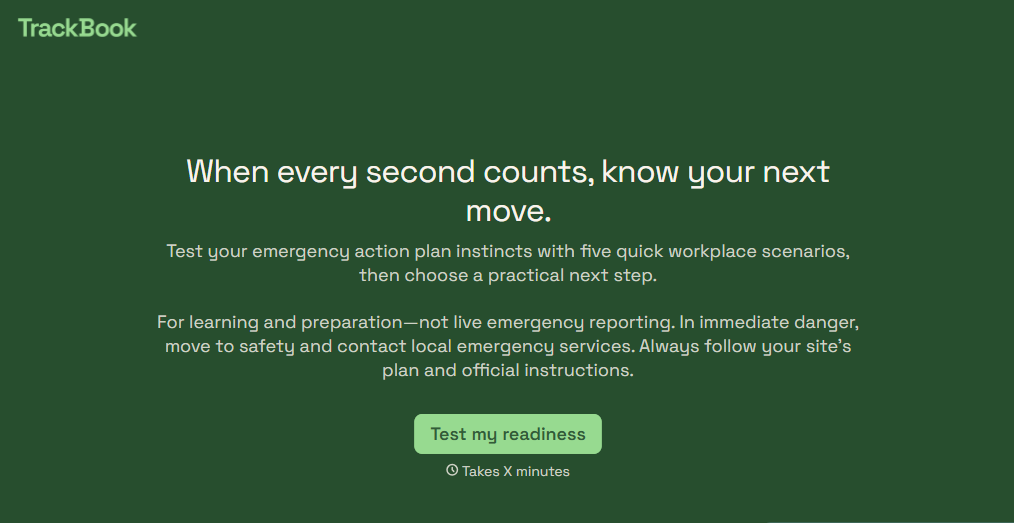
Emergency Action Plan Quiz Form
Give employees an easy way to test their emergency preparedness knowledge with a quiz that covers evacuation procedures, emergency contacts, and workplace safety protocols. Keep the results organized so your team can identify knowledge gaps, reinforce training, and improve emergency response readiness.
View template

Fresno Grizzlies Baseball Camp Form
Give parents and guardians a straightforward way to register young athletes for a Fresno Grizzlies baseball camp with a form that collects participant information, experience levels, and emergency contacts. Keep registrations organized so camp coordinators can plan activities, manage attendance, and prepare for a successful baseball camp.
View template

Camp Volunteer Staff Reference Form
Give camp coordinators an easy way to collect references for prospective volunteers with a form that gathers information about reliability, relevant experience, and interpersonal skills. Keep reference responses organized so camp administrators can evaluate applicants, identify strengths, and make informed volunteer selection decisions.
View template
With Typeform, you can customize everything
Change text, colors, and even logos to match the look and feel of your brand. Then embed forms smoothly onto web and email.
Make forms feel effortless to fill out. Pace questions, call people by their name, and adapt the flow based on the data they share.
Stay efficient by connecting forms to your workflow. Typeform integrates with 300+ tools including Slack, Zapier, and HubSpot.


