Employee equipment issue form template
Get equipment problems reported with the detail IT needs to fix them fast, not a one-line "it's broken." Collect the device, the issue, and its urgency in one report.



When an employee reports that their laptop "stopped working," IT can't tell whether it's a dead battery, a failed update, or a cracked screen, so the ticket bounces back with questions while the employee sits unable to work. Every round of back-and-forth adds hours of downtime to a problem a few details could have routed straight to a fix. Typeform's employee equipment issue form captures the device, the symptom, and what the employee already tried, so IT triages on the first read.
Employees pick the affected device, describe what's going wrong, and note what they've already tried. A hardware problem like a cracked screen or dead port asks for the asset tag and a photo, while a software issue asks for the error message and when it started, so IT gets what each kind of fix needs. Every report lands sorted by device and urgency, ready to assign.
IT reads a complete report and knows right away whether to fix it remotely, dispatch a part, or swap the device. The employee gets back to work sooner, and no ticket stalls in a chain of clarifying replies.
An employee equipment issue form is an online form employees use to report a problem with their work equipment, from a laptop to a monitor to a headset. It collects the device, the symptom, what they've already tried, and how urgent the fix is. IT and facilities teams rely on it to triage issues on the first read instead of trading emails to figure out what's wrong.
Without an employee equipment issue form, problems come in as "my laptop's acting up," and IT can't tell hardware from software or urgent from minor. The ticket volleys back and forth for details while the employee loses a morning of work. An employee equipment issue form collects the specifics up front, so IT moves straight to the fix.
Capture what IT needs to triage:
- The affected device and asset tag
- What's going wrong
- What the employee already tried
- How urgent the fix is
- A photo of the problem
Yes. Employees upload a photo of the problem with File Upload, available on paid Typeform plans. They add images or PDFs up to 10MB each, so IT sees the cracked screen or the on-screen error instead of parsing a description. Every photo arrives attached to the report.
Yes. Have employees mark how urgent an issue is and use conditional logic to flag the ones that stop work entirely, so a dead laptop jumps ahead of a flickering monitor. Every report still lands in one place, but the problems keeping someone from working get seen first.
Get inspired by relevant templates and categories
3200+ Templates, 300+ Integrations
With Typeform, you can customize everything
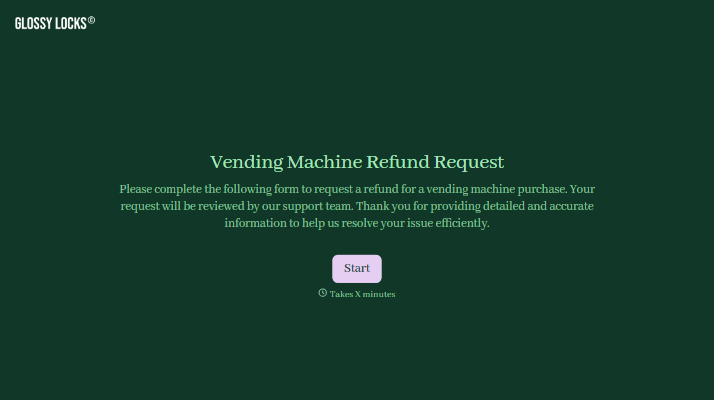
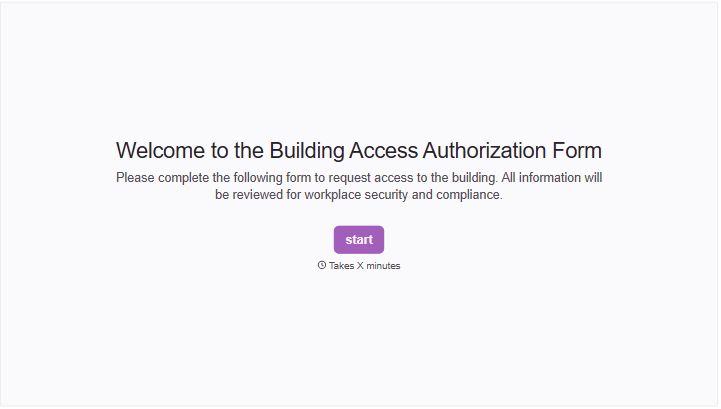
Change text, colors, and even logos to match the look and feel of your brand. Then embed forms smoothly onto web and email.
Make forms feel effortless to fill out. Pace questions, call people by their name, and adapt the flow based on the data they share.
Stay efficient by connecting forms to your workflow. Typeform integrates with 300+ tools including Slack, Zapier, and HubSpot.


