Employee Complaint Form Template
Give your team a confidential, structured way to raise concerns.



Workplace issues don't go away when they go unheard. They escalate. But filing a complaint feels intimidating when there's no clear process, or when the only option is walking into HR and hoping for the best. Employees need a way to raise concerns that feels safe, structured, and taken seriously.
This employee complaint form template provides exactly that. It walks employees through describing the issue, identifying who's involved, noting dates and witnesses, and specifying the outcome they're hoping for. Conditional logic adjusts the form based on the type of complaint (harassment, policy violation, safety concern) so the right details are captured every time.
Deploy it on your intranet or share a private link with your team. Responses go directly to the appropriate HR contact, and you can configure notifications so nothing sits unread. The form can be completed from any device, giving employees the flexibility to submit concerns when and where they feel comfortable.
An employee complaint form is a formal document that allows staff members to report workplace concerns, including discrimination, harassment, unsafe conditions, policy violations, or interpersonal conflicts. It creates a written record of the complaint, which protects both the employee and the organization by ensuring issues are documented and addressed through a consistent process.
Without a clear process, complaints get lost in hallway conversations or buried in someone's inbox. A formal form ensures every concern is documented, timestamped, and routed to the right person. It also demonstrates that the organization takes workplace issues seriously, which can improve trust, retention, and legal compliance.
- Employee name and department (with option for anonymous submission)
- Date and time of the incident
- Type of complaint (harassment, safety, discrimination, policy violation, etc.)
- Detailed description of the incident
- Names of any witnesses
- Desired resolution or outcome
Include an option at the start of the form that lets employees choose whether to identify themselves. If they select anonymous, use conditional logic to skip the name and department fields. Make sure the form's thank-you screen acknowledges their submission and explains next steps. Even anonymous complaints deserve a clear process.
Every submission should trigger an immediate notification to the designated HR representative. From there, follow your organization's investigation protocol: acknowledge receipt (if the complaint isn't anonymous), document the review process, and communicate outcomes. The form creates the paper trail; your policy dictates what comes next.
Get inspired by relevant templates and categories
3200+ Templates, 300+ Integrations


Work From Home Request Form
A Slack message asking to work from home on Thursday isn't a request anyone can track, especially once the same employee has asked five different ways over a month. Collect the request type, dates or schedule, and manager approval in one place, so HR isn't reconstructing who's working where from a scattered inbox.
View template

Return of Property Form
A property checklist stapled to an exit interview packet isn't a record anyone can rely on when a laptop turns up missing three weeks later. Collect itemized equipment details, condition at return, and a signed acknowledgment before an employee's last day, so IT isn't chasing down a laptop that already walked out the door.
View template

Early Retirement Form
A retirement mentioned to a manager in conversation doesn't give HR anything to actually process, and if there's an incentive deadline attached, the date that conversation happened can matter more than anyone realized at the time. Collect what your HR team actually needs, employee information, requested date, and benefit elections, before a window closes.
View template
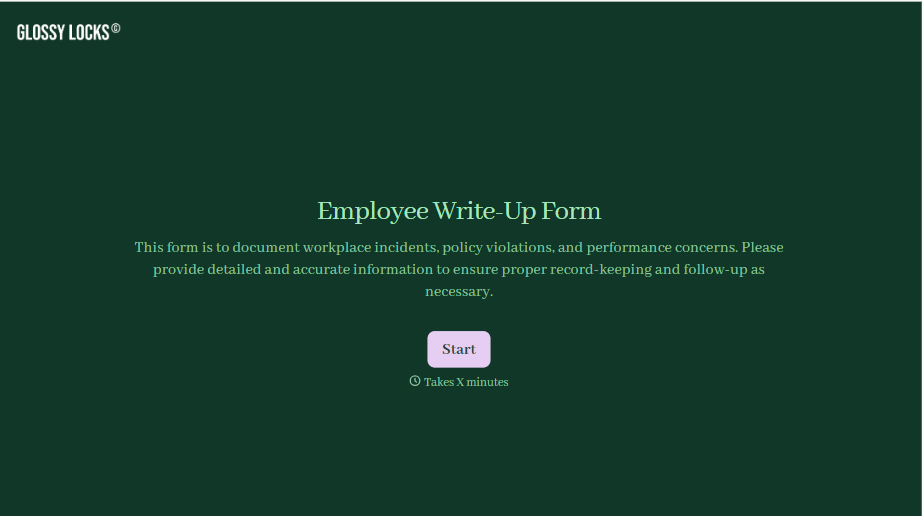
Employee Write-Up Form
A verbal warning that never makes it into a written record isn't the kind of documentation that holds up if a termination is challenged later. Collect the specific incident, policy violated, and corrective action while it's fresh, so a pattern of issues doesn't go undocumented until it's too late to matter.
View template
With Typeform, you can customize everything
Change text, colors, and even logos to match the look and feel of your brand. Then embed forms smoothly onto web and email.
Make forms feel effortless to fill out. Pace questions, call people by their name, and adapt the flow based on the data they share.
Stay efficient by connecting forms to your workflow. Typeform integrates with 300+ tools including Slack, Zapier, and HubSpot.


