Email Signup Form Template
Grow your list with a signup experience that actually gets completed.



Most email signup forms are an afterthought — a small text box at the bottom of a page with a "subscribe" button. They exist, but they don't do much to make someone feel like joining your list is worth their time.
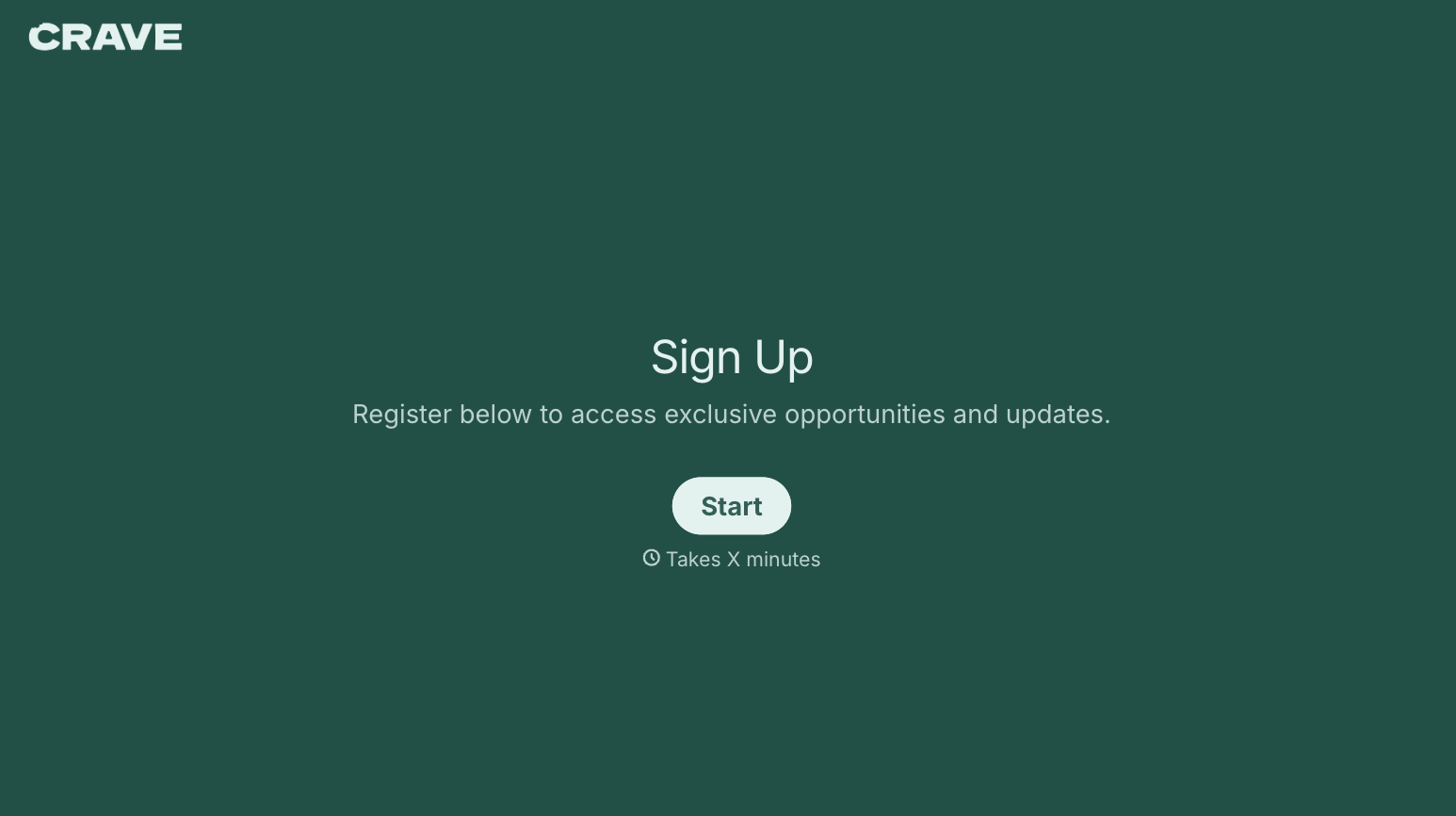
A signup form that communicates value and feels like a real exchange changes the completion rate. Typeform's email signup template lets you ask for a name, set expectations about what subscribers will receive, and optionally capture a preference or interest that lets you segment from day one. The one-question-at-a-time format makes it feel personal rather than mechanical. Connect the form directly to your email platform — Mailchimp, HubSpot, ActiveCampaign, and others — so new subscribers flow into the right list and trigger your welcome sequence automatically.
Keep it short. Name, email, maybe one preference question. The faster someone can complete it, the more of them will.
An email signup form is an online form that captures a person's email address — and optionally additional details — so they can be added to a mailing list or email marketing program. It's one of the primary ways brands build their subscriber base.
Your email list is an audience you own. Social platforms change their algorithms, ad costs fluctuate, and search rankings shift — but your email list stays yours. A well-designed signup form that communicates what subscribers will get and why it's worth their inbox helps you build that asset more effectively.
Keep it minimal. A signup form typically asks for:
- First name (for personalization)
- Email address
- Content or topic preferences (if you send different types of content)
- Frequency preferences (if you offer different cadences)
- Optional: company name or role (for B2B lists)
- Consent acknowledgment (required in many jurisdictions)
Most regulations — including GDPR, CAN-SPAM, and CASL — require that you obtain explicit consent before adding someone to a marketing list and that you include an easy unsubscribe option in every email. Your signup form should include a clear consent checkbox and a description of what the person is signing up for. Consult your legal team or a compliance resource for your specific jurisdiction's requirements.
Add a CAPTCHA or honeypot field to deter bots. Requiring a confirmed double opt-in — where subscribers must click a link in a confirmation email before being added to your list — also helps keep your list clean, though it does reduce the total number of completions compared to single opt-in.
Get inspired by relevant templates and categories
3200+ Templates, 300+ Integrations


With Typeform, you can customize everything
Change text, colors, and even logos to match the look and feel of your brand. Then embed forms smoothly onto web and email.
Make forms feel effortless to fill out. Pace questions, call people by their name, and adapt the flow based on the data they share.
Stay efficient by connecting forms to your workflow. Typeform integrates with 300+ tools including Slack, Zapier, and HubSpot.


