Dog Adoption Application Form
Collect what you need to match the right dog with the right home, so every placement is thoughtful and well-prepared.



Shelters that collect adoption applications by phone receive inconsistent information that's difficult to compare when assessing a potential adopter's suitability. A single missed question about living situation or existing pets can lead to a placement that doesn't work for the dog or the adopter. Typeform's dog adoption application form gives shelters a consistent way to collect complete applications and assess every potential adopter.
The form captures household details, living situation, experience with dogs, existing pets, daily routine, exercise commitment, and dog preferences. Prospective adopters move through one question at a time, so the application feels thoughtful rather than daunting. Conditional logic adapts the application based on the applicant's living situation and experience with dogs. A renter sees different questions than a homeowner, and a first-time owner sees different follow-ups than an experienced adopter.
Customize it with your rescue's branding, available dog types, and any adoption criteria specific to your organization. Share it on your website or post the link across your social channels so adopters apply without calling first. Every completed application flows into Google Sheets via Zapier, so your team reviews and compares applicants without paper files. Better applications lead to better placements, and your team makes confident decisions faster.
A dog adoption application form collects the lifestyle, household, and experience information a shelter needs to assess potential adopters. It captures living situation, existing pets, daily routine, exercise habits, and the type of dog the applicant is looking for. Think of it as the profile that helps your team match every dog with a home that fits.
A poor placement is stressful for the dog, costly for the shelter, and often ends in a return. A structured application gives your team the information it needs to make a considered decision before committing to any placement. It also helps adopters reflect on their readiness, which results in fewer returns and more successful long-term placements. Use it for permanent adoptions, foster placements, and breed-specific or senior dog programs where matching criteria are especially important.
Start with these fundamentals and branch from there:
- Applicant name, contact details, and home address
- Living situation (own or rent, house or apartment, yard or no yard)
- Landlord permission (if renting)
- Household members and ages
- Experience with dogs (first-time owner, experienced, breed experience)
- Existing pets and their details
- Daily routine, working hours, and time the dog would spend alone
- Exercise habits and activity level
- Preferred dog size, age, and breed type
- Reason for adopting and what the applicant is looking for in a dog
- Veterinarian reference (if applicable)
- Agreement to home visit or follow-up contact
Use Typeform's File Upload feature to let applicants attach supporting documents directly in the application. Accepted uploads include vet reference letters, landlord permission, and home environment photos, with a 10MB limit per file. Documents arrive alongside the application, so your team assesses supporting evidence without contacting applicants for additional materials. File Upload is available on paid Typeform plans.
Connect the form to Google Sheets via Zapier so all applications land in one organized view. Filter by experience level, living situation, or dog preference to identify the most suitable applicant for each dog. A consistent application format makes comparison straightforward, so your team makes placement decisions based on information rather than instinct.
Get inspired by relevant templates and categories
3200+ Templates, 300+ Integrations

Bank Reference Form
A reference request faxed to a bank branch and left sitting in a queue for weeks isn't the kind of turnaround a landlord or business can wait on. Collect the applicant's signed authorization and the specific details you need confirmed before the request even reaches the bank, so a decision isn't stuck behind a letter that hasn't come back yet.
View template

Bar Inventory Form
A bottle count eyeballed at the end of a shift and scrawled on a paper sheet doesn't hold up against a pour cost report that says something doesn't add up. Collect what your bar actually needs, item, count, and variance, on a schedule you can actually compare week to week.
View template


Equipment Inventory Form
Equipment that leaves a storage room in someone's arms, with no note about where it went, doesn't show up again until someone needs it and can't find it. Collect what your team actually needs, item details, condition, and who's got it, every time something moves.
View template
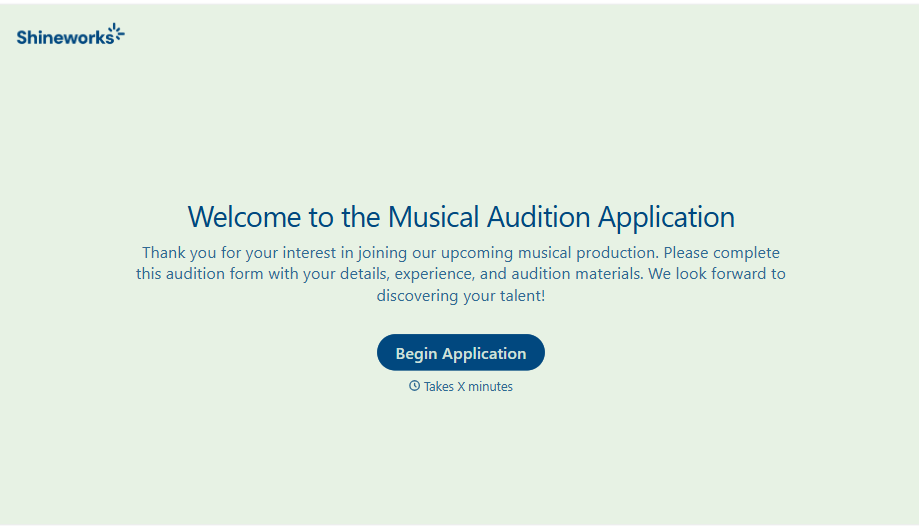
Musical Audition Form
A name scrawled on a sign-up sheet taped near the rehearsal room doesn't tell a director what role someone's after, or whether they can actually make callbacks next Tuesday. Collect what your production actually needs, contact information, role interest, and availability, before audition day arrives.
View template
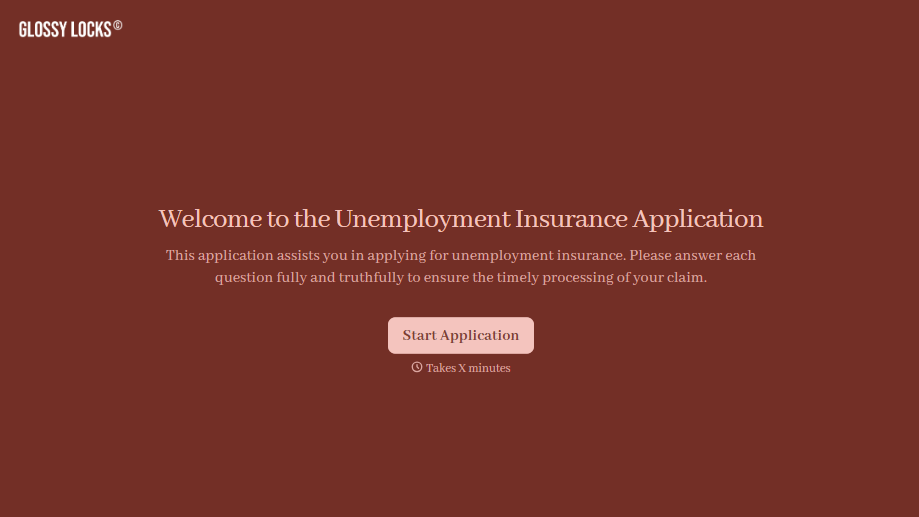
Unemployment Insurance Application Form
A stack of pay stubs gathered the morning of a filing deadline isn't the kind of preparation that gets a claim processed without delay. Collect employment history, separation details, and supporting documents before you sit down at your state's unemployment portal, so a claim doesn't stall over a missing detail.
View template
With Typeform, you can customize everything
Change text, colors, and even logos to match the look and feel of your brand. Then embed forms smoothly onto web and email.
Make forms feel effortless to fill out. Pace questions, call people by their name, and adapt the flow based on the data they share.
Stay efficient by connecting forms to your workflow. Typeform integrates with 300+ tools including Slack, Zapier, and HubSpot.


