Doctor Consultation Form Template
Gather patient history and current concerns before the visit so consultations can focus on care.



Effective medical consultations depend on accurate, complete patient information. When that information gets collected on paper in the waiting room, it's often rushed, incomplete, or illegible. Staff spend time re-entering data, and doctors walk into appointments without a clear picture of what the patient needs.
A Typeform doctor consultation form lets patients complete their intake ahead of time, at their own pace. Conditional logic routes patients through relevant questions based on their reported symptoms, medical history, or reason for the visit, so the form stays focused without missing anything important. Responses arrive organized and ready for the clinical team to review before the appointment starts.
You can add your practice's branding, adjust the medical history fields to match your specialty, and share the form through your patient portal, website, or appointment reminders.
A doctor consultation form collects the patient information a physician needs before a clinical visit. It includes personal and contact details, the reason for the visit, medical and medication history, current symptoms, and any relevant lifestyle or family health information.
Having complete patient information before the appointment lets doctors focus on diagnosis and conversation rather than basic data collection. It also reduces errors from handwritten forms and ensures every patient provides the same core information consistently.
Capture the full picture before the visit:
- Patient name, date of birth, and contact information
- Reason for the visit and primary symptoms
- Onset, duration, and severity of symptoms
- Current medications and known allergies
- Relevant medical history and past diagnoses
- Family medical history for hereditary conditions
- Lifestyle factors (smoking, alcohol, activity level)
- Insurance details and referring physician if applicable
The template is fully editable. A general practitioner's intake will look different from an orthopedic or cardiology consultation. You can add specialty-specific questions, remove irrelevant fields, and use conditional logic to show follow-ups only when a patient's response warrants them.
Responses can be sent to a designated inbox, exported to a spreadsheet, or connected to your practice management system via Typeform's integrations or API. You control who has access to the data and how it flows into your existing clinical workflow.
Get inspired by relevant templates and categories
3200+ Templates, 300+ Integrations
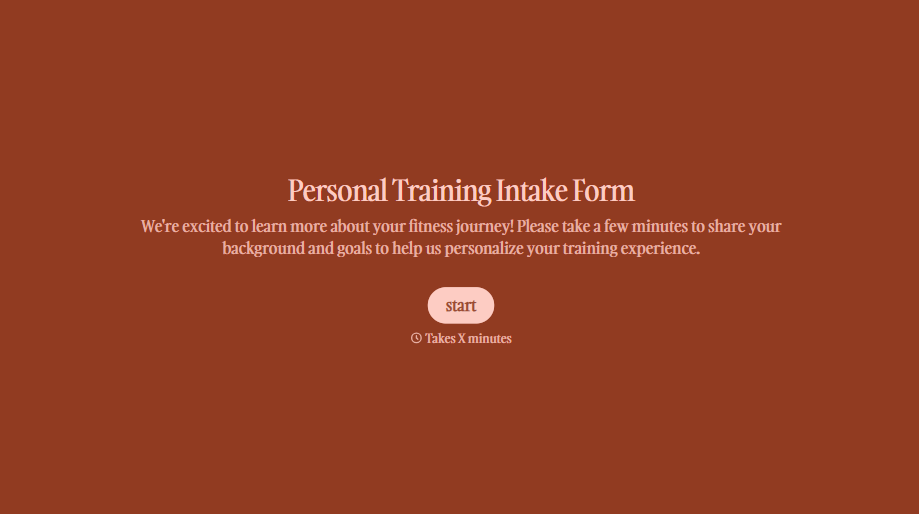
Personal Trainer Intake Form
A PAR-Q filled out in the lobby five minutes before a first session isn't intake, it's a formality nobody has time to read closely. Collect health history, injury information, and fitness goals before the first session, so your trainer isn't building a program blind.
View template
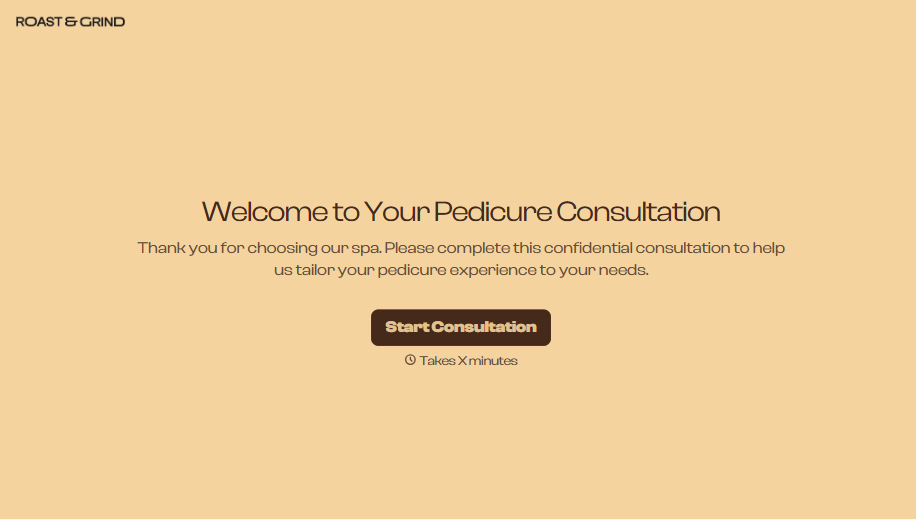
Pedicure Consultation Form
An intake card filled out on a clipboard while a client's feet are already in the soak isn't a consultation, it's a formality nobody reads closely. Collect foot health disclosures, allergy information, and service preferences before the technician picks up a tool, so nobody discovers a health condition mid-service.
View template

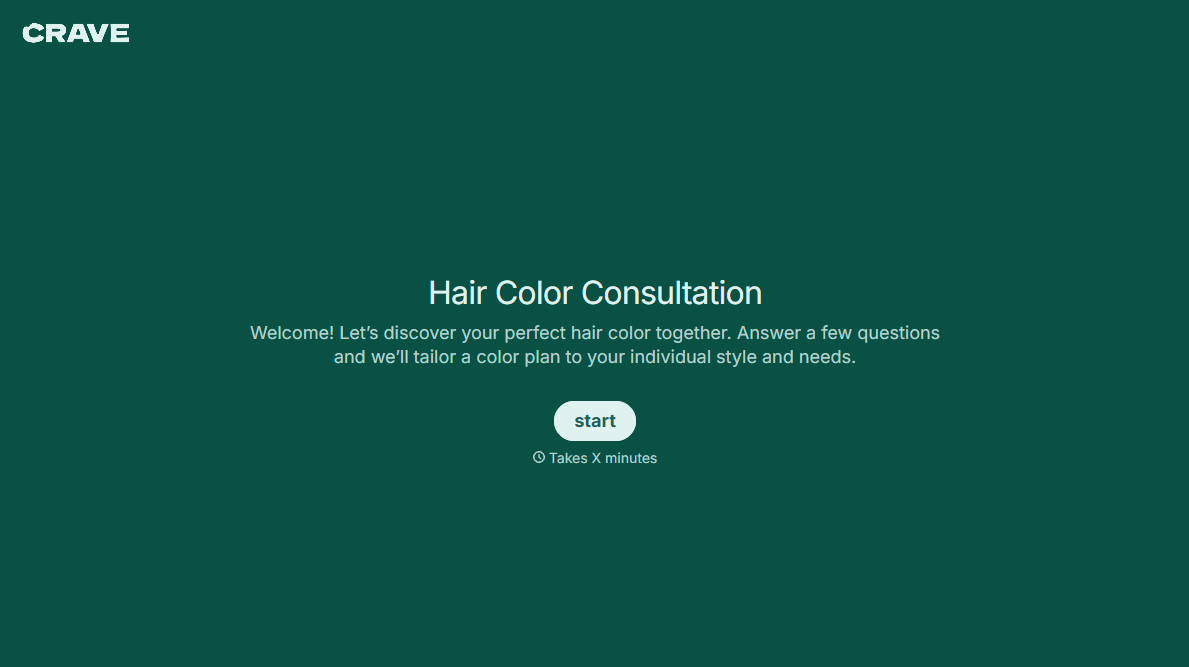


With Typeform, you can customize everything
Change text, colors, and even logos to match the look and feel of your brand. Then embed forms smoothly onto web and email.
Make forms feel effortless to fill out. Pace questions, call people by their name, and adapt the flow based on the data they share.
Stay efficient by connecting forms to your workflow. Typeform integrates with 300+ tools including Slack, Zapier, and HubSpot.


