Doctor Appointment Form Template
The more you know before a patient arrives, the better the visit goes. A pre-appointment form captures the context you need before the visit begins.



Walk-in or new patient appointments are harder to manage when you don't know why someone's coming in. You're reading a chart with minimal context, the appointment starts with basic information gathering, and the patient leaves feeling like they weren't really prepared. It's not a great experience for either side.
A pre-appointment form changes that. Typeform's doctor appointment template collects the reason for the visit, relevant symptoms, medication information, and insurance details before the patient arrives. The one-question-at-a-time format is easy to complete on a phone, and conditional logic adjusts based on what the patient shares — someone reporting chest pain gets different follow-up questions than someone coming in for a routine checkup. Your front desk staff and clinical team can review responses before the appointment starts.
Send the form in your appointment confirmation email and review responses before the patient arrives.
A doctor appointment form collects patient information, the reason for the visit, symptoms, and relevant medical history before a scheduled appointment. It helps medical staff prepare for each visit and reduces time spent on intake during the appointment itself.
Starting every appointment from scratch — gathering symptoms, medications, and history verbally — uses clinical time inefficiently. A pre-appointment form captures that context in advance so your team can focus on care rather than data collection.
Cover both administrative and clinical basics. Consider including:
- Patient name, date of birth, and contact information
- Insurance information
- Primary reason for the visit
- Current symptoms, duration, and severity
- Current medications and dosages
- Known allergies
- Recent relevant medical history
- Whether this is a new or returning patient visit
Yes. You can add a date and time preference question or include a dropdown with available appointment windows. For real-time availability, connect the form to a scheduling tool via integrations to show only open slots.
Responses can be accessed in your Typeform account before the appointment, exported to a PDF, or synced to your practice management system via integrations. Many practices review the form responses at the start of their prep workflow so they arrive in the room informed.
Get inspired by relevant templates and categories
3200+ Templates, 300+ Integrations

X-Ray Release Form
A phone call asking to send X-rays to a new provider isn't an authorization your compliance file can rely on. Collect patient information, the receiving provider's details, and a signed authorization before the images go out, so your front desk isn't scrambling to prove who approved a release.
View template

Palliative Care Assessment Form
A symptom check done verbally during a rushed home visit isn't the kind of record that shows whether pain management is actually working from one visit to the next. Collect symptom severity, functional status, and psychosocial needs consistently, so a care team can see change over time instead of relying on memory of the last visit.
View template
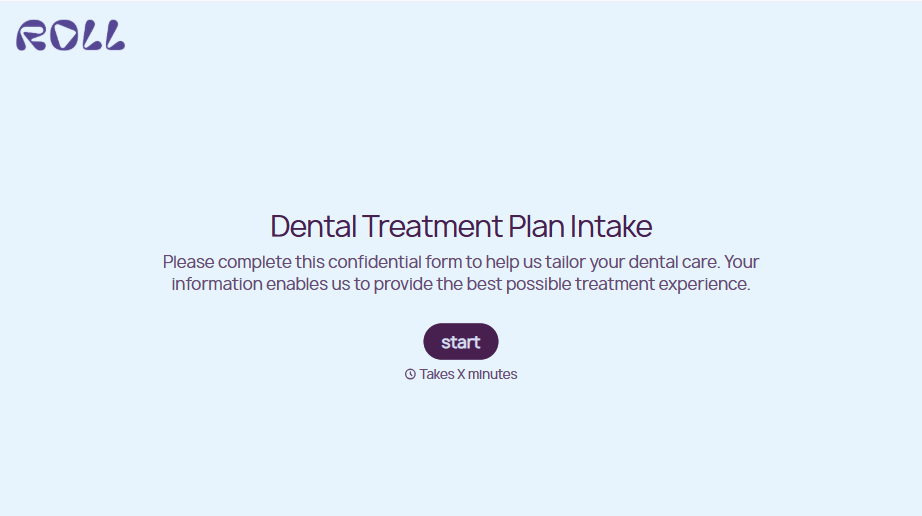
Dental Treatment Plan Form
A treatment plan explained chairside, in the few minutes right after an exam, doesn't hold up when a patient's trying to remember it at the front desk. Collect what your practice actually needs, the recommended procedures, cost estimate, and signed consent, before treatment gets scheduled.
View template
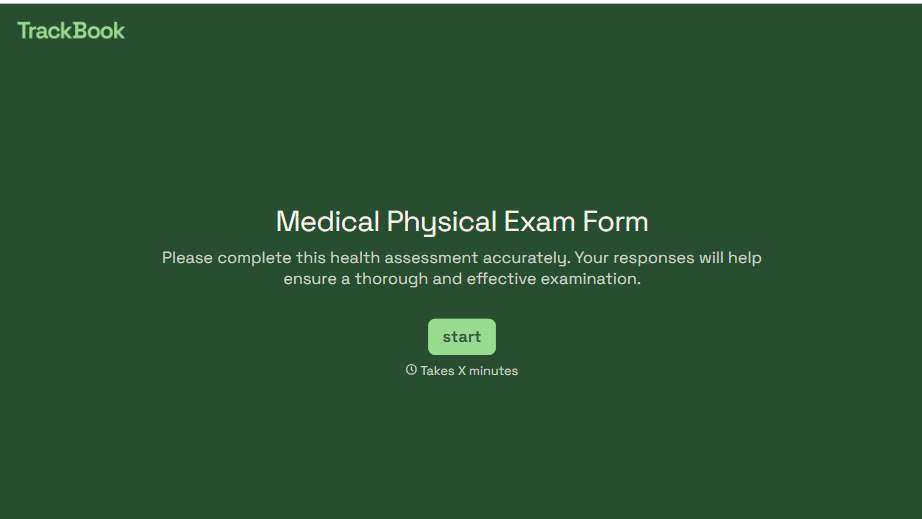
Medical Physical Exam Form
A health history filled out on a clipboard in the waiting room, minutes before being called back, isn't a history anyone fills in completely. Collect what your provider actually needs, patient information, health history, and current symptoms, before the exam starts.
View template
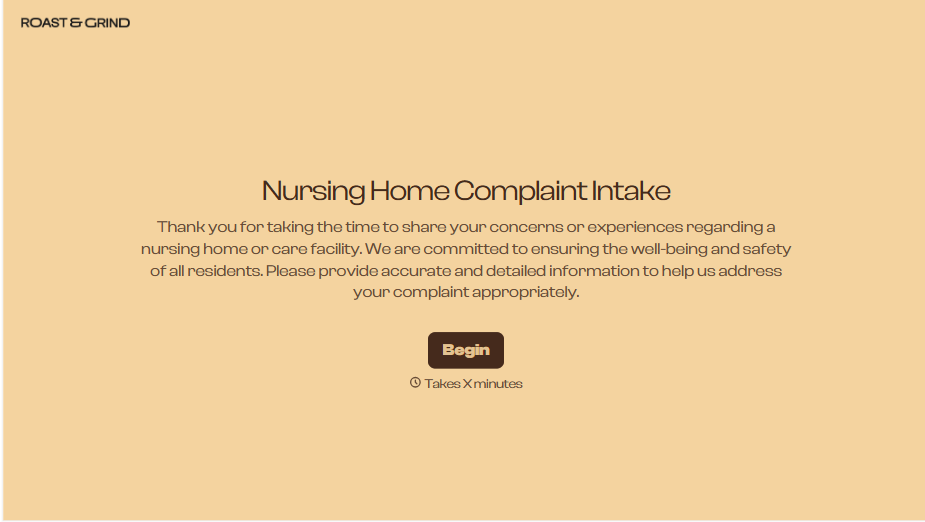
Nursing Home Complaint Form
A family member who calls the front desk about a missed medication or an unanswered call light often gets a verbal apology and nothing written down, no record that it happened, no way to tell if it's the third time this month or the first. And if what's actually being reported is abuse or neglect, a facility's own intake form isn't where that report should end, or even start.
View template
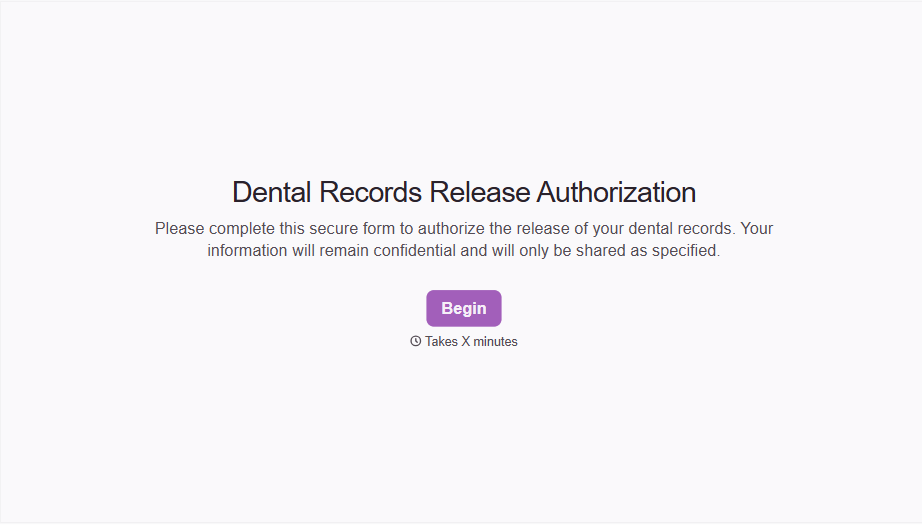
Dental Record Release Form
A release that just says "I authorize my records to be sent" doesn't say which records, sent to whom, or for how long that authorization is good, and HIPAA has a specific list of what actually has to be in there for the release to count as valid. Spell out what's being released, to whom, and until when, before the request goes out.
View template
With Typeform, you can customize everything
Change text, colors, and even logos to match the look and feel of your brand. Then embed forms smoothly onto web and email.
Make forms feel effortless to fill out. Pace questions, call people by their name, and adapt the flow based on the data they share.
Stay efficient by connecting forms to your workflow. Typeform integrates with 300+ tools including Slack, Zapier, and HubSpot.


