Discharge planning form
Incomplete discharge plans lead to readmissions. Capture follow-up appointments, medication instructions, and home support needs before patients leave.



When discharge details are split across care coordinators, social workers, and nurses, critical steps get missed—and a missed follow-up or unconfirmed home support can lead to readmission.Typeform's discharge planning form template gives everyone on the care team a structured way to collect what they need before a patient leaves.
Typeform walks care staff through one question at a time, so the process never feels like a clinical checklist. Conditional logic branches questions based on a patient's discharge destination—someone being discharged home sees different follow-up questions than someone transferring to a skilled nursing facility. This keeps the form relevant to each patient's personal situation.
Connect submissions to Google Sheets, Airtable, or your existing workflow via Zapier—responses arrive organized and ready for the care team to act on. The form takes minutes to set up, works on any device, and is easy to customize for different units or discharge protocols—fewer gaps, safer transitions.
A discharge planning form is a structured document that captures what a care team needs to safely transition a patient out of a hospital or care facility. It collects the discharge destination, follow-up appointments, medication instructions, home support needs, and patient or caregiver contact details. It's the starting point for every safe patient transition.
Incomplete discharge planning is one of the leading causes of preventable readmissions. A structured discharge planning form ensures every patient leaves with a documented plan—not a verbal handoff that gets lost. Care coordinators use it to confirm that follow-up care is in place before discharge, and nursing staff use it to verify that patients and caregivers understand what comes next.
Cover every detail that affects a safe transition:
- Patient name, date of birth, and primary diagnosis
- Discharge destination (home, skilled nursing facility, rehabilitation center, etc.)
- Follow-up appointments and referring providers
- Medication list and administration instructions
- Home support needs (mobility aids, home health aide, etc.)
- Emergency contact and caregiver information
- Patient and caregiver education completed
Start with the core fields every discharge plan needs—patient identity, discharge destination, and follow-up instructions—then customize from there. A patient discharged home needs questions about home support and medication management. A patient transferring to a skilled nursing facility needs transfer documentation and ongoing care details. Conditional logic branches questions based on the patient's discharge destination, so one form covers every scenario.
Use the same form template across your unit so every patient record captures the same information, in the same structure. Connect submissions to a shared tracker in Google Sheets or Airtable so the whole team works from one record—no version confusion or missing fields. Review the template periodically to reflect any changes in discharge protocols or regulatory requirements.
Get inspired by relevant templates and categories
3200+ Templates, 300+ Integrations
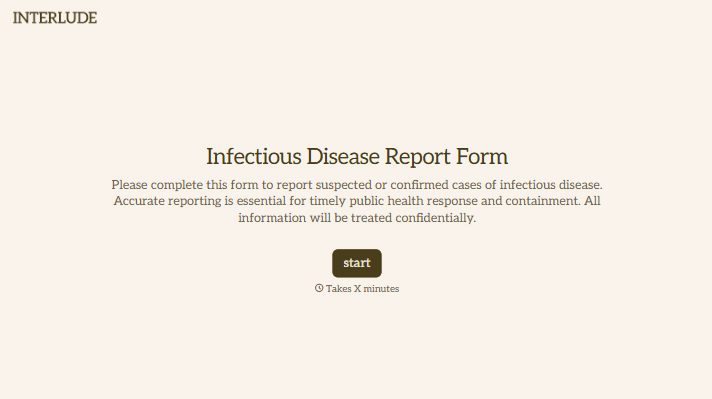
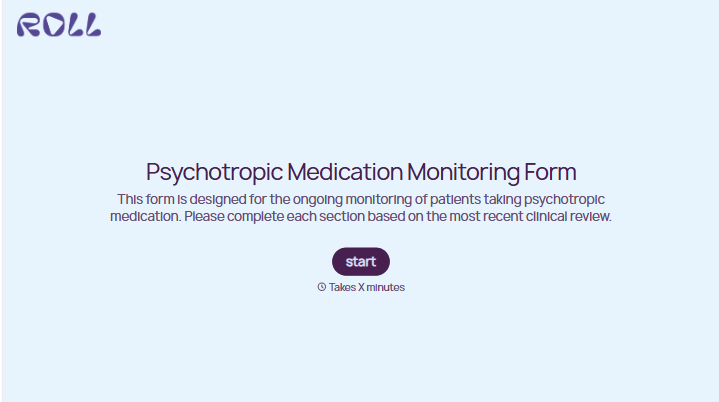
With Typeform, you can customize everything
Change text, colors, and even logos to match the look and feel of your brand. Then embed forms smoothly onto web and email.
Make forms feel effortless to fill out. Pace questions, call people by their name, and adapt the flow based on the data they share.
Stay efficient by connecting forms to your workflow. Typeform integrates with 300+ tools including Slack, Zapier, and HubSpot.


